23
Setup Mode
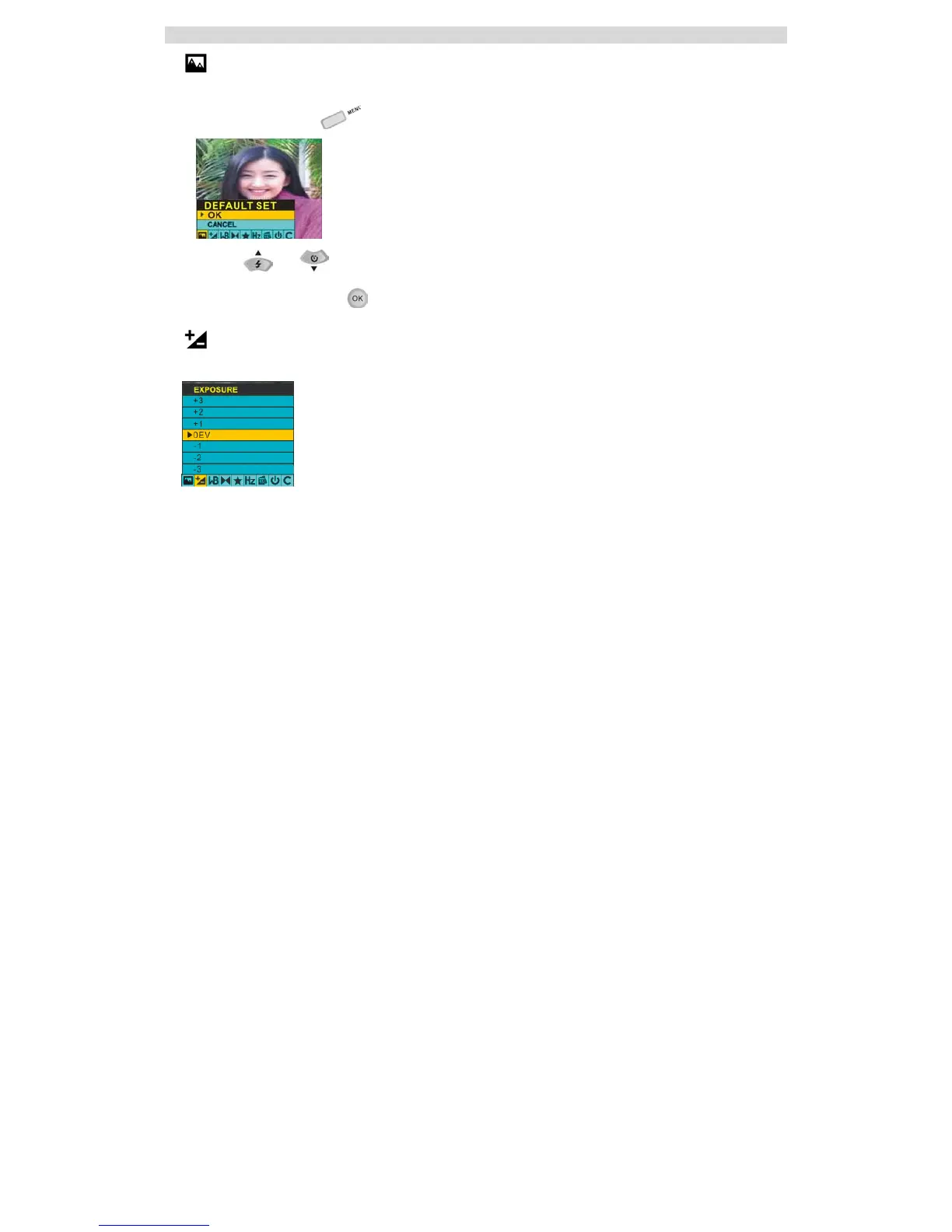
DEFAULT SET:
This setting allows you to return your camera to its default settings. Select “OK” to restore these settings.
1. Press the Menu button .
2. Using the and navigation buttons, select OK to restore the default settings or select CANCEL to
exit the menu without making changes.
3. Press the OK/Confirm button
to confirm your selection.
EXPOSURE:
This setting allows you to control the brightness of your images.



 To Next Page