35
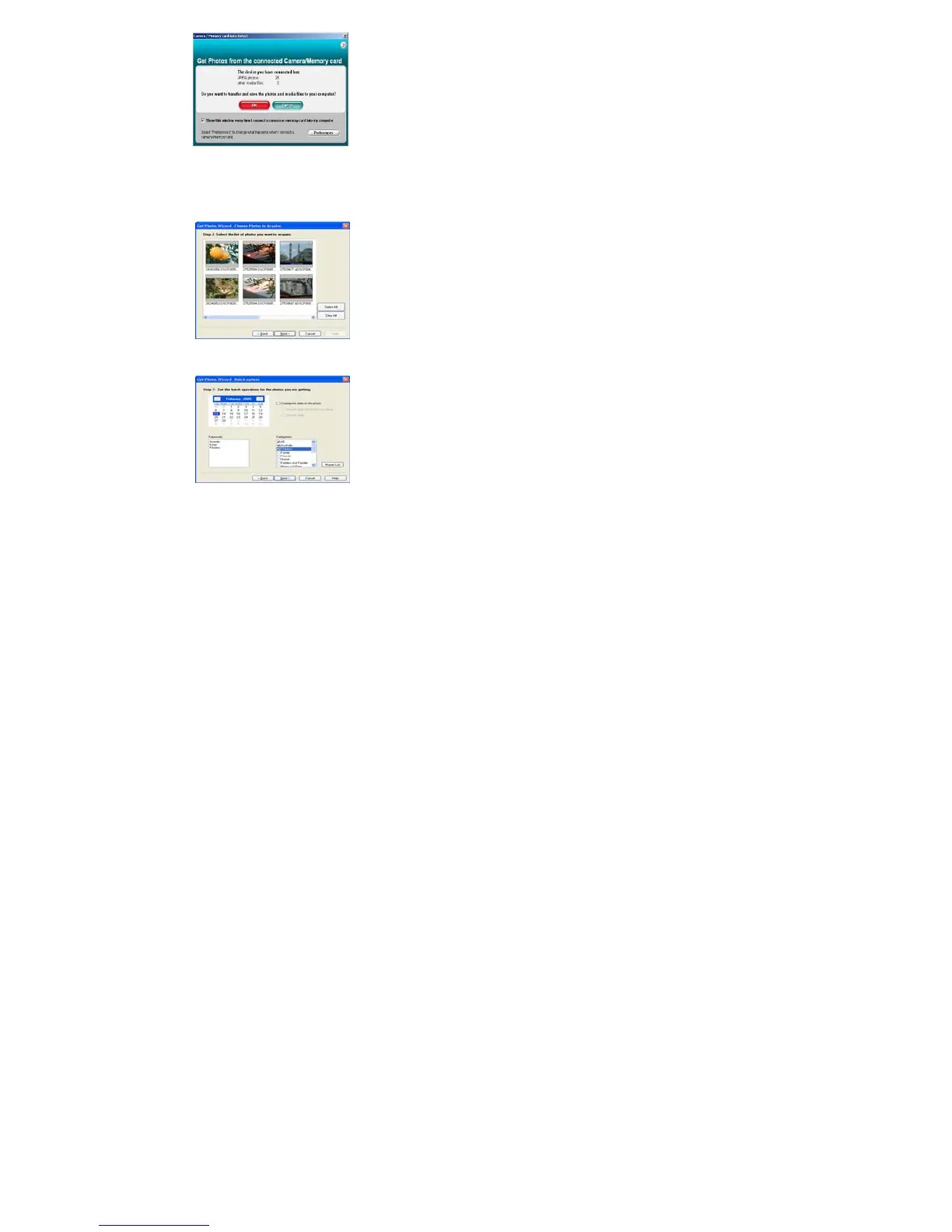
5. The “Camera/Removable Media Auto Detect” window will automatically appear on your PC screen.
6. The number of pictures and other media (videos included) on the camera or memory card will appear on
the window. Click “OK” if you want to transfer the photos and save them to your computer.
7. The “PhoTags Express” application you installed will open in the “Get photos” wizard mode and will ask
you to select the photos you want to transfer. Select your photos and click “Next” to continue.



 To Next Page