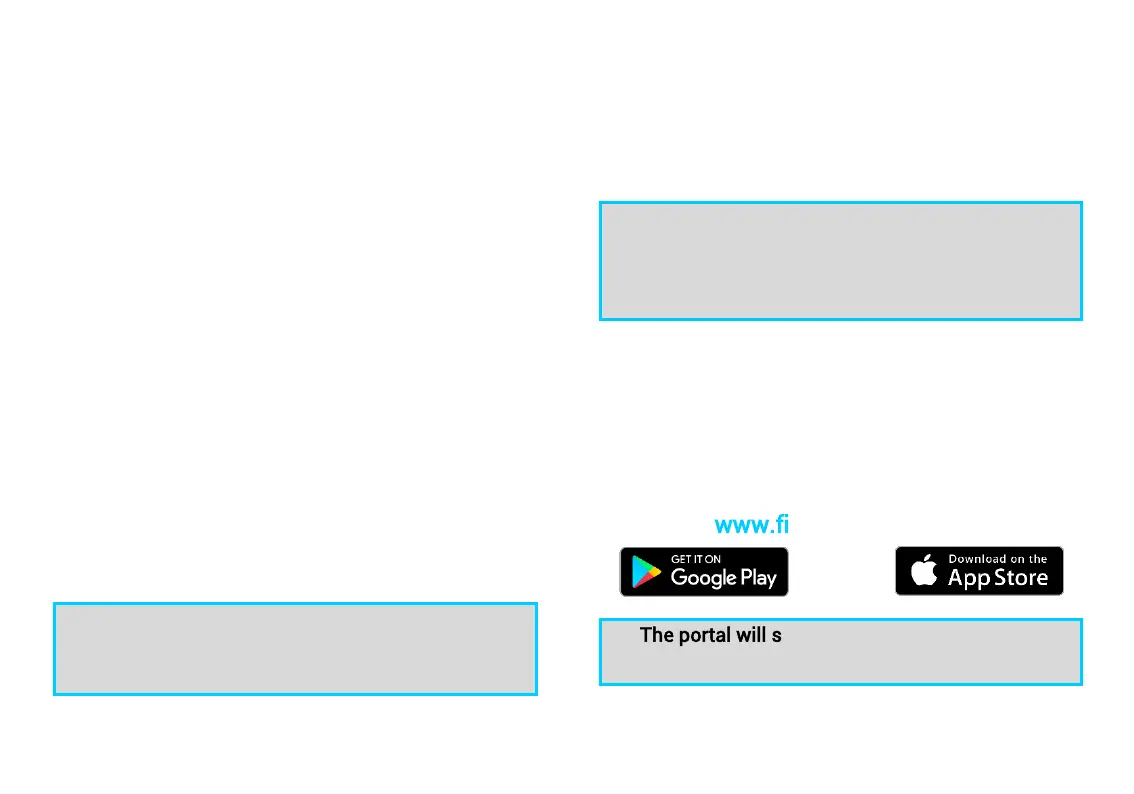
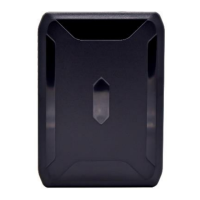
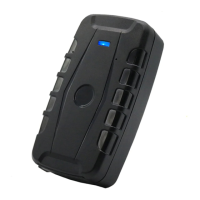
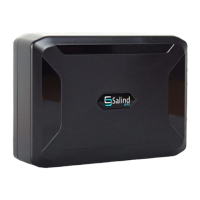
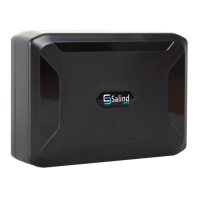
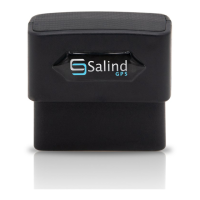
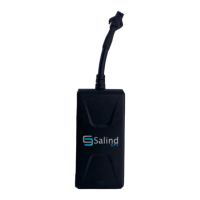
Salind OBD GPS Tracker 4G by SALIND with Online-Tracking V.1.0 EN
© Salind UG (haftungsbeschränkt)
3
1.5 Connection inside the vehicle
The following points must be observed by all means
The Salind OBD GPS Tracker 4G should not be
installed near fuel lines or other combustible
components in the engine compartment.
When mounting the Salind OBD GPS Tracker 4G,
please make sure that no other components in
the vehicle are damaged.
Installing the Salind OBD GPS Tracker 4G may
discharge your vehicle battery. Before
connecting, check whether your vehicle has a
discharge protection and retrofit it if necessary.
Please always observe the manufacturer's
specifications for your vehicle. Compensation
claims due to incorrect connections are hereby
excluded
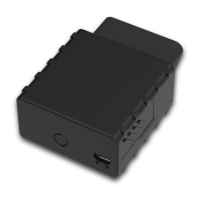
Connect the Salind OBD GPS Tracker 4G to the
appropriate socket in your vehicle using the OBD
interface. Please make sure that the Salind OBD GPS
Tracker 4G is inserted deep enough.
The OBD interface has no standardized position in
the vehicle. The user manual of your vehicle can
provide you with this information
1.6 Turning on
Once the activation, switching on and the transfer of
a first database has been successful, you can switch
on the Salind OBD GPS Tracker 4G. By connecting the
FINDER to the power supply, which was previously
carried out, it has already been switched on.
For the initial startup of the Salind OBD GPS
Tracker 4G uncovered locations, such as the
garden or the terrace (i. e. not inside the home, the
garage, the cellar or the like) are recommended.
1.7 Use
Once the activation and switching on of the FINDER
has been successful, you can plug the FINDER into
OBD-interface and view the position of the FINDER
using a smartphone, tablet or PC. Please use our app
or go to the following website:
www.finder-portal.com
The portal will support you step by step in its
functions.


 To Next Page