35
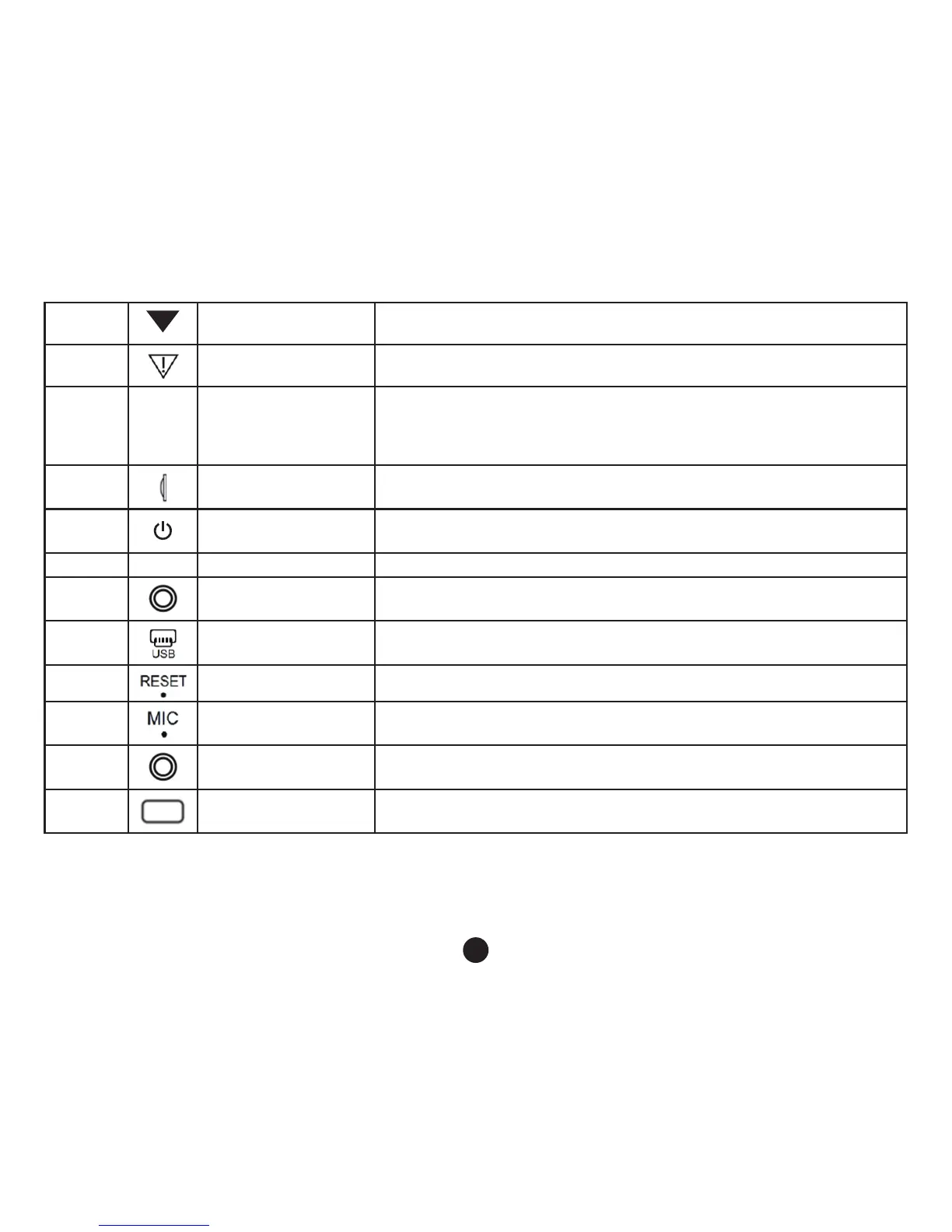
4 Up key
Menu options, you can select: standby or recording status, open or
closed recordings.
5
Emergency key
Short press, the camera will record segments, which cannot be
overwritten.
6 M Mode/Menu key
Changing between several modes, Camera/Playback;
In standby mode, press Menu and it will show on your screen.
7
TF card slot TF card slot, install following the directions
8
On/Off key Switching the device on or off
9 HDMI HD Output Interface HD output for connecting High-Denition display devices
10
AV input port AV cable is used to connect the video output to AV equipment
11
Interface For connecting a PC to transfer data; power connector to supply power
12
Reset key Restarting the system
13
Microphone Audio recording port
14
Image Image reception
15
Fill light Use in low lights environment



 To Next Page