show the progress of the scan.
Press the SCAN button and 'Autotune full scan' is displayed (Fig.2).
7
5. USING THE RADIO – DAB MODE
DAB differs from analogue radio; the separate signals from a number of
stations are grouped together and transmitted as a single frequency.
These groups are referred to as multiplexes and ensembles. Each time a
group has been found the name of the group will be shown on the lower
half of the display.
5.1 DAB mode - auto scan
This function allows the radio to search automatically for DAB Band III
channels.
5.1.1
The scan will be initiated and a slide bar will be shown in the display to
5.1.2 When the scan is finished the radio will play the first alphanumerically
found station.
5.1.3 If the radio does not find any stations, „No signal DAB‟ will be displayed.
Try moving the radio to another location (near a window may be better) and
repeating the above steps. Ensure the antenna is fully extended.
5.1.4 To scroll through the stations that have been found, press the FORWARD
( ) or BACKWARD ( ) buttons. Then press the ENTER button listen to
the station of choice or wait a few seconds and the radio will automatically
retune.
5.2 DAB mode – Manual scan
This function allows a specific or new ensemble to be manually added to
the stations already available on the radio.
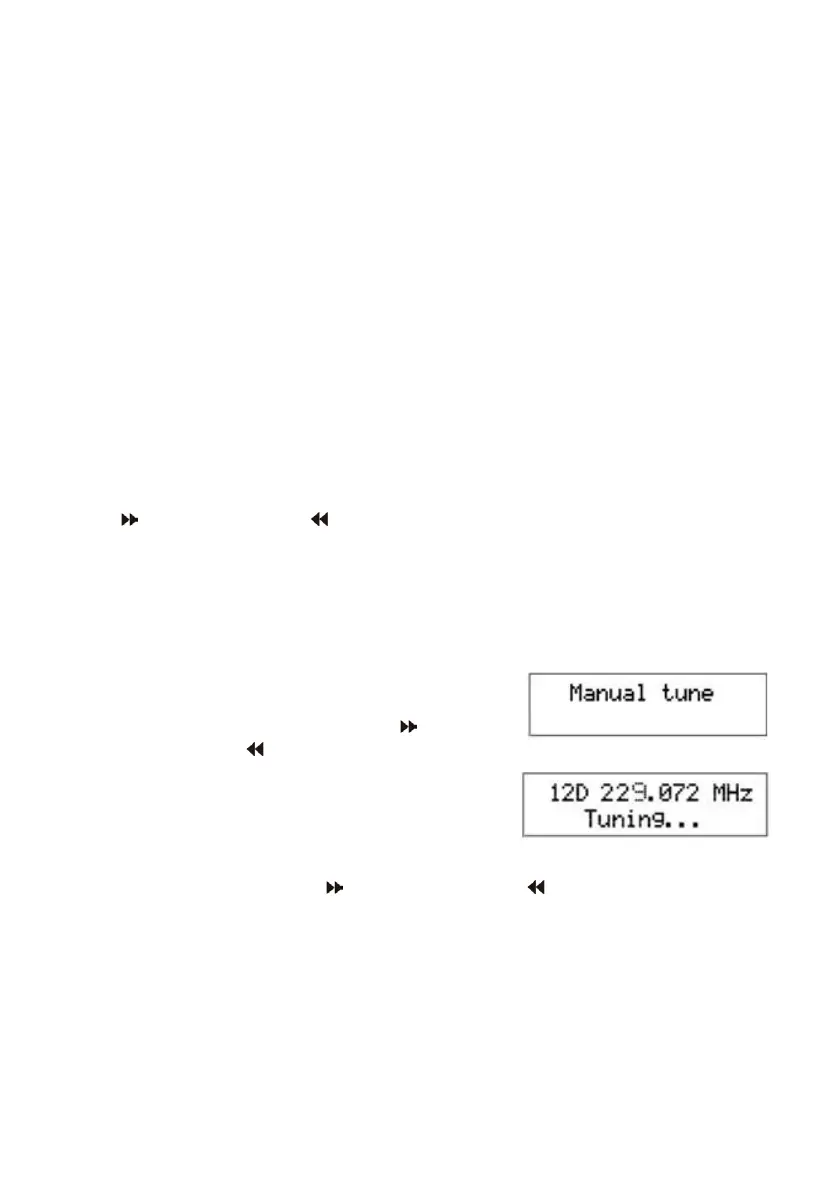
5.2.1 Press and hold the ENTER button until the
display shows „manual tune‟ (Fig. 4).
5.2.2 Press the FORWARD ( ) OR
BACKWARD ( ) buttons to move through
the DAB channels and the associated
frequencies. When the desired ensemble /
frequency appears in the display
(e.g. Fig. 5), press the ENTER button to
add the ensemble and display the name.
5.2.3 Press the FORWARD ( ) OR BACKWARD ( ) buttons to move through
the stations included in the ensemble and press the ENTER button to listen
to the station of choice and exit the manual tune mode.
5.3 DAB MODE – SECONDARY SERVICES
Some stations include secondary services and when these are available a
„>‟ symbol appears after the station name. To access this service press the
ENTER button.
Fig. 4
Fig. 5



 To Next Page