EasyManua.ls Logo

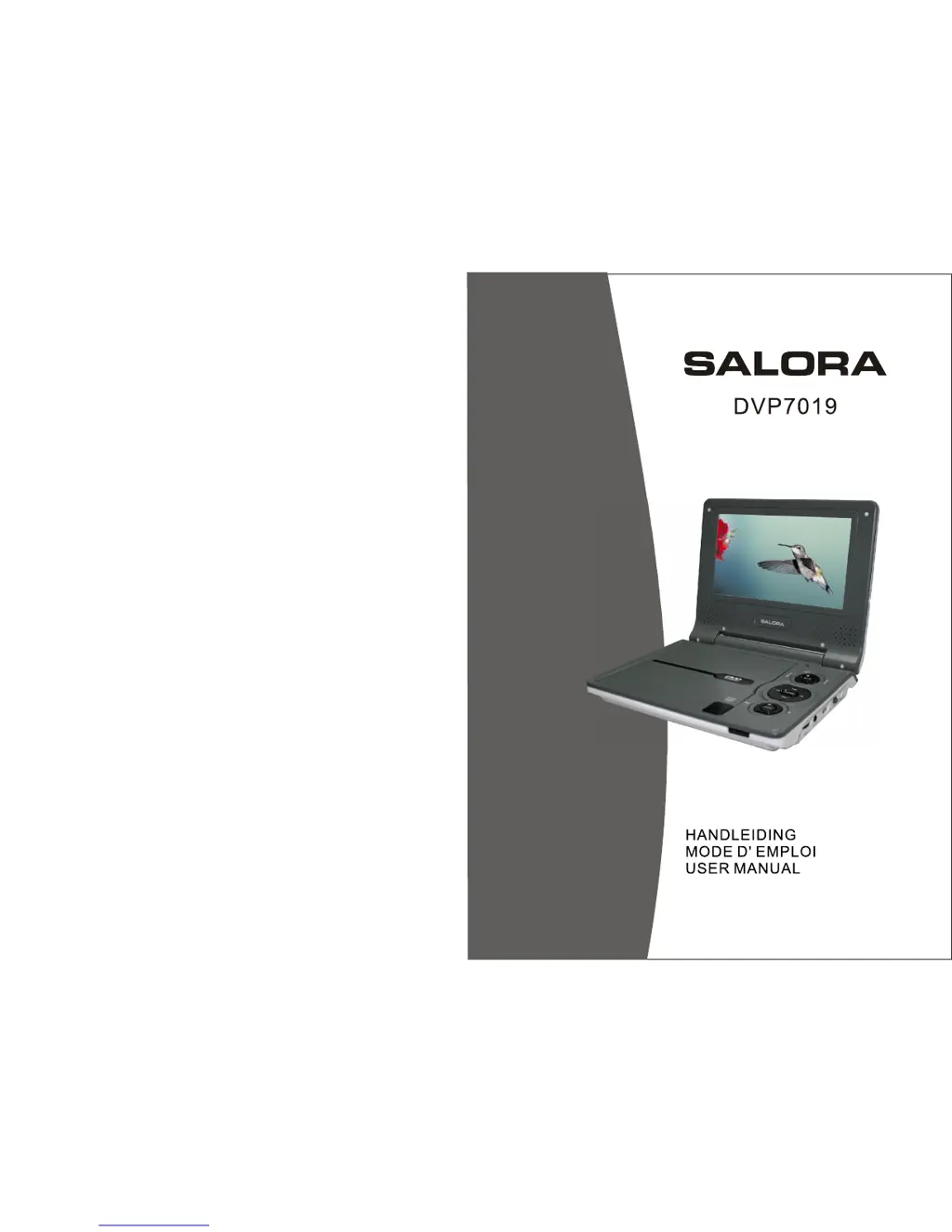
Salora DVP7019 - User Manual

Salora DVP7019
31 pages
Print Icon
To Next Page IconTo Next Page
Loading...

Questions and Answers

Summary

Safety Precautions

General Warnings

Warning about high voltage and not opening the unit.

Electrical Shock Prevention

Warning to avoid electric shock by keeping the unit away from rain or moisture.

General Safety Guidelines

Instructions for safe operation, water proximity, heat sources, and unplugging.

Main Unit Controls

Control Button Functions

Identifies and explains the function of each button on the DVD player unit.

Connections

Connecting to TV

Guide on how to connect the DVD player to a television for enhanced viewing.

The Remote Control

Remote Control Button Functions

Detailed explanation of each button on the remote control for operating the DVD player.

Basic Operation

Playing Discs and Media

Steps for playing DVDs, VCDs, CDs, MP3s, and other media formats from discs.

Repeat Playback

Angle Function

Displaying MP3 Files

System Setup

Rechargeable Battery Information

Troubleshooting Common Issues

Audio and Video Playback Problems

Solutions for issues like no sound, distorted audio, or picture distortion during playback.

Navigation and Scanning Problems

Troubleshooting steps for issues with advancing, fast-forwarding, or scanning through movie content.

Salora DVP7019 Specifications

General IconGeneral
Screen size7 inches
Resolution480 x 234 pixels
Playable formatsDVD, MP3, JPEG, CD-R/RW, DVD-R/RW
ConnectivityAV output
Power sourceAC adapter, Rechargeable battery

Related product manuals