EasyManua.ls Logo

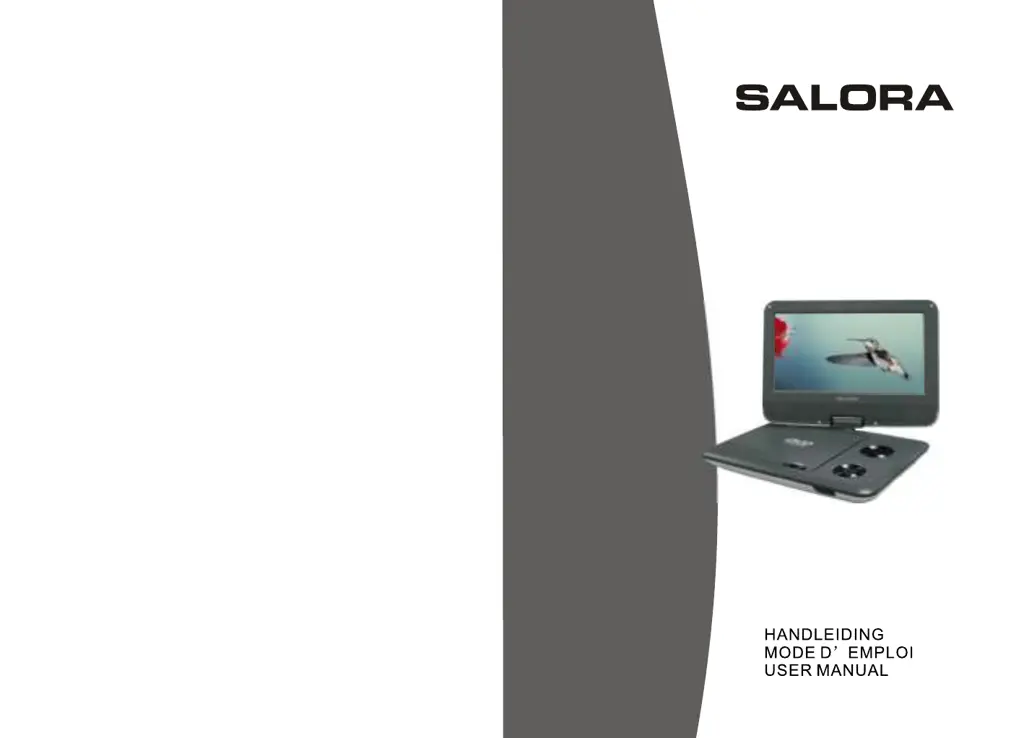
Salora DVP9018SW - User Manual

Salora DVP9018SW
37 pages
Go to English
Print Icon
To Next Page IconTo Next Page
Loading...
DVP9018SW

Questions and Answers

  • A
    Angela DavisAug 11, 2025
    How to fix no sound on Salora Portable DVD Player?
    • D
      Dr. John SpencerAug 11, 2025
      If you are experiencing no sound or distorted sound with your Salora Portable DVD Player, ensure the device is properly connected and all cables are securely inserted into the appropriate jacks.
  • D
    Desiree HamiltonAug 16, 2025
    What to do if picture is distorted on Salora DVP9018SW Portable DVD Player?
    • D
      Dustin KelleyAug 16, 2025
      If the picture on your Salora Portable DVD Player is distorted, the disc might be damaged. Try playing another disc. Note that some distortion is normal during forward or reverse scan.
  • K
    Kimberly EdwardsAug 22, 2025
    Why no forward or reverse scan on Salora DVP9018SW Portable DVD Player?
    • H
      Helen ThompsonAug 22, 2025
      If you can't forward or reverse scan on your Salora Portable DVD Player, it might be because some discs have sections that prohibit rapid scanning or chapter skipping. For example, you usually can't skip through the warning information and credits at the beginning of a movie, as this part is often programmed to prevent skipping.
  • S
    sandra17Aug 28, 2025
    Why can't I advance through a movie on Salora Portable DVD Player?
    • J
      Jessica RobertsAug 28, 2025
      If you can't advance through the opening credits and warning information on your Salora Portable DVD Player, it's because the disc is programmed to prohibit that action.
  • M
    Melissa SmithSep 4, 2025
    What does the icon on Salora DVP9018SW Portable DVD Player screen mean?
    • C
      Cory HendersonSep 4, 2025
      The icon on the screen of your Salora Portable DVD Player indicates that the feature or action cannot be completed at this time. This could be due to several reasons: 1. The disc's software restricts it. 2. The disc's software doesn't support the feature (e.g., angles). 3. The feature is not available at the moment. 4. You've requested a title or chapter number that is out of range.

Salora DVP9018SW Specifications

General IconGeneral
Built-in SpeakersYes
Headphone JackYes
Screen Size9 inches
Display TypeLCD
Screen Resolution800 x 480
Supported FormatsDVD, DVD-R, DVD+R, DVD-RW, DVD+RW, CD, CD-R, CD-RW, MP3, JPEG
Media TypeDVD, CD
Power SupplyAC adapter, rechargeable battery
Region Code2

Related product manuals