OSD Menu
10
OSD Menu
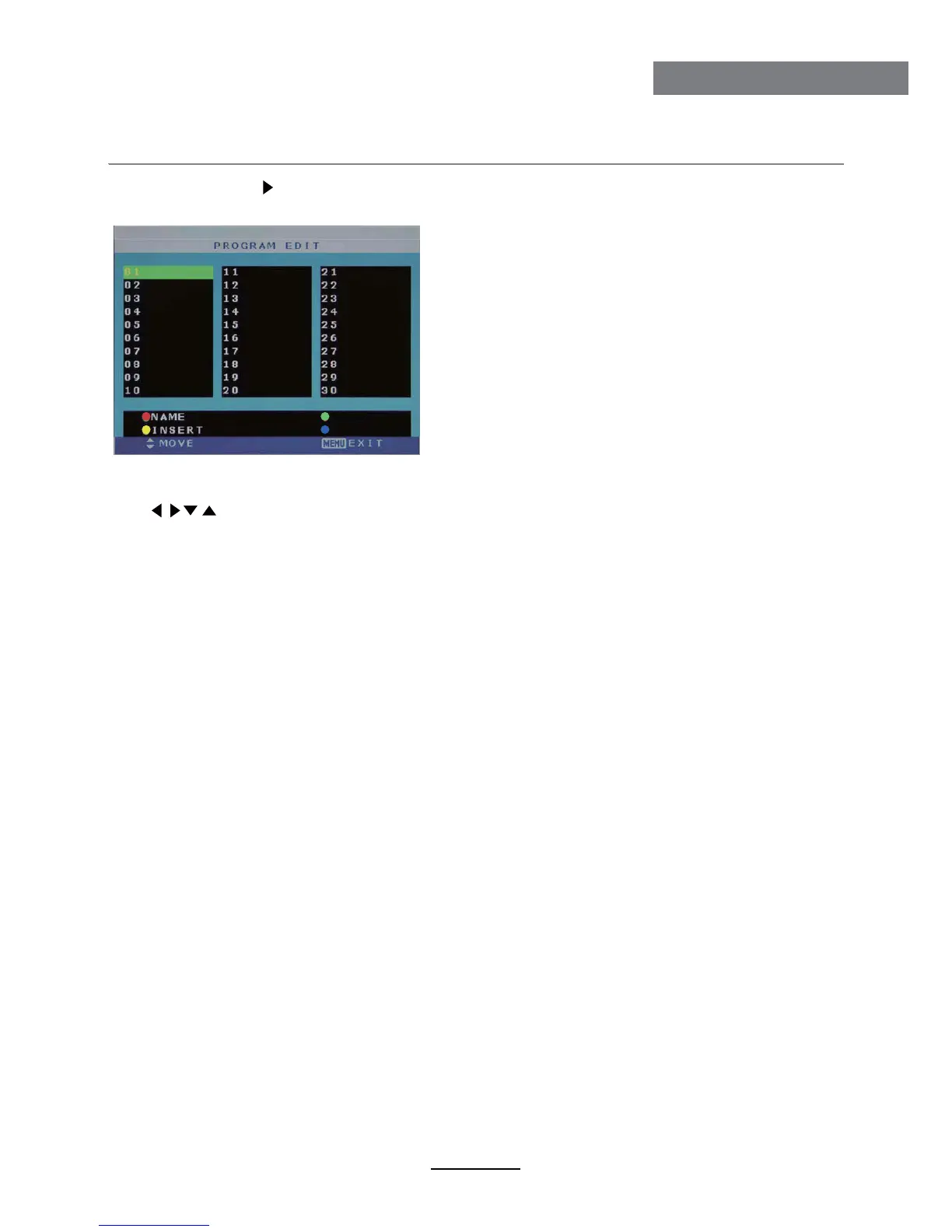
NAME: Select the channel, press RED button on the remote control to change the name of
the channel.
(Use button to name, and press OK button to confirm)
DELETE: Press GREEN key to delete current channel.
FAV: Press FAV key to set your favorable channel.
INSERT: Select a channel you want to insert,
press YELLOW button, then select the position,
press GREEN button to insert, or you could
press RED button to cancel the option.
Program Edit: Press button to enter the submenu as the following picture.
Program Edit menu for TV
FAV
DELETE



 To Next Page