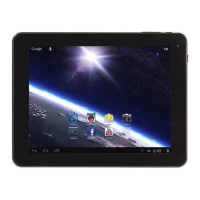
Chapter One(overview)
Appearance
Buttons
Open and shut down
Open and close standby mode
Lock and unlock the screen
Homepage information column
Text input
Reset
USB Connect
Accessories
Catalog
1.1
1.2
1.3
1.4
1.5
1.6
1.7
1.8
1.9
1.10
1
2
2
2
2
3
3
4
4
4
Chapter Two (Internet)
Browser
Chapter Three (Applications)
File manager
Downloads
2.1
3.1
3.2
4
5
6
Chapter Four (System setting)
Wireless networks setting
Sound setting
Display setting
Application setting
Date & Time setting
Language and input setting
4.1
4.2
4.3
4.4
4.5
4.6
Chapter Five (Specification)
6
6
7
7
8
8
9



 To Next Page