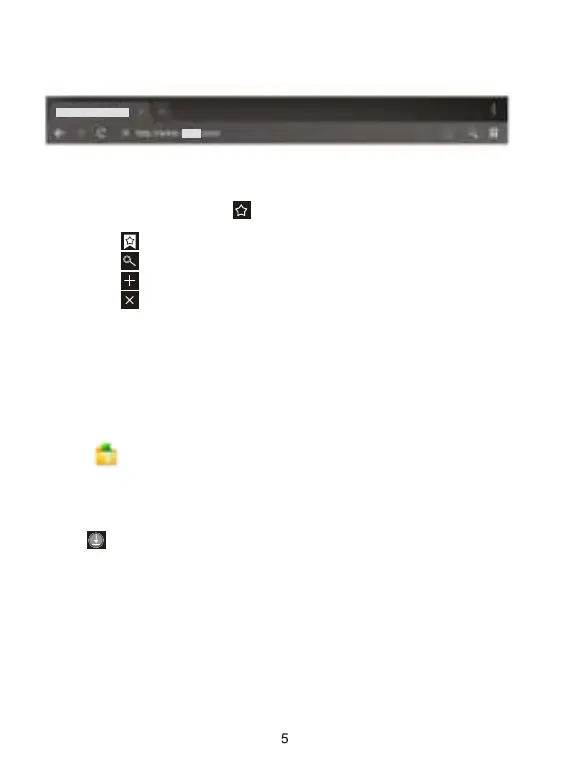
Enter the URL-touch the input area to get the soft keyboard, then text
the UPL.
Bookmark search click this to add into the bookmark
Touch this to read the favorite website that collected
Touch this to search the internet
Touch this to add new browser
Touch this to close the browser
Browser supports the following features.
3.1 File manager
Touch (File manager) in the application list, it supports the files
mutual copy in this two places SD Card, internal memory and USB.
Chapter three: Application
3.2 Downloads
Click in the application list; you can preview the downloading or
done document contents.
Click download file to stop or delete the download contents



 To Next Page