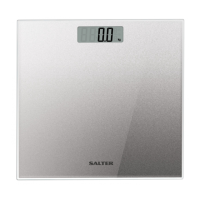
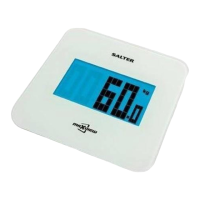
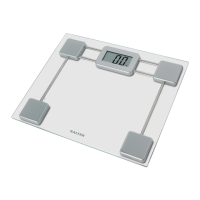
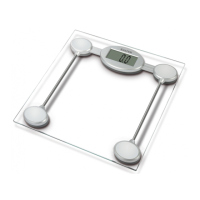
GB
2
1. Open the battery compartment on the scale underside.
2. Remove isolating tab from beneath the battery.
3. Close the battery compartment.
4. Select kg, st or lb weight mode by the switch on the underside of the scale.
5. Position scale on firm flat surface. For use on carpet attach the enclosed carpet feet.
PREPARING YOUR SCALE
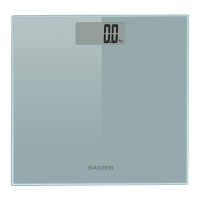
1. Tap the platform centre (vibration activates your scale) and remove your foot.
2. Wait until zero is displayed.
3. Step on and stand very still while the scale computes your weight.
4. Your weight is displayed.
5. Step off.
6. Your weight is displayed for a few seconds then the scale will switch off.
OPERATING YOUR SCALE
Err Unstable weight. Stand still.
Err Weight exceeds maximum capacity.
Lo Replace battery.
WARNING INDICATORS
9028_IB_A/W.qxd:Layout 1 25/10/07 16:28 Page 2


 To Next Page