Sirius 800 Series User Manual 2464/2463 Nucleus2 Router Control Module Nucleus Router Control Modules 14.4
Iss 5 Rev 7 Page 261 © 2017 SAM
14.4.2 Nucleus2 Router Control Module LEDs
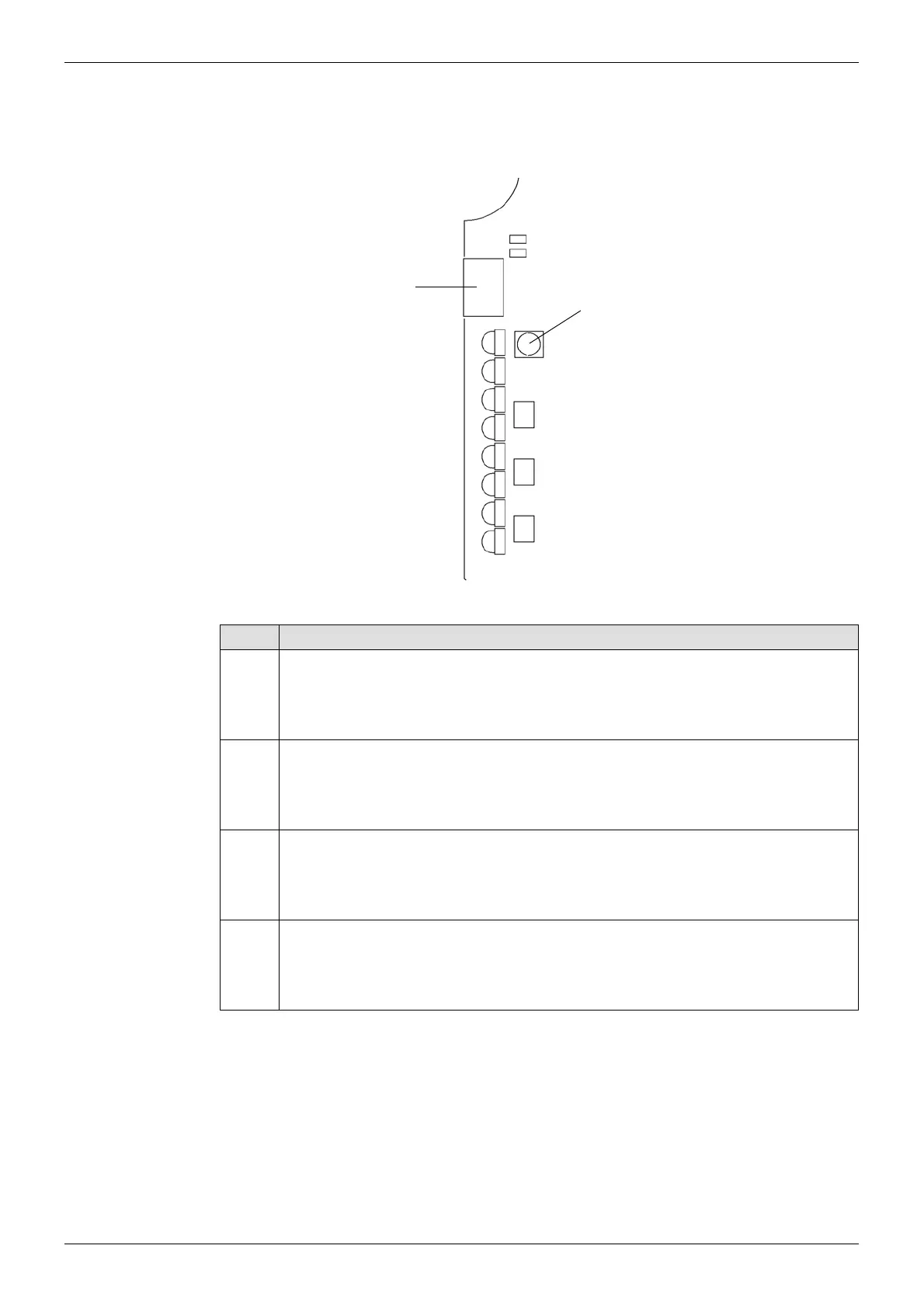
The LEDs on the Nucleus2 router control module are shown in Figure 180 and Table 66 lists
the Nucleus2 Controller LED functions.
Figure 180 Nucleus2 Router Control Module LEDs
LED Description
Power
OK
Power OK
• Green = Power is connected and okay
• Off = Power not connected or not okay
1
Active/Idle
• Flashing Green = Active
• Flashing Blue = Idle
2
Master/Slave
• Green = Master Controller
• Blue = Slave Controller
3
Watchdog Status
• Flashing Green = Watchdog enabled and running
• Flashing Orange = Watchdog disabled
Table 66 Nucleus2 Router Control Module LEDs
1
Power OK
2
3
4
5
6
7
USB Connector
Reset Button
(see section 14.4.1 for details)



 To Next Page