14 EN
USER MANUAL
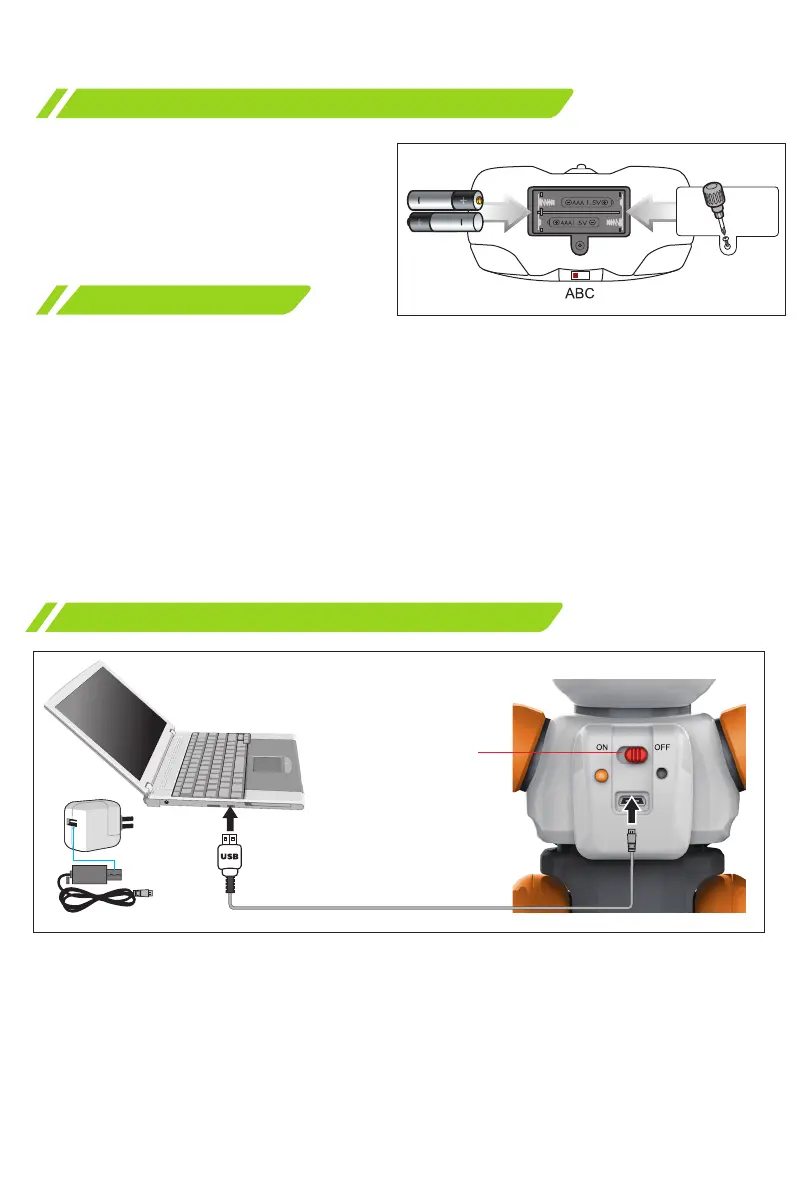
Installing batteries in the remote control
Package contents
Use a screwdriver to open the
battery compartment.
Install 2 «AAA» type 1.5V batteries
into the compartment, paying
attention to the correct polarity.
Close the battery compartment.
Charging the robot:
To charge, connect the USB cable to the USB port on the robot, and connect
the other end of the cable to a power source: PC, portable battery, charger, or
car charger.
Charging time - 2-3 hours. The duration of the autonomous operation of the
robot is approximately 2 hours. Set the power switch to «OFF» before charging.
USB cable
Power switch
ON/OFF
2х1.5V «ААА»
Charging the toy
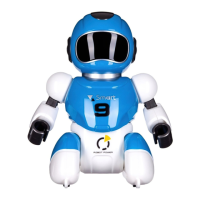
The kit includes a robot, remote control, ball, charging cable, user manual.
Note! Do not charge non-rechargeable batteries.
Dispose of used batteries.
Children should use batteries under adult supervision.
It is allowed to use batteries of the same type.
When installing batteries, do not use old and new batteries at the same time.
Do not use alkaline, saline (carbon-zinc) and rechargeable (nickel-metal-hydride,
nickel-cadmium) batteries at the same time.


 To Next Page