26 | SAMLEX AMERICA INC.
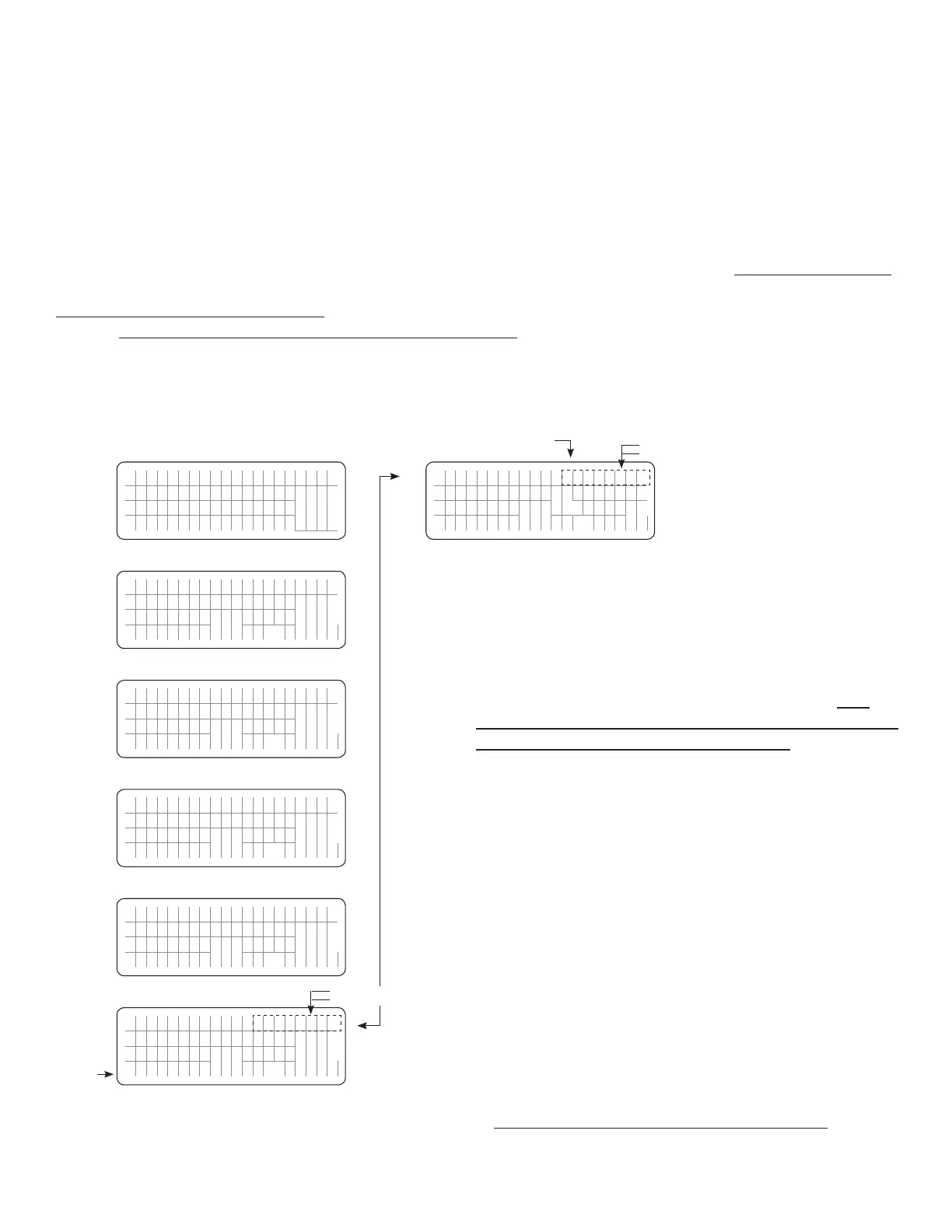
3.6.8 Menu Map for Charging Mode Screens When Charging is Switched Off by the Lithium Ion
Battery Management System (BMS)
For background information, please refer to Sections 4.4.2.22.1 & 4.4.2.22.2
This Menu Map is applicable when parameter "BATTERY TYPE" is set for option "1=Lithium" (See Section 4.4.2.22).
Screens shown below will be seen when the Battery Management System (BMS) of the Lithium Battery sends a command
(potential free contact closure signal) to pins 4 and 5 of the RJ-45 Temperature Sensor Jack on the EVO™ Inverter/
Charger (Temperature Sensor is not required for Lithium Battery) to stop charging to protect the Lithium Battery from
over-charge/ over temperature. Please see details at Section 4.4.2.22.
During condition of "Charger Off by BMS", AC input will continue to be passed through to the AC load(s).
When BMS resets "Stop Charging" command, normal charging will be resumed.
NOTES:
1. The 1st line of the display screen will show the following
information
• For Screens Nos.1 to 5: Model No. on the left and the
Operating mode "Charging" on the right
• For Screens Nos.6 and 7: Model No. on the left and the
Operating Mode "Chgr Off by BMS" on the right. This
message is shown in two parts – rst "Chgr Off" and then
"by BMS". Each part is switched every 2 sec
2. The 2nd line will show the following information:
• For Screens Nos.1 to 5: "Chgr Off by BMS"
• For Screen Nos.6: Battery Temperature: e.g."Battery 25.0C"
• For Screen Nos.7: EVO Firmware Version and
Communication ID: e.g. "EVO
™
Ver: X.XX ID=1"
3. The 3rd and the 4th lines show various operating parameters
and their values
4. Use Up ñ and Down ò Keys to navigate to the desired screen.
Up Key
Down Key
E V O - 1 2 1 2 F C h a r g i n g
C h a r g e r O f f b y B
M S
B a t t : 1 2 . 0 0 V 0 . 0 A
E x t e r n a l :
0 . 0 A
Screen
No. 1
E V O - 1 2 1 2 F C h a r g i n g
C h a r g e r O f f b y B
M S
A C i n : 1 2
0 . 0
V 1 0 . 0 0 A
6
0 . 0
0 H z
Screen
No. 2
E V O - 1 2 1 2 F C h a r g i n g
C h a r g e r O f f b y B
M S
A C i n : 1 2
0 0 V
A 1 2 0 0 W
P F : 1 .
0 0
Screen
No. 3
E V O - 1 2 1 2 F C h a r g i n g
C h a r g e r O f f b y B
M S
A C o u t : 1
2 0 0
V A 1 2 0 0 W
P F : 1 . 0
0
Screen
No. 5
E V O - 1 2 1 2 F C h g r O f f
B a t t e r y 2 5
. 0 C
H e a t s i n
k
2 5 . 0 C
T r a n s f o r
m e r
2 5
. 0 C
Screen
No. 6
E V O - 1 2 1 2 F C h g r O f f
E V O V e r : x .
x x
I D = 1
R C V e r :
x .
x x
2 0 1 7 / 0 4
/ 2 1
1 5 : 0 0
Screen
No. 7
ð ð ð ð
ð ð ð ð
E V O - 1 2 1 2 F C h a r g i n g
C h a r g e r O f f b y B
M S
A C o u t : 1
2 0 .
0 V 1 0 . 0 0 A
6
0 . 0
0 H z
Screen
No. 4
ð
ð
SECTION 3 | Operation
Fig 3.7 Menu Map for Charging Mode Screens (for EVO-1212F/1212F-HW/1224F/ 1224F-HW)
when Charging is Switched Off by the Lithium Ion Battery Management System (BMS)
ð
ð
See
NOTE 1
See
NOTE 1
ð
ð
ð
ð
"Chgr Off" for 2 sec
"by BMS" for 2 sec
"Chgr Off" for 2 sec
"by BMS" for 2 sec


 To Next Page
 Loading...
