28 | SAMLEX AMERICA INC.
4.0 "SELECT GROUP" AND "SELECT PARAMETER" MENU MAPS
4.1.1 General Information
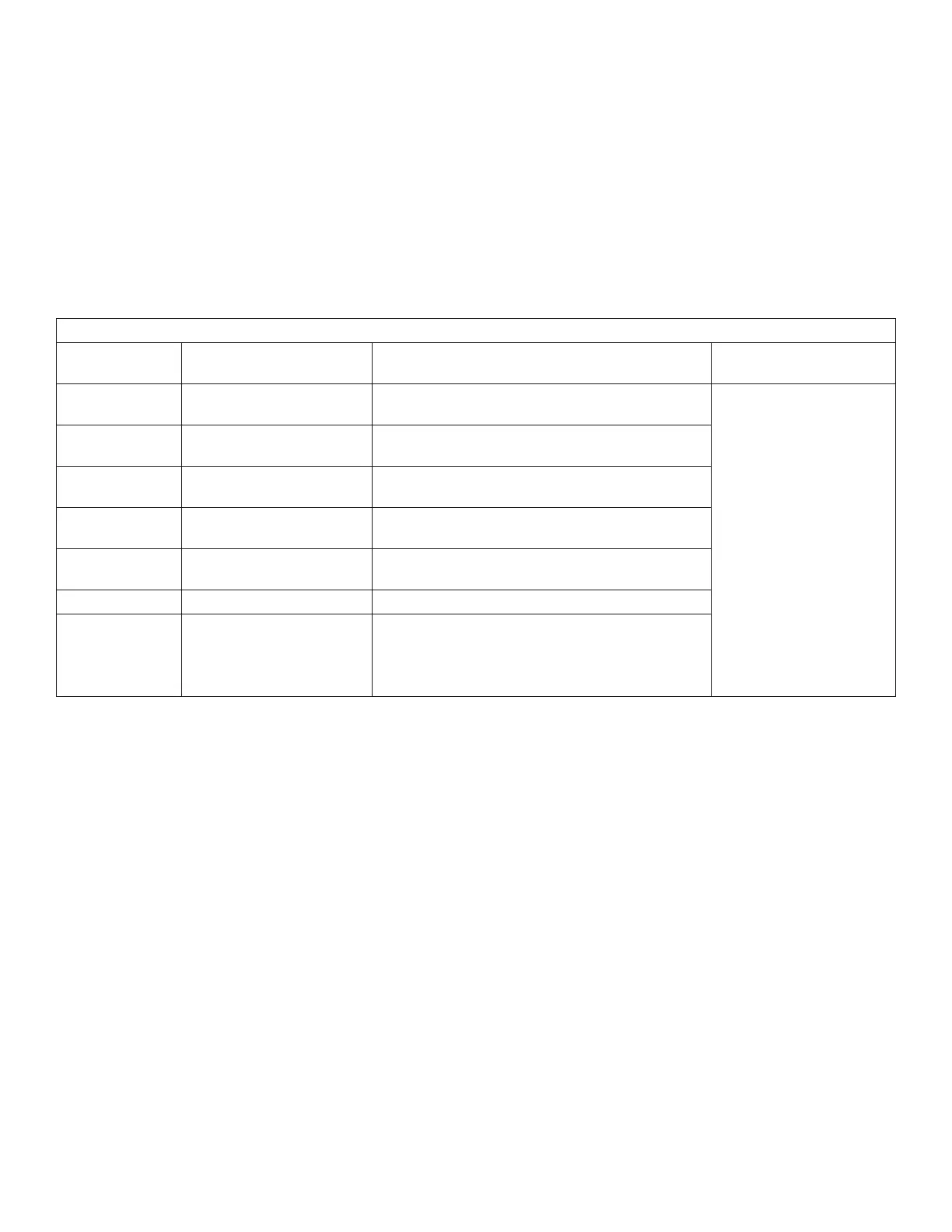
A number of operating parameters can be programmed to suit the desired operating conditions. The programming
parameters have been arranged under 7 groups (displayed as "SELECT GROUP" as per details at Table 4.1 below.
"Select Group" Menu Map for accessing the 7 Parameter Groups is shown at Fig 4.1.
Table 4.1 List of Parameter Groups (Displayed as "Select Group"
"Select Group"
Screen No. "Select Group" Name Description
"Select Group"
Menu Map
1 CHARGE CURVE Group of parameters for battery charging/battery
protection
Fig 4.1
2 INPUT SETTING Group of parameters for Grid/Generator input
current level, frequency range
3 INPUT LOW LIMIT Group of parameters for Grid/Generator input low
voltage level
4 INPUT HIGH LIMIT Group of parameters for Grid/Generator input
high voltage level
5 OTHER FUNCTION Group of parameters Power Saving/Buzzer/
Remote Switch/Multi-function Relay/etc.
6 TIME SETTING 1 parameter for Real Time Clock setting
7 STOP SD CARD NOTE:
Shown only when SD Card is inserted.
1 parameter to stop SD Card accessed and to
remove the SD Card.
The 1st screen for "Select Group" - CHARGE CURVE will be accessed when Enter key is pressed momentarily from any
of the Operating Mode Display Screens detailed at Table 3.1.
Fig 4.1 shows "Select Group" Menu Map for 7 Parameter Groups. Use the Up and Down keys to navigate to the
desired Parameter Group or the Back key to go back to the Operating Mode Screen. Press Enter to access Parameters
in the selected Parameter Group.
For explanation of the format of the "Select Group Screens" shown in Fig 4.1, consider Group 1 Screen - CHARGE
CURVE. The 1st line shows the action i.e. "Select Group". The 2nd line shows the name of the "Select Group" -
CHARGE CURVE with an asterisk sign * against it. The asterisk sign * indicates that this Group will be selected when
Enter key is pressed. When Enter key is pressed, access will be available for parameters under this group.
SECTION 4 | Parameter Setup


 To Next Page
 Loading...
