48 | SAMLEX AMERICA INC.
SECTION 4 | Parameter Setup
4.4.2.9.2.3 Automatic switching over to “Charging Mode” has 2 options selectable through programming
parameter “INPUT RECOVERY” (Section 4.5.2.11) as follows:
a) Option 0=Buffered (Default): Under this option, the unit will initially start in “Inverting Mode”,
synchronize with the AC input and then transfer to “Charging Mode”. However, if a user programs the
value of “BATTERY LOW VOLTAGE” very close to the “Battery ultra low voltage!” fault threshold of 9V for
EVO-1212F / EVO-1212F-HW/ EVO-2212/ EVO-3012 or 18V for EVO-1224F / EVO-1224F-HW/ EVO-2224/
EVO-4024 (Section 7, Table 7.1, Srl.No.2), a larger load / larger starting surge on the inverter may drag the
battery voltage to 9V / 18V or below for 1 ms and trigger “Battery ultra low voltage!” fault. Under this
condition, the user may change to Option 1=Direct
b) Option 1=Direct: Under this option, the unit will directly start in “Charging Mode”
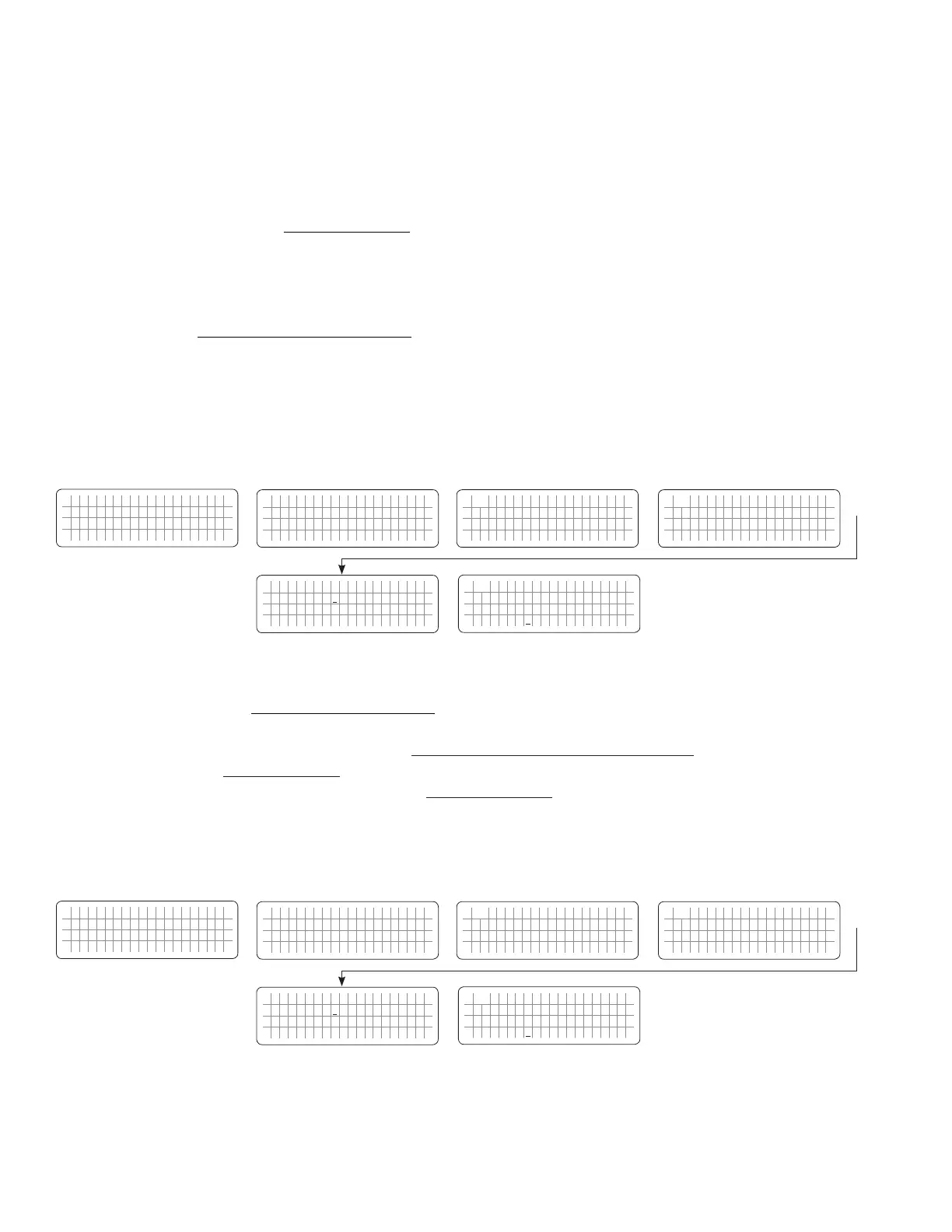
4.4.2.9.3 Programming Steps for Parameter "BATT LOW VOLTAGE"
ð ð
E V O - 1 2 1 2 F I n v e r t i n g
A C o u t p u t : 1 2 0 . 0 V
< 0 . 1 0 A
6 0 . 0 0 H z
Enter Key Enter Key
Any Operating Mode Screen from
Fig 3.1 to 3.5
[Above screen is Screen 1 of Fig 3.2(a)]
Password 8052
See Section 4.3.1
See Table 4.3, Parameter Setup
Screen No. 9 for
programmable range
S e l e c t G r o u p
* C H A R G E C U R V E
ð
S e l e c t P a r a m e t e r
C H A R G E C U R V E
* B U L K C U R R E N T
2 0 A
ð
S e l e c t P a r a m e t e r
C H A R G E C U R V E
* B A T T L O W V O L T A G E
1 0 . 5 0 V
S e l e c t P a r a m e t e r
C H A R G E C U R V E
* B A T T L O W V O L T A G E
1 0 . 5 0 V
Enter Key
Down Key x 8 times
P a s s w o r d k e y i n
0 0 0 0
ð
Enter Key
4.4.2.10 LV DETECT TIME (Table 4.3, Screen No. 10)
To prevent "Battery low voltage!" fault and shut down of the inverter due to momentary dips in battery voltage as
a result of high power, short duration AC loading (e.g. motor starting, inrush current etc.), a timer is used to qualify
"BATT LOW VOLTAGE"(Section 4.4.2.9) condition only if the battery voltage drops to or below the set “BATT LOW
VOLTAGE” threshold for the set “LV DETECT TIME” (Section 4.4.2.10). The timer starts as soon as the battery voltage
drops to the set threshold of “BATT LOW VOLTAGE” described at Section 4.4.2.9.
4.4.2.10.1 Programming Steps for Parameter "LV DETECT TIME"
ð ð
E V O - 1 2 1 2 F I n v e r t i n g
A C o u t p u t : 1 2 0 . 0 V
< 0 . 1 0 A
6 0 . 0 0 H z
Enter Key Enter Key
Any Operating Mode Screen from
Fig 3.1 to 3.5
[Above screen is Screen 1 of Fig 3.2(a)]
Password 8052
See Section 4.3.1
See Table 4.3, Parameter Setup
Screen No. 10 for
programmable range
S e l e c t G r o u p
* C H A R G E C U R V E
ð
S e l e c t P a r a m e t e r
C H A R G E C U R V E
* B U L K C U R R E N T
2 0 A
ð
S e l e c t P a r a m e t e r
C H A R G E C U R V E
* L V D E T E C T T I M E
1 0 s e c
S e l e c t P a r a m e t e r
C H A R G E C U R V E
* L V D E T E C T T I M E
1 0 s e c
Enter Key
Down Key x 9 times
P a s s w o r d k e y i n
0 0 0 0
ð
Enter Key


 To Next Page
 Loading...
