54 | SAMLEX AMERICA INC.
4.4.2.15 RESET TO BULK (Table 4.3, Parameter Setup Screen No. 15)
Refer to Table 4.3, Screen No. 15
Further, refer to the description of 6 types of charging proles under parameter "CHARGING PROFILE" (Section 4.2.2.21).
Parameter "RESET TO BULK" sets the value of battery voltage at which the charger will terminate the current charging
stage of the selected "CHARGING PROFILE" & restart charging from the beginning i.e. from the rst "BULK STAGE".
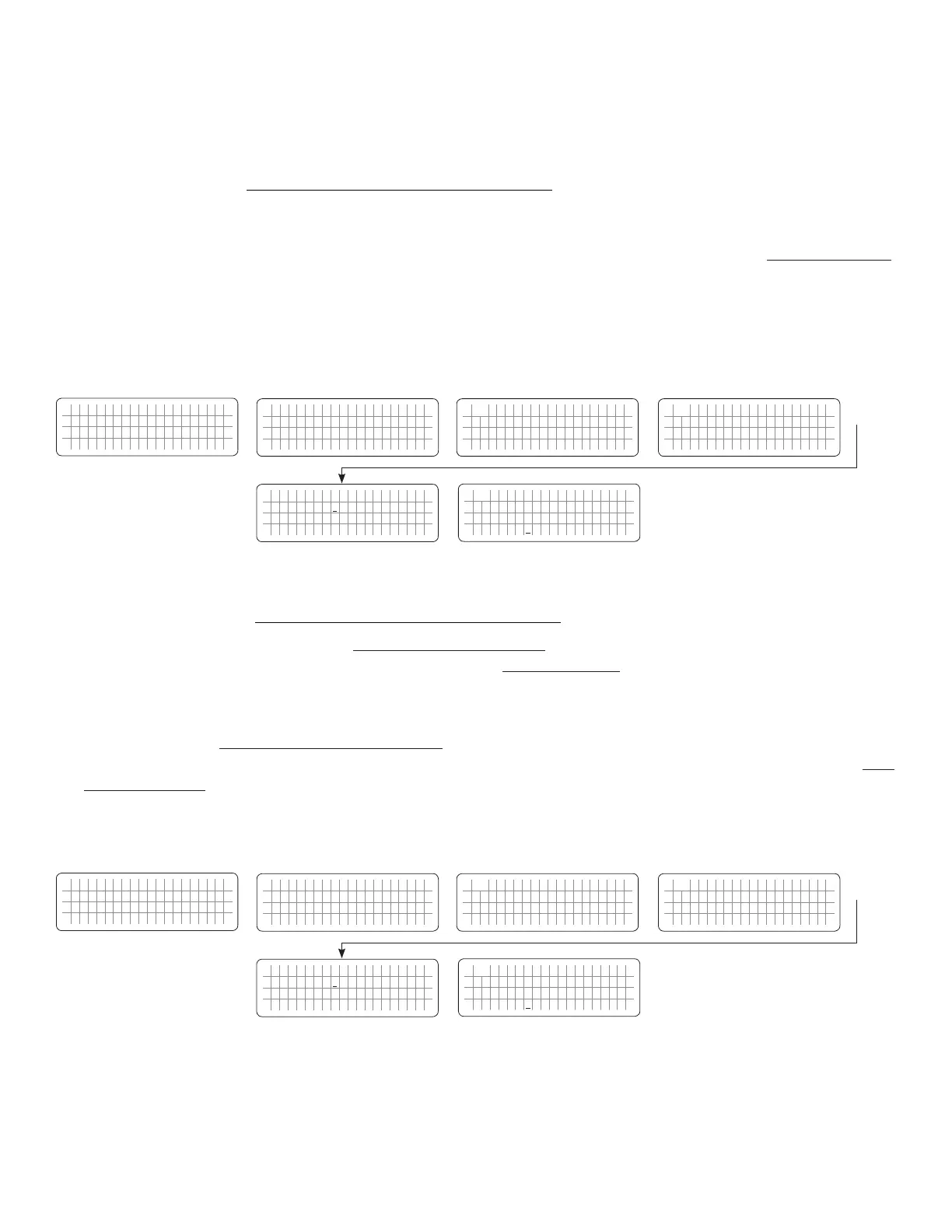
4.4.2.15.1 Programming Steps for Parameter “RESET TO BULK”
ð ð
E V O - 1 2 1 2 F I n v e r t i n g
A C o u t p u t : 1 2 0 . 0 V
< 0 . 1 0 A
6 0 . 0 0 H z
Enter Key Enter Key
Any Operating Mode Screen from
Fig 3.1 to 3.5
[Above screen is Screen 1 of Fig 3.2(a)]
Password 8052
See Section 4.3.1
See Table 4.3, Parameter Setup
Screen No. 15 for
programmable range
S e l e c t G r o u p
* C H A R G E C U R V E
ð
S e l e c t P a r a m e t e r
C H A R G E C U R V E
* B U L K C U R R E N T
2 0 A
ð
S e l e c t P a r a m e t e r
C H A R G E C U R V E
* R E S E T T O B U L K
1 2 . 0 0 V
S e l e c t P a r a m e t e r
C H A R G E C U R V E
* R E S E T T O B U L K
1 2 . 0 0 V
Enter Key
Down Key x 14 times
P a s s w o r d k e y i n
0 0 0 0
ð
Enter Key
4.4.2.16 GS DETECT TIME (Table 4.3, Parameter Setup Screen No. 16)
This parameter is a Programmable Timer (0-600sec; Default: 10 sec). The Timer sets the duration the battery voltage
has to remain at threshold of “LOW VOLT ALARM” condition (Section 4.4.2.8), or lower before the following actions
are initiated:
• Automatic Starting and Stopping of Generator: Switching ON (energizing) the Status Relay to initiate
Generator starting [see Sections 4.8.2.5.2(a) to (c)].
• On-Line Mode: Switching ON of the Transfer Relay to transfer from “Inverting” Mode to “Charging” Mode (see
Section 4.4.2.14).
4.4.2.16.1 Programming Steps for Parameter “GS DETECT TIME”
ð ð
E V O - 1 2 1 2 F I n v e r t i n g
A C o u t p u t : 1 2 0 . 0 V
< 0 . 1 0 A
6 0 . 0 0 H z
Enter Key Enter Key
Any Operating Mode Screen from
Fig 3.1 to 3.5
[Above screen is Screen 1 of Fig 3.2(a)]
Password 8052
See Section 4.3.1
See Table 4.3, Parameter Setup
Screen No. 16 for
programmable range
S e l e c t G r o u p
* C H A R G E C U R V E
ð
S e l e c t P a r a m e t e r
C H A R G E C U R V E
* B U L K C U R R E N T
2 0 A
ð
S e l e c t P a r a m e t e r
C H A R G E C U R V E
* G S D E T E C T T I M E
1 0 s e c
S e l e c t P a r a m e t e r
C H A R G E C U R V E
* G S D E T E C T T I M E
1 0 s e c
Enter Key
Down Key x 15 times
P a s s w o r d k e y i n
0 0 0 0
ð
Enter Key
SECTION 4 | Parameter Setup


 To Next Page
 Loading...
