5
EN
FR DE ES IT
Quick Start
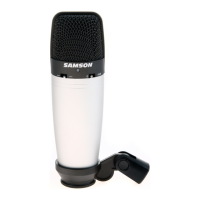
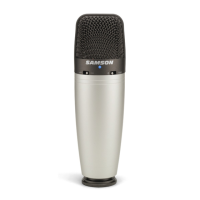
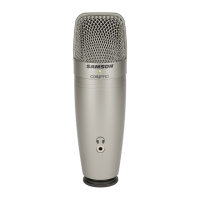
Affix the C01U Pro to the tripod base or microphone stand
using the included microphone swivel.
Position the microphone facing the sound source that you will
be recording.
1
Launch your audio software and select
the C01U Pro as the audio input and
output devices.
Set up a mono record track in your
software.
Mono 1
Samson C01U Pro
My instrument is connected with:
4
Connect the included USB cable
into the USB socket on the bottom
of the microphone and into an
available USB port on your
computer.
2
Next, connect your headphones to the headphone
output located on the front of the C01U Pro. See
the section on “Computer Setup” on page 6 to
learn how to adjust the headphone output level.
3



 To Next Page