Using the Optional SP01 Shock-Mount
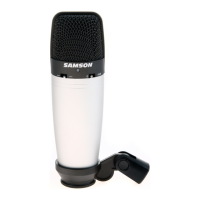
2/ Place the microphone carefully into
the SP01 and position the microphone
straight into the threaded collar.
1/ Insert the internal shock-mount
washer into the SP01 with the curved
3/ Tighten the SP01 threaded collar
nearly all the way, then position the
microphone and tighten the collar all
NOTE: Be careful not to cross thread the
microphone into the SP01.
CL8_ownman.indd 7 10/12/04 8:26:17 PM


 To Next Page