Overview
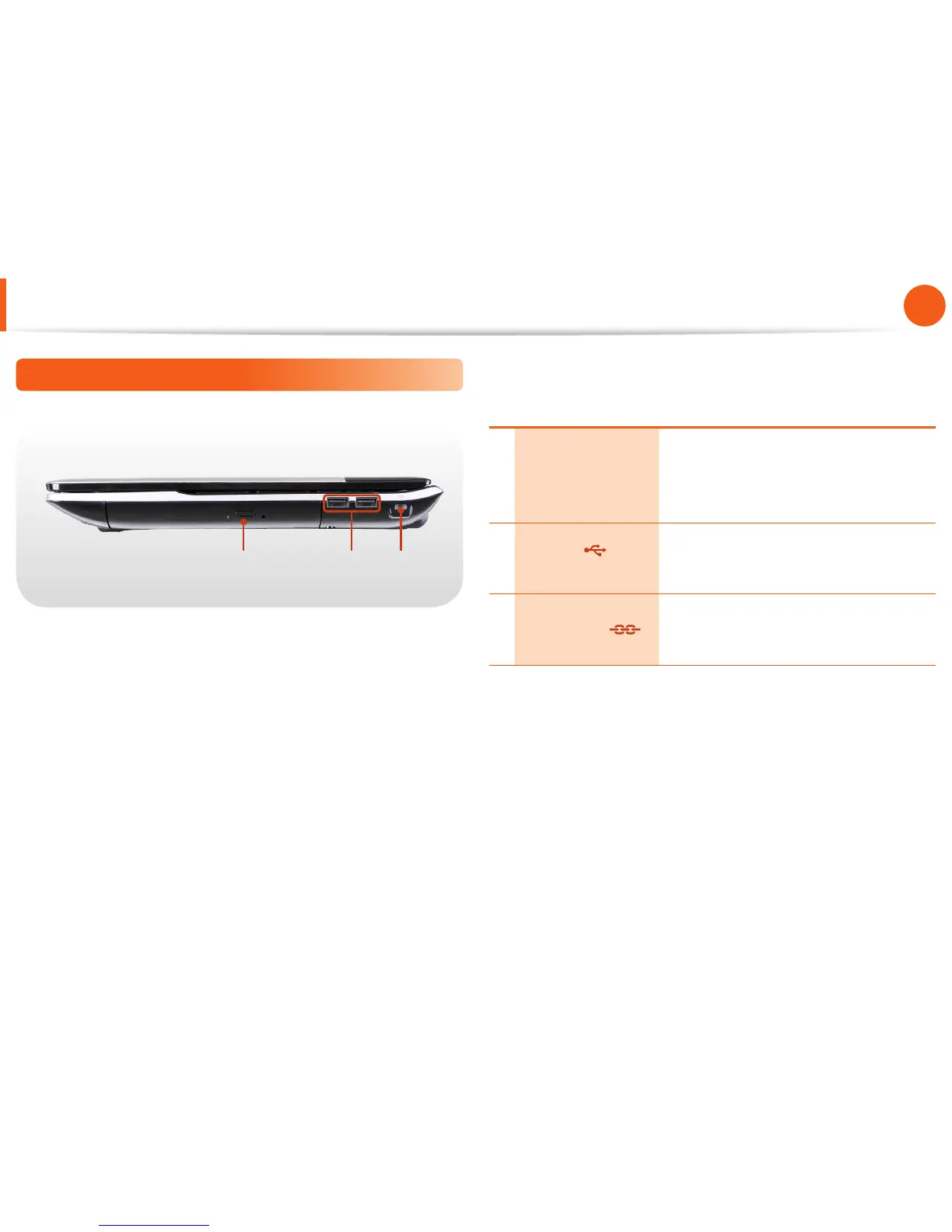
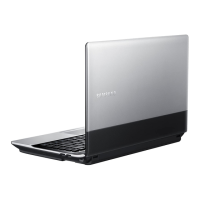
Right View
1 2 3
1
CD Drive (ODD)
(Optional)
Plays CD or DVD titles.
A CD Drive is optional. The installed drive
may dier depending on the model
specications.
2
USB Port
(Optional)
You can connect USB devices to the USB
port such as a keyboard/mouse, digital
camera, etc.
3 Security Slot
You can secure the computer by
connecting a lock and cable to the
Security Slot.






 To Next Page