EasyManua.ls Logo

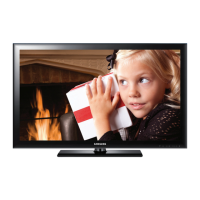
Samsung 4000 SERIES - User Manual

Samsung 4000 SERIES
228 pages
Print Icon
To Next Page IconTo Next Page
Loading...
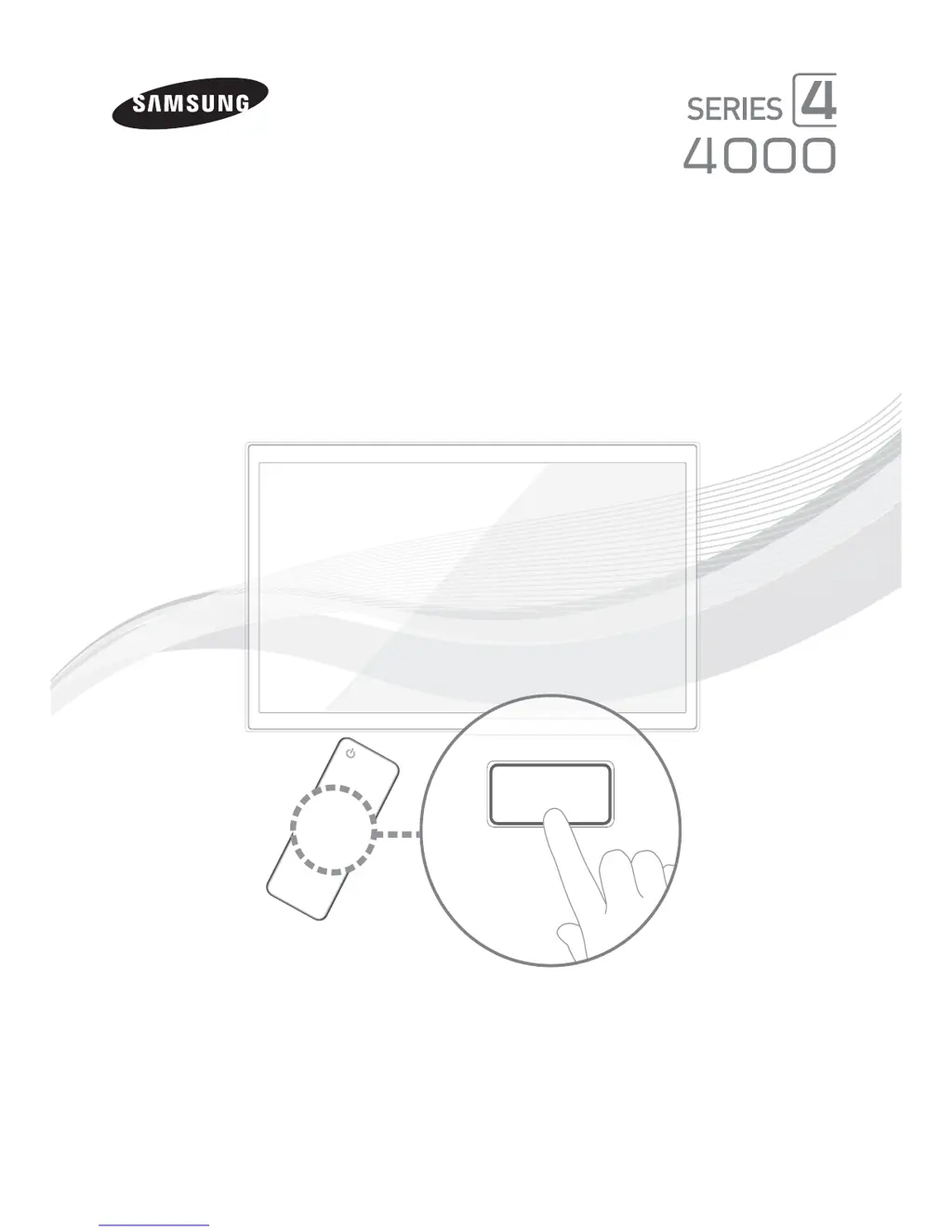
LED TV
User Manual
imagine the possibilities
Thank you for purchasing this Samsung product.
To receive more complete service, please register
your product at
www.samsung.com/register
Model _____________ Serial No. _____________
E-MANUAL

Other manuals for Samsung 4000 SERIES

Questions and Answers

  • V
    vvazquezSep 10, 2025
    What to do if there is no sound or the sound is too low at maximum volume on Samsung 4000 LED TV?
    • K
      Keith EvansSep 10, 2025
      If there is no sound or the sound is too low even at maximum volume on your Samsung LED TV, check the volume of the device (Cable/Sat Box, DVD, Blu-ray, etc.) connected to your TV.
  • A
    Adrian WoodAug 22, 2025
    What to do if my Samsung LED TV will not turn on?
    • M
      melissa10Aug 22, 2025
      If your Samsung LED TV won't turn on, first ensure the AC power cord is securely plugged into the wall outlet and the TV. If it still doesn't turn on, try pressing the POWER button on the TV itself to rule out a remote control issue.
  • D
    Dan YoungAug 25, 2025
    How to fix poor picture quality on Samsung 4000?
    • N
      Nicholas DuranAug 25, 2025
      To address poor picture quality on your Samsung LED TV, first perform the Picture Test to see if your TV is properly displaying the test image. If the test image looks fine, the problem might be with the source or signal.
  • A
    Adam JonesAug 27, 2025
    How to troubleshoot Samsung 4000 LED TV sound problem?
    • P
      pooletimothyAug 27, 2025
      To troubleshoot sound problems on your Samsung LED TV, start by performing the Sound Test to confirm that your TV audio is working properly. If the audio is OK during the test, the sound problem may be due to the source or signal.
  • K
    Kimberly GarciaAug 27, 2025
    Why is my Samsung LED TV picture not as good as in the store?
    • R
      Richard JacksonAug 27, 2025
      If your Samsung LED TV picture doesn't look as good as it did in the store, consider these steps: 1. If you have an analog cable/satellite box, upgrade to a digital set top box. 2. Use HDMI or Component cables to deliver HD (high definition) picture quality. 3. Cable/Satellite subscribers: Try HD channels from the channel line up. 4. Air/Cable Antenna connection: Try HD channels after performing Auto program. 5. Adjust the Cable/Set top box video output resolution to 1080i or 720p.
  • E
    Elizabeth CopelandAug 29, 2025
    What to do if my Samsung LED TV is flickering or dimming?
    • S
      sheena45Aug 29, 2025
      If your Samsung LED TV is flickering or dimming sporadically, try disabling energy-efficient features such as the Eco Sensor or the Energy Saving feature.
  • J
    Joshua Hamilton DDSSep 18, 2025
    How to fix purple/green bars and buzzing with component cable on Samsung LED TV?
    • J
      Jacob OchoaSep 18, 2025
      If you are experiencing purple/green rolling horizontal bars and buzzing noise from the TV speakers while using a Component cable connection on your Samsung LED TV, remove the left and right audio connections from the set-top box. Alternatively, replace the Component video cables with an HDMI connection.
  • P
    penningtonericaSep 12, 2025
    What causes inappropriate noise from Samsung 4000 speakers?
    • N
      nichole85Sep 12, 2025
      If your Samsung LED TV speakers are making inappropriate noises, check the cable connections. For Antenna or Cable connections, check the signal information. You can also perform the Sound Test.
  • J
    jillkruegerSep 8, 2025
    What does 'Mode Not Supported' mean on Samsung 4000 LED TV?
    • P
      phillipsabigailSep 8, 2025
      If you see a 'Mode Not Supported' message on your Samsung LED TV, check the supported resolution of the TV and adjust the external device’s output resolution accordingly.
  • M
    Mike CollinsSep 5, 2025
    What to do if my Samsung 4000 LED TV has component connection or screen color problems?
    • D
      Derek DavisSep 5, 2025
      If the color on your Samsung LED TV screen is not correct or is black and white, start by running a Self Diagnosis on the TV to check for device issues. Also, ensure all connections are consistent and connected to the correct jacks.

Samsung 4000 SERIES Specifications

General IconGeneral
BrandSamsung
Model4000 SERIES
CategoryLED TV
LanguageEnglish

Related product manuals