English - 4
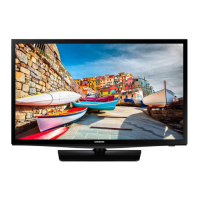
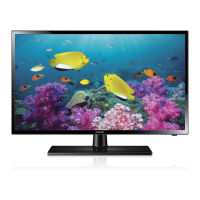
Figures and illustrations in this User Manual are provided for reference only and may differ from the actual
product appearance. Product design and specifications may change without notice.
Features of your new TV
SMART HUB
Your TV features Smart Hub, a multi-purpose entertainment and family center. With Smart Hub, you can surf the
web, download applications.
Press the
button to open the
First Screen
, and then select the Panel icon. The TV displays the Panel screen.
Choose a service using the icons displayed in the top part of the screen.
SAMSUNG APPS: Samsung Apps offers an extensive collection of free and for-pay news, sports, weather,
and gaming content you can download directly to and enjoy on your TV.
e-Manual
Provides a detailed, on-screen user's manual built into your TV (page 10).
Device Manager
Use the TV features with a USB keyboard and mouse.
Screen Mirroring
Displays mobile device screens on the TV using a wireless connection.
[UH6203-ZX]BN68-06330H-00L02.indb 4 2014-08-29 1:21:14


 To Next Page