6
English
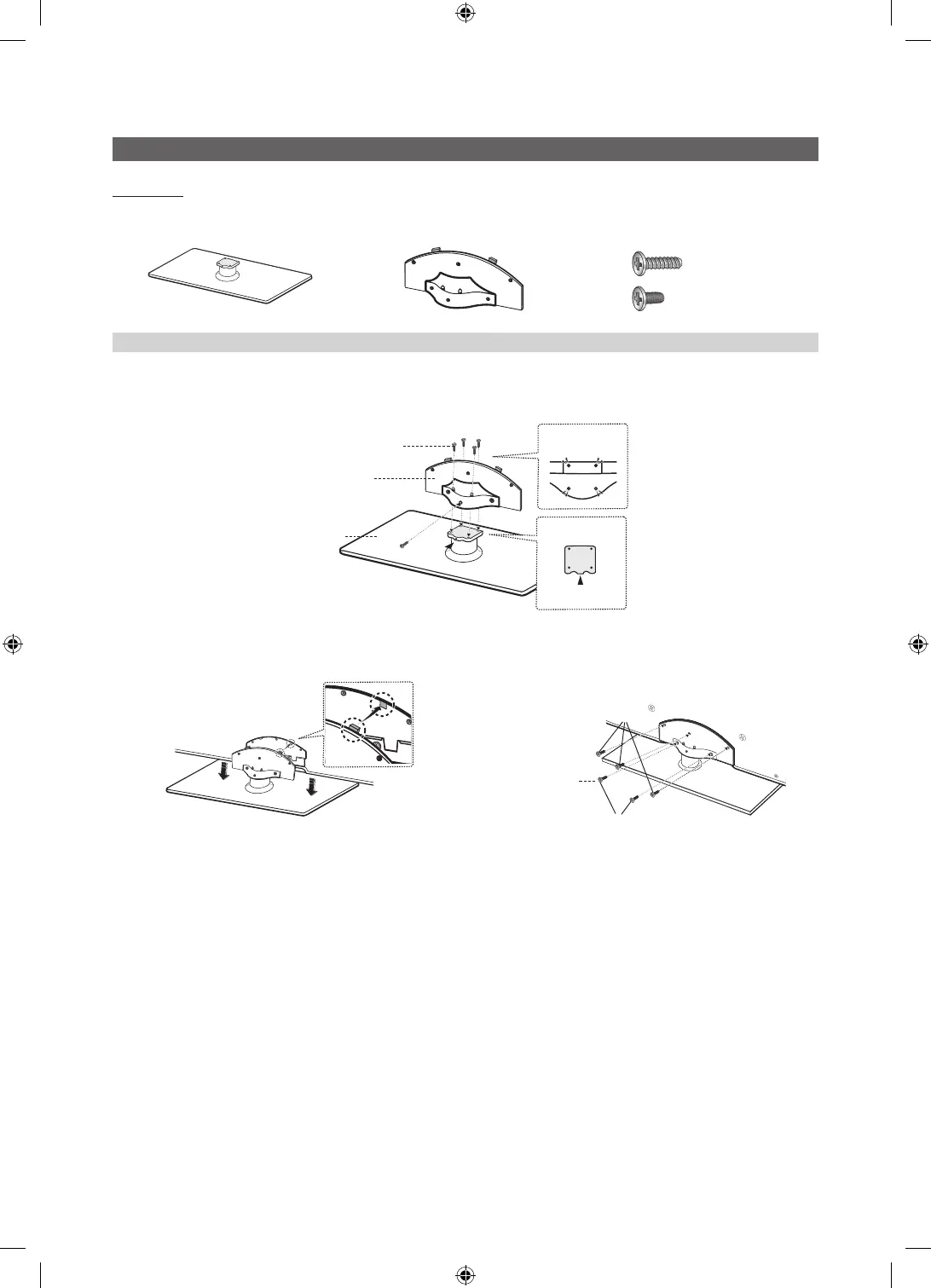
Install the Stand (6000 Hotel)
Component
When installing the stand, use the provided components and parts.
s
s
s
s
s
Stand (1EA) Guide Stand (1EA) Screws (10EA)
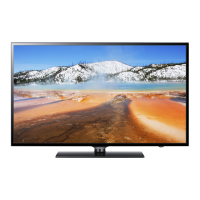
Follow the steps below to connect the TV to the stand.
1. Connect the Guide Stand to the Stand using five screws (M4 X L12) as shown.
2. With your TV upright, connect the TV to the Stand as
shown.
3. Fasten two screws (M4 X L8) at position 1, and then
fasten three screws (M4 X L8) at position 2.
✎
NOTE
x
Make sure to distinguish between the front and back of the Stand and Guide Stand when assembling them.
x
Make sure that at least two persons lift and move the LED TV.
x
Stand the product up and fasten the screws. If you fasten the screws with the LED TV placed down, it may lean to
one side.
x
For wall mounting instructions, see page 26.
5EA (M4 X L12)
(A)
(B)
5EA (M4 X L8)
s
s
s
s
s
Top view
Rear
Front
Rear
Guide Stand
Screws (M4 X L12)
Stand
Screws (M4 X L8)
1
2
UC6900 호주_중아, UC6000 구주 호텔.indd 6 2010-04-27 오후 2:24:38






 To Next Page