EasyManua.ls Logo

Samsung 6400 - 01. Operating the Initial Setup

Samsung 6400
58 pages
Print Icon
To Next Page IconTo Next Page
To Previous Page IconTo Previous Page
Loading...
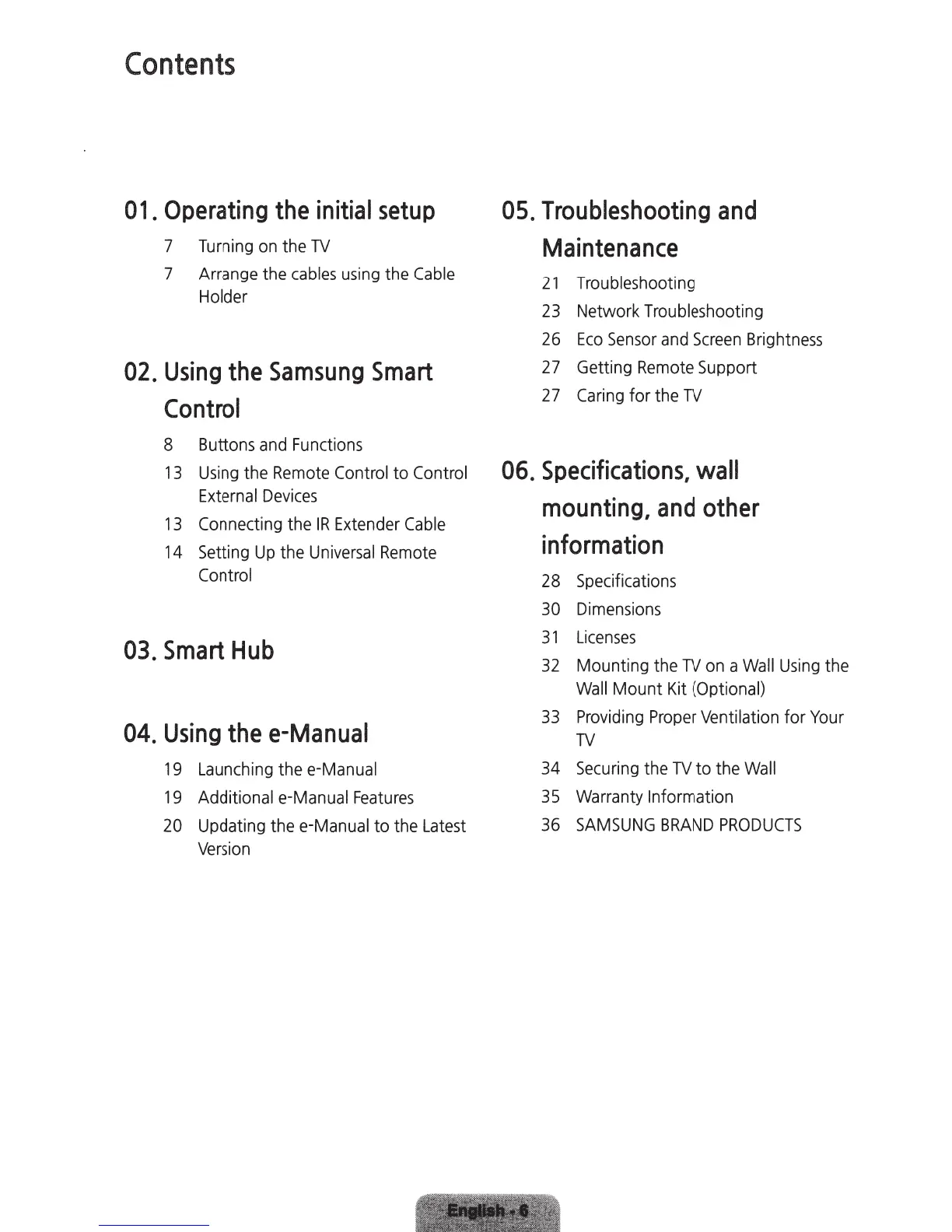
Contents
01.
Operating
the
initial
setup
7
Turning
on
the
TV
7
Arrange
the
cables
using
the
Cable
Holder
02.
Using
the
Samsung
Smart
Control
8
Buttons
and
Functions
13
Using
the
Remote
Control
to
Control
External
Devices
13
Connecting
the
IR
Extender
Cable
14
Setting
Up
the
Universal
Remote
Control
03.
Smart
Hub
04.
Using
the
e-Manual
19
Launching
the
e-Manual
19
Additional e-Manual
Features
20
Updating the
e-Manual
to the
Latest
Version
05.
Troubleshooting
and
Maintenance
21
Troubleshooting
23
Network Troubleshooting
26
Eco
Sensor
and
Screen
Brightness
27
Getting
Remote
Support
27
Caring
for the
TV
06.
Specifications,
wall
mounting,
and
other
information
28
Specifications
30
Dimensions
31
Licenses
32
Mounting
the
TV
on
a
Wall
Using
the
Wall
Mount
Kit
(Optional)
33
Providing
Proper
Ventilation for
Your
TV
34
Securing
the
TV
to the
Wall
35
Warranty
Information
36
SAMSUNG
BRAND
PRODUCTS

Related product manuals