EasyManua.ls Logo

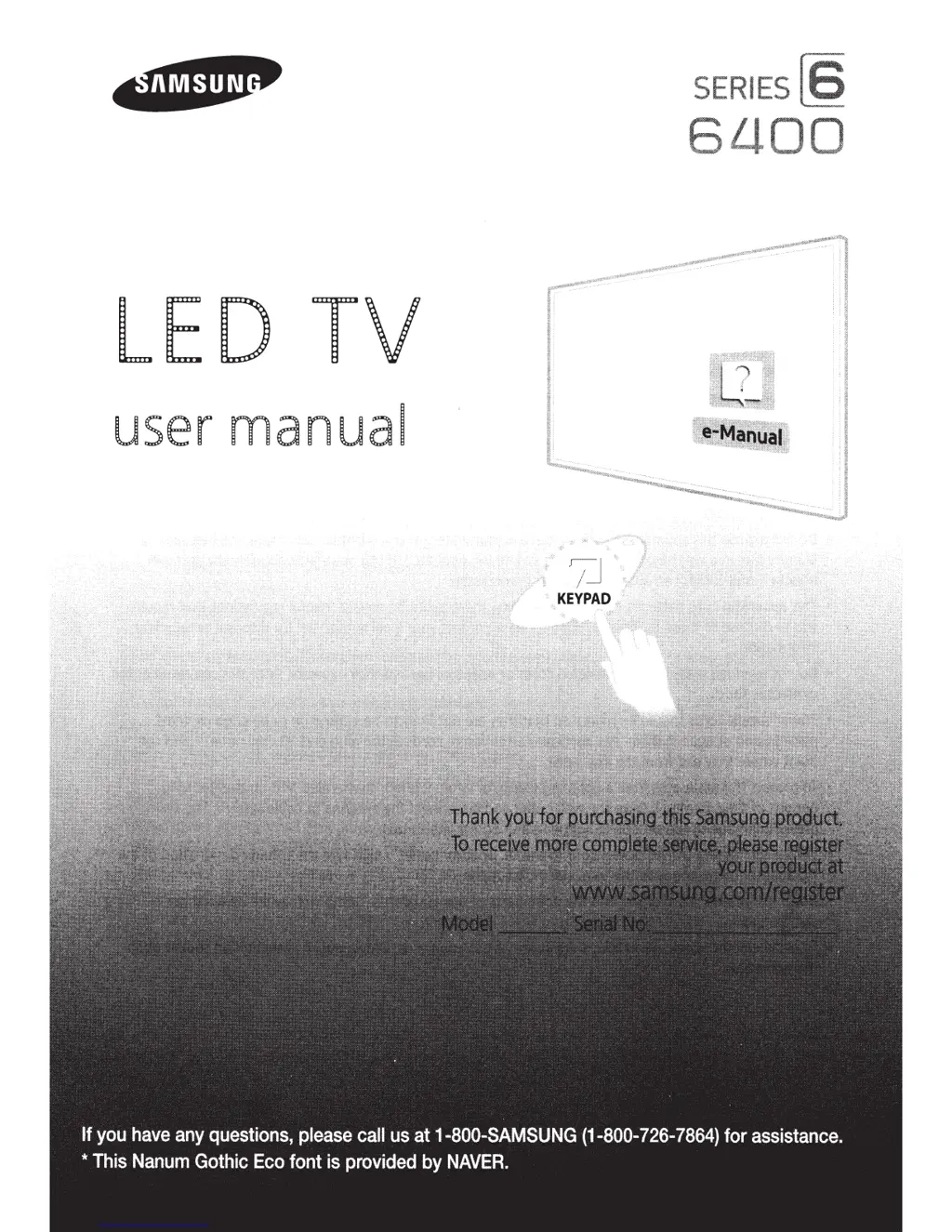
Samsung 6400 - User Manual

Samsung 6400
58 pages
Print Icon
To Next Page IconTo Next Page
Loading...
SERIES
L!
LED
TV
user
manual

Questions and Answers

Summary

Warning! Important Safety Instructions

Internet Security

Features of your new TV

3 D

Feature to view 3D content.

SMART HUB

Entertainment and family center for web, apps, and media.

Anynet+ (HDMI-CEC)

Control connected Samsung devices with TV remote.

e-Manual

Provides an on-screen user's manual.

SMART Interaction

Control TV functions using motion.

Device Manager

Use TV with USB or Bluetooth keyboard/mouse.

Screen Mirroring

Display mobile device screens on TV.

01. Operating the Initial Setup

Turning on and Controlling the TV

How to turn the TV on and control it.

Arrange the cables using the Cable Holder

Guide to connecting cables correctly.

02. Using the Samsung Smart Control

Buttons and Functions

Explanation of the Smart Control buttons and their uses.

Using the Samsung Smart Control Motion Function to Operate the TV

How to use the motion sensor for TV control.

Using the Touch Pad and the Directional Buttons

Details on using the touch pad and directional buttons.

Reconnecting the Samsung Smart Control to the TV

Steps to re-pair the remote control with the TV.

The Low Battery Alarm Window

Information on low battery alerts for the remote.

Displaying and Using the On-Screen Remote

How to use the virtual remote on the TV screen.

Using the Remote Control to Control External Devices

Using the TV remote to control other devices.

Connecting the IR Extender Cable

How to connect the IR extender cable.

Setting Up the Universal Remote Control

Guide to configuring the remote for external devices.

03. Smart Hub

GAMES Panel

Access and play games via Smart Hub.

SAMSUNG APPS Panel

Download and use various apps from Samsung Apps.

SAMSUNG APPS Panel Functions

Manage and use Samsung Apps.

Downloading and Installing an App

Steps to download and install apps.

OnTV Panel

View live and recommended TV programs.

MOVIES & TV SHOWS Panel

Browse and stream movies and TV shows.

MULTIMEDIA

Play media from USB, network, or cloud.

Allowing Connections with a Computer or Mobile Device

Connect and allow access for devices.

Playing Content

How to play media content from various sources.

04. Using the e-Manual

Launching the e-Manual

How to access the on-screen user manual.

Additional e-Manual Features

Advanced features for using the e-manual.

Updating the e-Manual to the Latest Version

Instructions for updating the e-manual.

05. Troubleshooting and Maintenance

Troubleshooting

List of common issues and their solutions.

Network Troubleshooting

Tips for improving wireless signal strength.

Intermittent Wi-Fi

Solutions for unstable Wi-Fi connections.

Netflix problems

Troubleshooting issues with the Netflix app.

Smart Hub Error Messages

Common Smart Hub error messages and fixes.

Eco Sensor and Screen Brightness

How the Eco Sensor adjusts brightness.

Preventing burn-in

Tips to avoid image retention on the screen.

Getting Remote Support

How to get remote assistance from a technician.

Caring for the TV

Instructions for cleaning and maintaining the TV.

06. Specifications, Wall Mounting, and Other Information

Specifications

Technical details and dimensions of the TV models.

Dimensions

Detailed measurements of the TV.

Licenses

Information on included licenses and technologies.

VESA Wall Mount Kit Notes and Specifications

Details on VESA mount compatibility and requirements.

Providing Proper Ventilation for Your TV

Ensuring adequate airflow around the TV.

Securing the TV to the Wall

Instructions for preventing the TV from falling.

Warranty Information

Federal Communication Commission Interference Statement

FCC compliance and interference guidelines.

IMPORTANT WARRANTY INFORMATION REGARDING TELEVISION FORMAT VIEWING

Warranty details for viewing different TV formats.

SAMSUNG BRAND PRODUCTS LIMITED WARRANTY TO ORIGINAL PURCHASER

Details of the limited warranty for Samsung products.

Contact SAMSUNG WORLD WIDE

1 Unpack

Taking the TV Out of the Box

Instructions for safely removing the TV from its packaging.

Included in the Box

List of items included with the TV.

2 Assemble

Instructions

Step-by-step guide to assembling the TV stand.

3 Connect

Recommended Connections

Guidance on connecting external devices.

Internet

How to connect the TV to the internet.

TV signal

Connecting the TV to an antenna.

Cable;Satellite;DVR

Connecting set-top boxes or DVRs.

4 Gear

Blu-ray;DVD;Home Theater

Connecting video players via HDMI.

Game console

Connecting game consoles or DVRs via HDMI.

Audio

Connecting audio devices via optical cable.

5 STB Control

IR Out

Connecting the IR extender cable for STB control.

6 Smart Control

Introducing the Samsung Smart Control

Overview of the Smart Control features.

Inserting the Batteries

Guide to installing batteries in the Smart Control.

Using the Samsung Smart Control

Initial setup and operation of the Smart Control.

Using Motion Sensor Control

How to use the motion sensor for TV control.

Selecting an Item;Entering a Menu by Pressing the Touch Pad

Using the touch pad to select items and enter menus.

Pairing the Samsung Smart Control Again

Steps to re-establish the Smart Control connection.

7 Initial Setup

Information You Need

Required information before starting setup.

Internet Access

Requirements for internet connectivity during setup.

Running Initial Setup

Step-by-step guide for the initial TV setup process.

Common issues

More help

Tech Support and Chat

Online support resources for troubleshooting.

Remote Support

How to get remote assistance from a technician.

IMPORTANT SAFETY PRECAUTIONS

Regulatory Compliance Statements

FCC Class A Notice

FCC compliance statement for Class A devices.

FCC Class B Notice

FCC compliance statement for Class B devices.

Mercury Statement

Wiring the Mains Power Supply Plug (UK Only)

Instructions for wiring the UK power plug.

Important Safety Instructions (UL Only)

MPR II Compliance

Compliance with MPR II recommendations for fields.

ENERGYSTAR qualified model only

Information on ENERGY STAR qualification.

EU Eco-Label

Recycling Information (Take-back offer)

Details on product recycling and take-back programs.

Summary

Warning! Important Safety Instructions

Internet Security

Features of your new TV

3 D

Feature to view 3D content.

SMART HUB

Entertainment and family center for web, apps, and media.

Anynet+ (HDMI-CEC)

Control connected Samsung devices with TV remote.

e-Manual

Provides an on-screen user's manual.

SMART Interaction

Control TV functions using motion.

Device Manager

Use TV with USB or Bluetooth keyboard/mouse.

Screen Mirroring

Display mobile device screens on TV.

01. Operating the Initial Setup

Turning on and Controlling the TV

How to turn the TV on and control it.

Arrange the cables using the Cable Holder

Guide to connecting cables correctly.

02. Using the Samsung Smart Control

Buttons and Functions

Explanation of the Smart Control buttons and their uses.

Using the Samsung Smart Control Motion Function to Operate the TV

How to use the motion sensor for TV control.

Using the Touch Pad and the Directional Buttons

Details on using the touch pad and directional buttons.

Reconnecting the Samsung Smart Control to the TV

Steps to re-pair the remote control with the TV.

The Low Battery Alarm Window

Information on low battery alerts for the remote.

Displaying and Using the On-Screen Remote

How to use the virtual remote on the TV screen.

Using the Remote Control to Control External Devices

Using the TV remote to control other devices.

Connecting the IR Extender Cable

How to connect the IR extender cable.

Setting Up the Universal Remote Control

Guide to configuring the remote for external devices.

03. Smart Hub

GAMES Panel

Access and play games via Smart Hub.

SAMSUNG APPS Panel

Download and use various apps from Samsung Apps.

SAMSUNG APPS Panel Functions

Manage and use Samsung Apps.

Downloading and Installing an App

Steps to download and install apps.

OnTV Panel

View live and recommended TV programs.

MOVIES & TV SHOWS Panel

Browse and stream movies and TV shows.

MULTIMEDIA

Play media from USB, network, or cloud.

Allowing Connections with a Computer or Mobile Device

Connect and allow access for devices.

Playing Content

How to play media content from various sources.

04. Using the e-Manual

Launching the e-Manual

How to access the on-screen user manual.

Additional e-Manual Features

Advanced features for using the e-manual.

Updating the e-Manual to the Latest Version

Instructions for updating the e-manual.

05. Troubleshooting and Maintenance

Troubleshooting

List of common issues and their solutions.

Network Troubleshooting

Tips for improving wireless signal strength.

Intermittent Wi-Fi

Solutions for unstable Wi-Fi connections.

Netflix problems

Troubleshooting issues with the Netflix app.

Smart Hub Error Messages

Common Smart Hub error messages and fixes.

Eco Sensor and Screen Brightness

How the Eco Sensor adjusts brightness.

Preventing burn-in

Tips to avoid image retention on the screen.

Getting Remote Support

How to get remote assistance from a technician.

Caring for the TV

Instructions for cleaning and maintaining the TV.

06. Specifications, Wall Mounting, and Other Information

Specifications

Technical details and dimensions of the TV models.

Dimensions

Detailed measurements of the TV.

Licenses

Information on included licenses and technologies.

VESA Wall Mount Kit Notes and Specifications

Details on VESA mount compatibility and requirements.

Providing Proper Ventilation for Your TV

Ensuring adequate airflow around the TV.

Securing the TV to the Wall

Instructions for preventing the TV from falling.

Warranty Information

Federal Communication Commission Interference Statement

FCC compliance and interference guidelines.

IMPORTANT WARRANTY INFORMATION REGARDING TELEVISION FORMAT VIEWING

Warranty details for viewing different TV formats.

SAMSUNG BRAND PRODUCTS LIMITED WARRANTY TO ORIGINAL PURCHASER

Details of the limited warranty for Samsung products.

Contact SAMSUNG WORLD WIDE

1 Unpack

Taking the TV Out of the Box

Instructions for safely removing the TV from its packaging.

Included in the Box

List of items included with the TV.

2 Assemble

Instructions

Step-by-step guide to assembling the TV stand.

3 Connect

Recommended Connections

Guidance on connecting external devices.

Internet

How to connect the TV to the internet.

TV signal

Connecting the TV to an antenna.

Cable;Satellite;DVR

Connecting set-top boxes or DVRs.

4 Gear

Blu-ray;DVD;Home Theater

Connecting video players via HDMI.

Game console

Connecting game consoles or DVRs via HDMI.

Audio

Connecting audio devices via optical cable.

5 STB Control

IR Out

Connecting the IR extender cable for STB control.

6 Smart Control

Introducing the Samsung Smart Control

Overview of the Smart Control features.

Inserting the Batteries

Guide to installing batteries in the Smart Control.

Using the Samsung Smart Control

Initial setup and operation of the Smart Control.

Using Motion Sensor Control

How to use the motion sensor for TV control.

Selecting an Item;Entering a Menu by Pressing the Touch Pad

Using the touch pad to select items and enter menus.

Pairing the Samsung Smart Control Again

Steps to re-establish the Smart Control connection.

7 Initial Setup

Information You Need

Required information before starting setup.

Internet Access

Requirements for internet connectivity during setup.

Running Initial Setup

Step-by-step guide for the initial TV setup process.

Common issues

More help

Tech Support and Chat

Online support resources for troubleshooting.

Remote Support

How to get remote assistance from a technician.

IMPORTANT SAFETY PRECAUTIONS

Regulatory Compliance Statements

FCC Class A Notice

FCC compliance statement for Class A devices.

FCC Class B Notice

FCC compliance statement for Class B devices.

Mercury Statement

Wiring the Mains Power Supply Plug (UK Only)

Instructions for wiring the UK power plug.

Important Safety Instructions (UL Only)

MPR II Compliance

Compliance with MPR II recommendations for fields.

ENERGYSTAR qualified model only

Information on ENERGY STAR qualification.

EU Eco-Label

Recycling Information (Take-back offer)

Details on product recycling and take-back programs.

Samsung 6400 Specifications

General IconGeneral
Smart TVYes
EthernetYes
Display TechnologyLED
Dimensions (W x H x D)Varies by screen size
WeightVaries by screen size
Refresh Rate60 Hz
Wi-FiYes
Screen Size40 inches, 43 inches, 50 inches, 55 inches, 60 inches, 65 inches

Related product manuals