When you turn on your
1V
for the first time, it
immediately
starts the Initial Setup.
During Initial Setup,
your
1V
pairs with the
Samsung Smart Control,
connects
to
your
home network,
implements Smart
Hub agreements, links
to
the source of your
live
1V
signal,
and sets
up
control
of
your set-top
or
satellite
box.
Information
You
Need
Have the
following
information on hand
before you turn on your
1V
for the first
time:
Your
wireless network's password.
(Make sure your network is on.)
Your
Postal
or
Zip
code.
The name and location
of
your cable
or
satellite
provider (if you use one).
Running
Initial
Setup
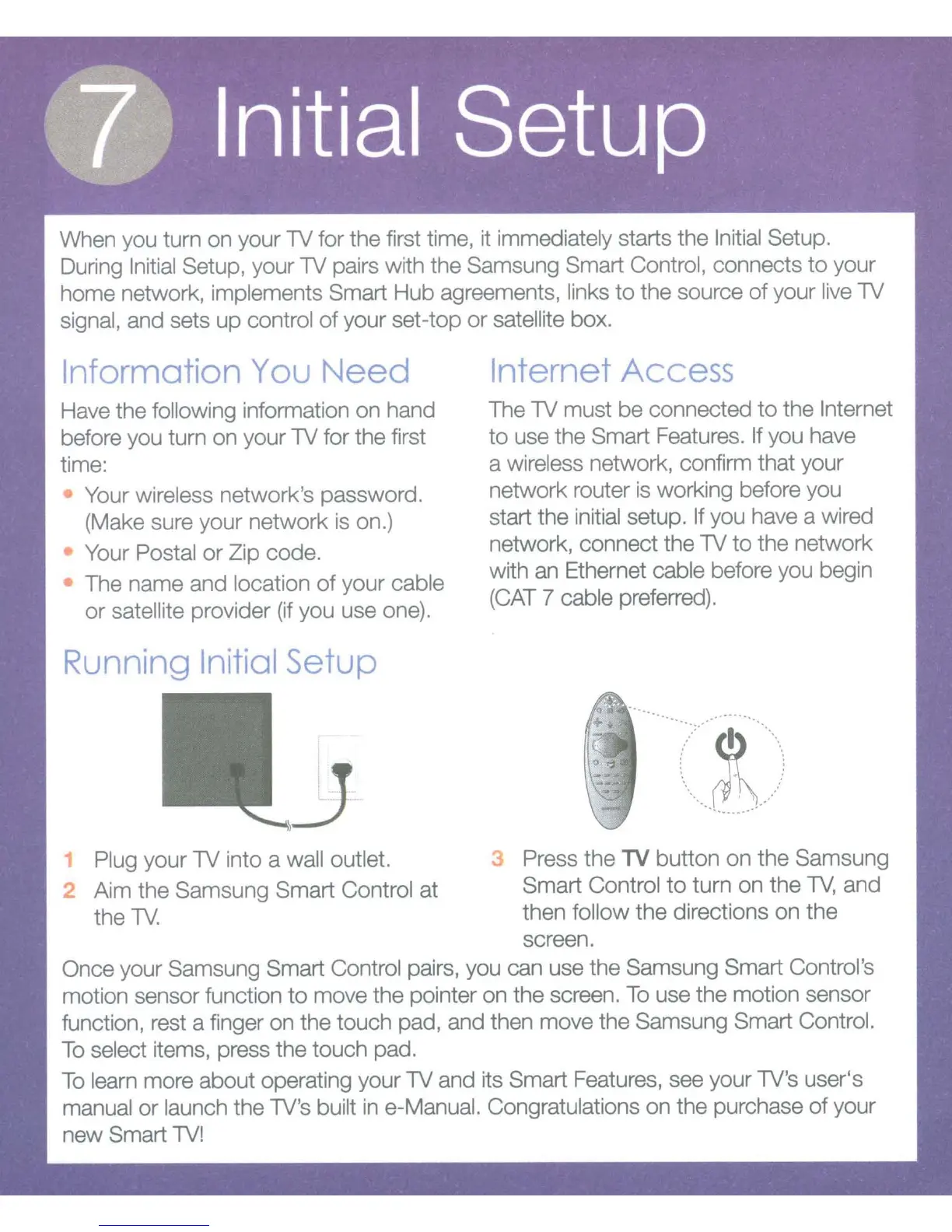
1
Plug
your
1V
into a
wall outlet.
~
Aim the
Samsung Smart Control
at
the
1V.
Internet Access
The
1V
must
be
connected
to
the Internet
to
use the
Smart
Features.
If you have
a
wireless
network, confirm that your
network router is working before you
start the
initial setup. If
you have a wired
network, connect the
1V
to
the network
with an Ethernet
cable
before you begin
(CAT 7
cable
preferred).
·-
.
...
··~.:.::·
~
·-
..•.....
.
.
.
'
'
'
\
...............
~.--//
Press
the
TV
button on the
Samsung
Smart Control
to
turn on the
TV,
and
then
follow
the
directions
on
the
screen.
Once your
Samsung Smart Control
pairs, you can use the
Samsung Smart Control's
motion sensor function
to
move the pointer on the screen.
To
use the motion sensor
function, rest a finger on the touch pad, and then move the
Samsung Smart Control.
To
select
items, press the touch pad.
To
learn
more about operating your
1V
and its
Smart
Features, see your
1V's
user's
manual
or
launch
the
1V's built
in
e-Manual. Congratulations
on the purchase
of
your
new Smart 1V!









 To Next Page