Caution
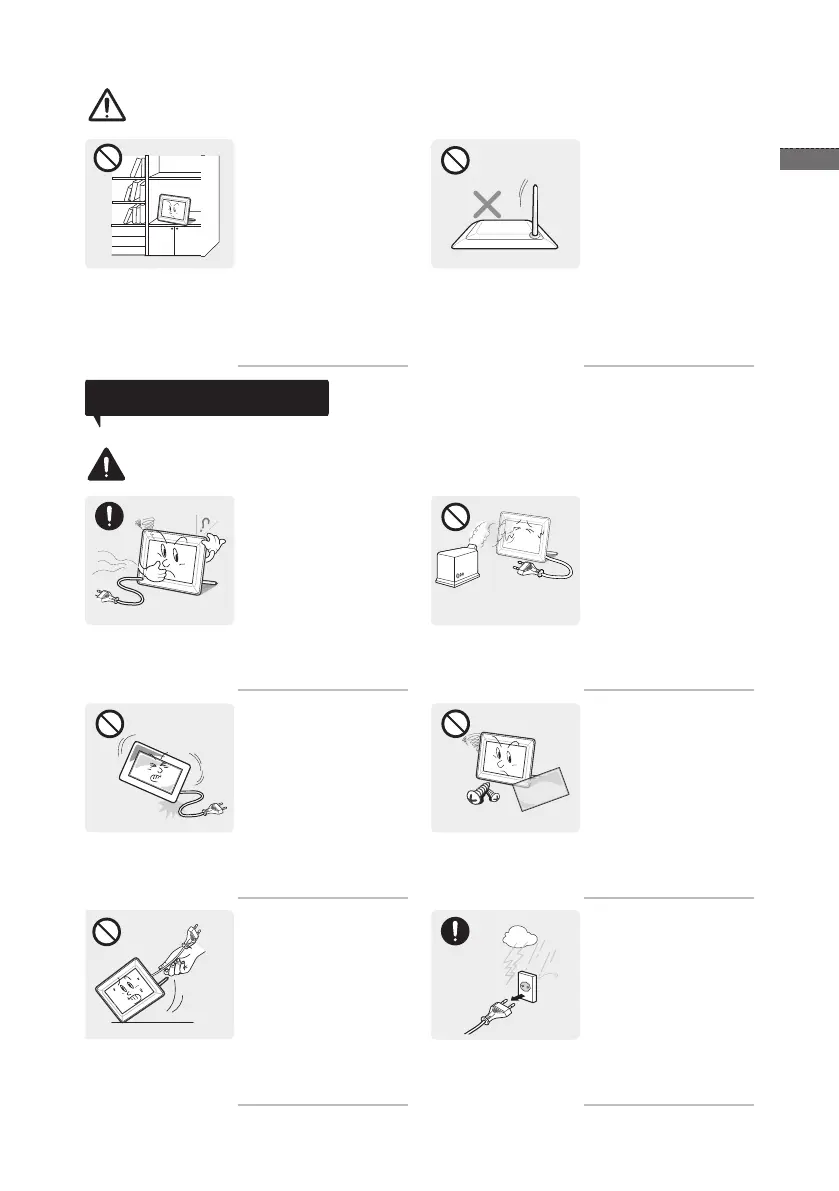
When installing the product
on a console or shelf,
make sure that the front
of the product does not
protrude out of the console
or shelf.
Otherwise, this may cause •
the product to fall off and
result in a malfunction or
injury.
Make sure to use a cabinet •
or shelf suitable to the size
of the product.
Do not place the product
face down on the oor.
This may damage the •
panel of the product.
Usage Related
Warning
If the product generates a
strange noise, a burning
smell, or smoke, unplug
the power plug immediately
and contact a service
center.
Otherwise, it may result in •
electric shock or re.
Do not let the product drop
while moving it.
If you drop the product or
the case is damaged, turn
the power off and unplug
the power cord. Contact a
service center.
Otherwise, it may result in •
re or electric shock.
Avoid lifting up or move the
product by holding only the
power cord or signal cable.
Otherwise, it may result •
in electric shock, re or a
problem with the product
due to damage to the
cable.
Avoid using a humidier or
cooker near the product.
Otherwise, it may result in •
electric shock or re.
Since a high voltage
runs through the product,
never disassemble, repair
or modify the product
yourself.
Otherwise, it may result in •
re or electric shock.
If the product needs to be •
xed, contact a service
center.
Disconnect the power plug
when there is thunder or
lightning.
Otherwise, it may result in •
electric shock or re.


 To Next Page