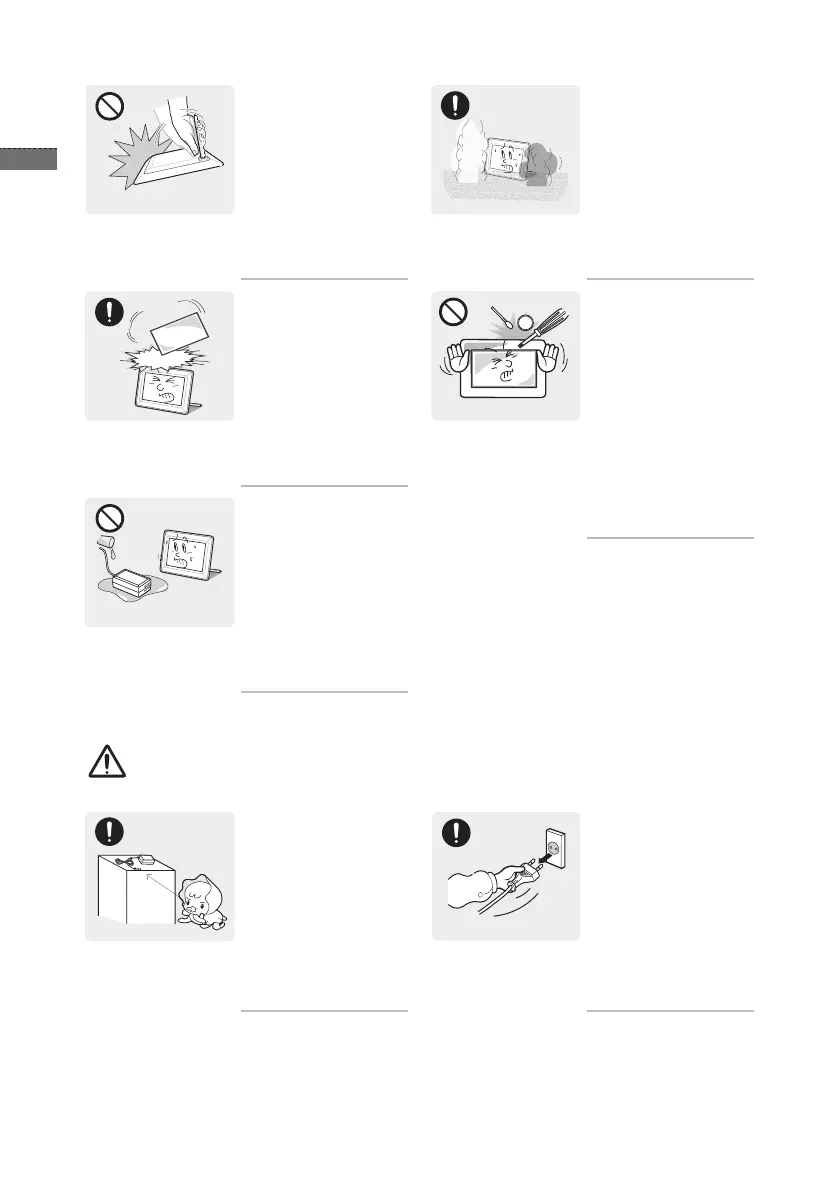
Avoid turning the product
upside down or move the
product holding only the
stand.
This may cause the •
product to fall resulting in
damage to the product or
injury.
When a gas leak occurs,
do not touch the product
or the power plug and
ventilate immediately.
A spark may result in an •
explosion or re.
Avoid dropping an object
over the product or cause
impact to the product.
Otherwise, it may result in •
electric shock or re.
Keep the product away
from places exposed to oil,
smoke or moisture; do not
install inside a vehicle.
Otherwise, it may result •
in electric shock or re. In
particular, avoid operating
the monitor near water or
outdoors where it could be
exposed to snow or rain.
Avoid inserting metal
objects such as a
chopsticks, coins or
hairpins, or inammable
objects into the product
(the vents, ports, etc).
If water or an alien •
substance enters the
product, turn the power
off, unplug the power cord
and contact a service
center. Otherwise, it may
result in a problem with
the product, electric shock
or re.
Caution
Keep the small
accessories in a location
out of the reach of
children.
When not using the
product for a long time
such as leaving your
home, unplug the power
cord from the wall outlet.
Otherwise, it may cause •
dust accumulation and
result in re caused by
overheating or short circuit
or result in an electric
shock.


 To Next Page