4 Alignments and Adjustments
4-5
4-3-3 Adjustment(Applicabile Only to Micom Program Adjustments)
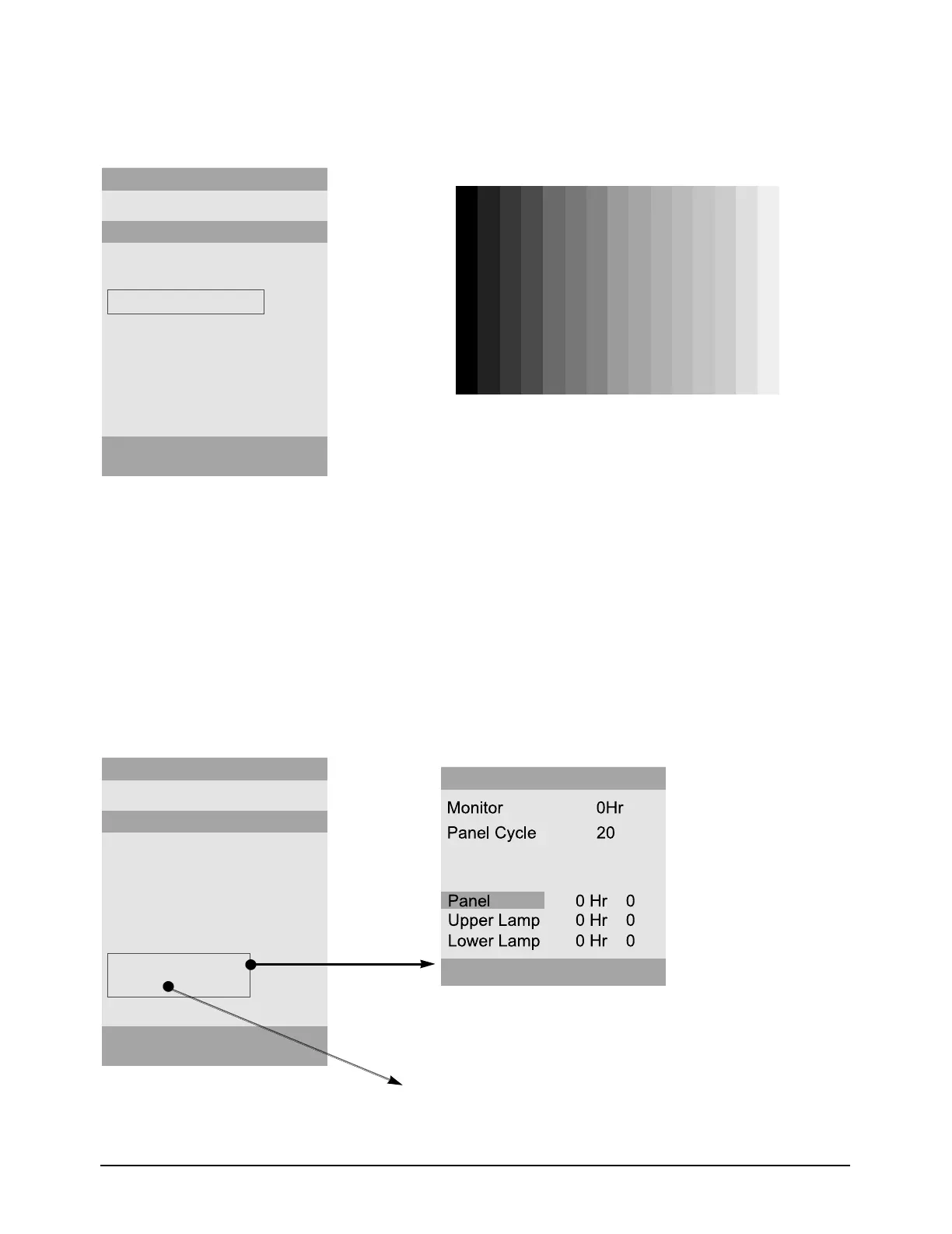
- PC Auto Color
Adjustment
4-3-3
Panel Information Adjustment(Applicable to Panel and lamp replacements)
- Panel Information, Reset
- You may not be able to perfrorm normal color adjustments with any
other patterns than with the 16-gray pattern.
PC Auto color
- PC analog : 1280 x 1024/60Hz, 16Gray Pattern
- Equipment Used : MSPG-3240L
Panel Time Reset : Press the Enter key located on the front of the monitor and
hold it for five seconds.(Perform a panel time reset after a
panel replacement.)
Factory Reset : After performing a reset, turn the main power Off and then
ON again.








 To Next Page