4 Troubleshooting
4-1
4 Troubleshooting
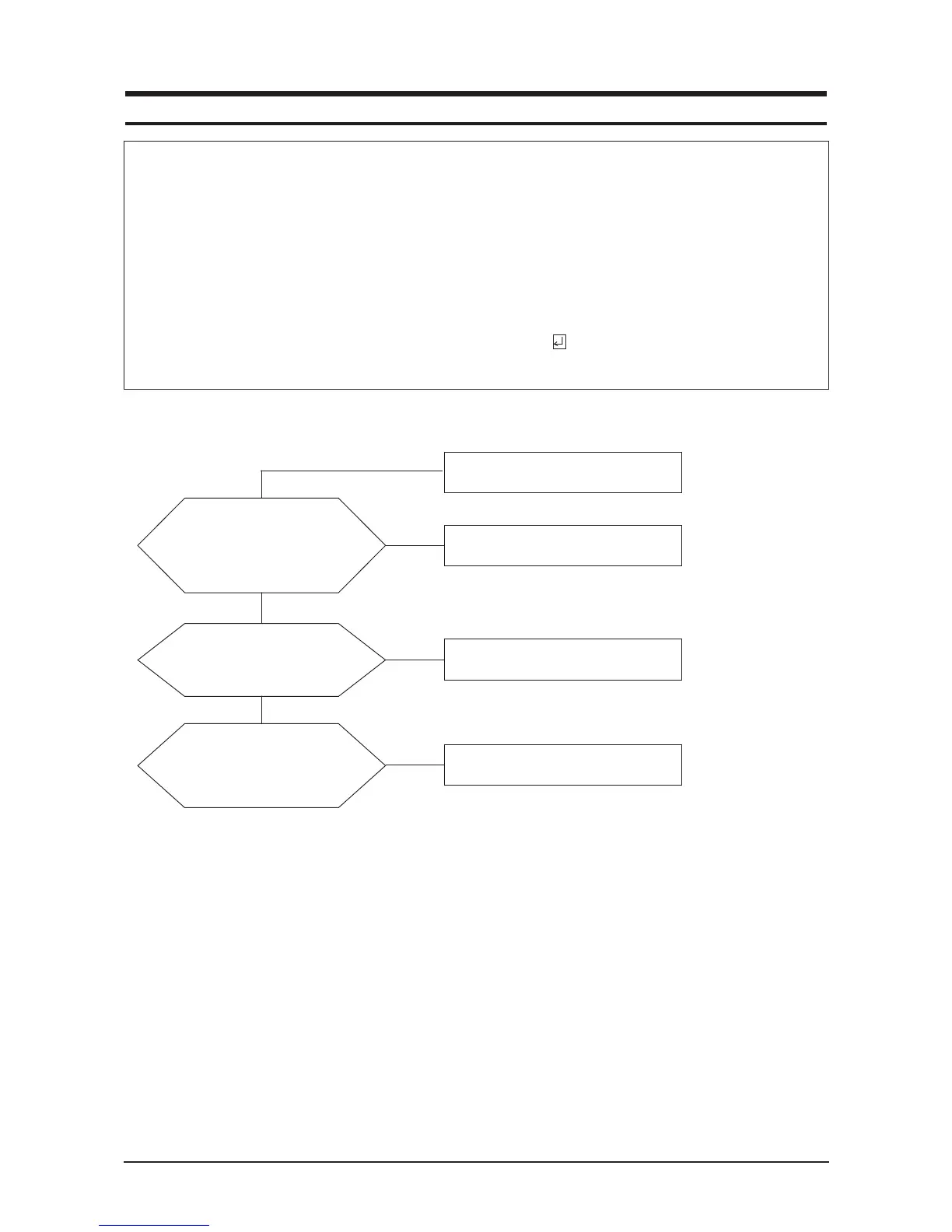
4-1 No Power
When Pin 4 of CN600 is 0V,
does proper DC 14V,5V
appear at Pin 2 and 7,9 of
CN600 separately?
Change IP Board.
Check Function Ass'y.
Yes
Yes
No
When Pin 1 of IC601 is DC 5V
does proper DC3.3V appear at
Pin 3 of IC603?
Check IC601 and rerated circuit.
Yes
No
When Pin 3 of IC602 is DC 5V
does proper DC1.8V appear at
Pin 2 of IC602?
Check IC602 and related circuit.
No
Notes: 1. Before troubleshooting, setup the PC 's display as below.
• Resolution: 1280 x 1024
• H-frequency: 64 kHz
• V-frequency: 60 Hz
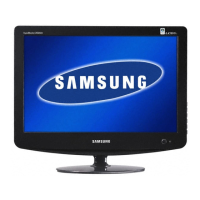
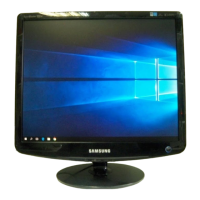
2. If no picture appears, make sure the power cord is correctly connected.
3. Check the following circuits.
• No raster appears: Function PBA, Main PBA, I/P PBA
• 5V develop but no screen: Main PBA
• 5V does not develop: I/P PBA
4. If you select Brightness adjust menu and push the " (Enter/Source)" button for
5 seconds, the monitor automatically returns to factory reset.










 To Next Page