Apps and features
131
•
Daily usage
: View the daily usage time of Kids Home.
•
Activity
: View the activity history of Kids Home.
•
Frequently contacted
: View the frequently used contacts in Kids Home.
•
My kid’s creations
: View the works created from the apps in Kids Home.
•
Allowed content
: Check the apps or content supported by Kids Home and add them.
Closing Kids Home
To close Kids Home, tap the Back button or tap
→
Close Kids Home
, and then enter your
PIN.
Samsung Pay
Introduction
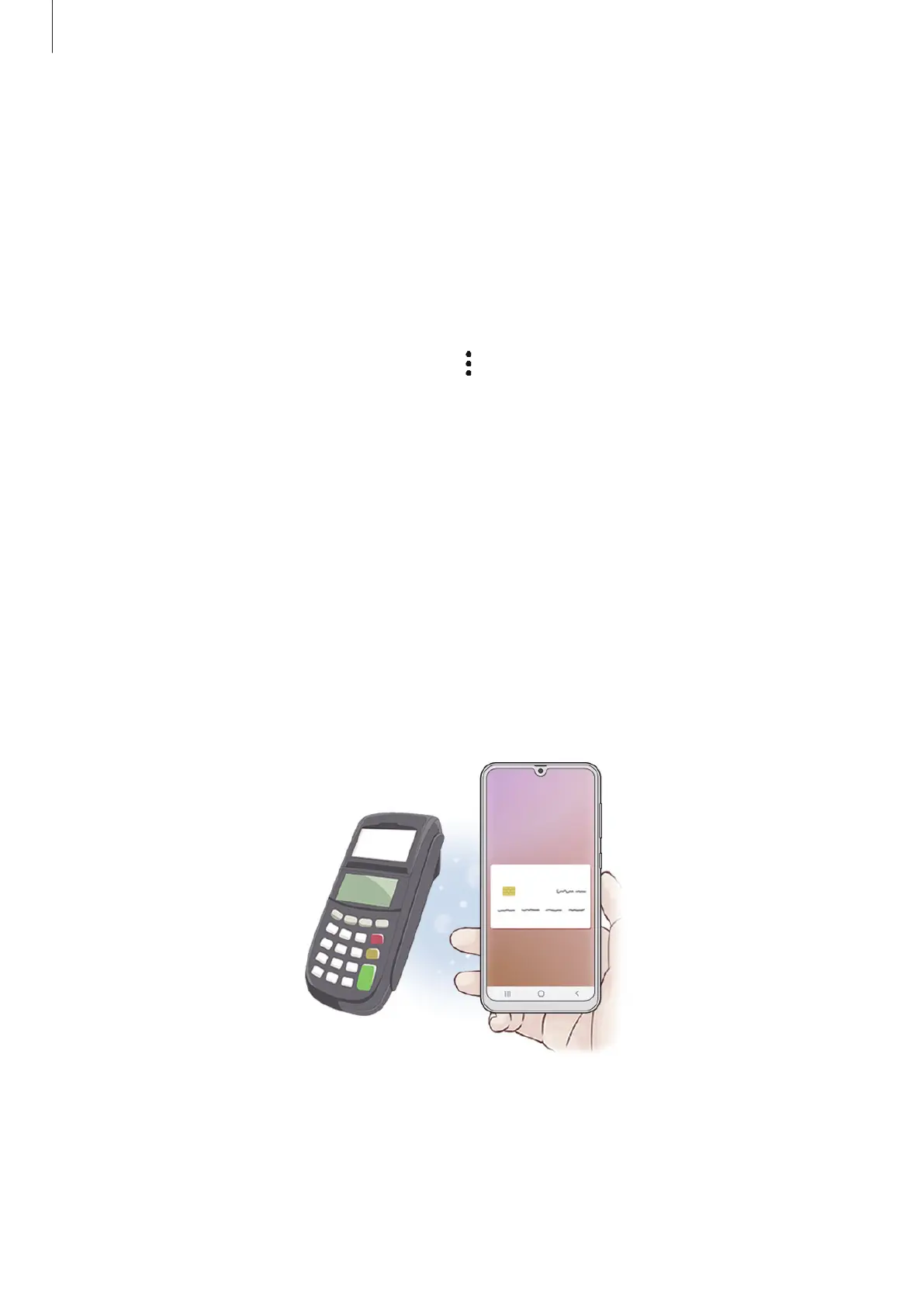
Register frequently used cards to Samsung Pay, a mobile payment service, to make payments
quickly and securely. Samsung Pay supports magnetic secure transmission (MST) as well as
near field communication (NFC) to allow payment through standard credit card readers.
You can view more information, such as cards that support this feature at
www.samsung.com/samsung-pay.





 To Next Page