Getting Start
You have just purchased a system type air conditioner and it has been
installed by your installation specialist.
Your Owner’s Instructions contain much valuable information on using your
air conditioner. Please take the time to read them as they will help you take full
advantage of the unit’s features.
The booklet is organized as follows.
◆ The following figures are shown on pages from 4 to 9 :
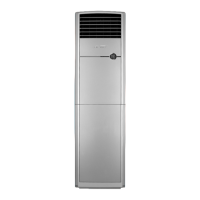
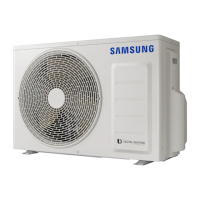
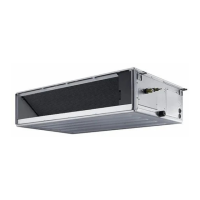
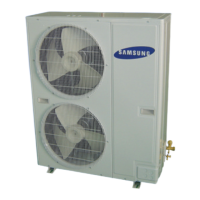
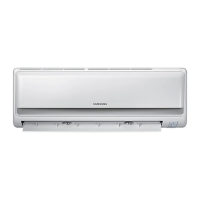
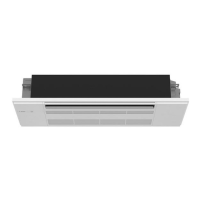
- Indoor and outdoor units
- Wireless remote controller (buttons and display)
- The receiver & display unit
- Wired remote controller (buttons and display)
- Centralized controller
◆ In the main part of the document, you will find a series of step-by-step
procedures for each function available.
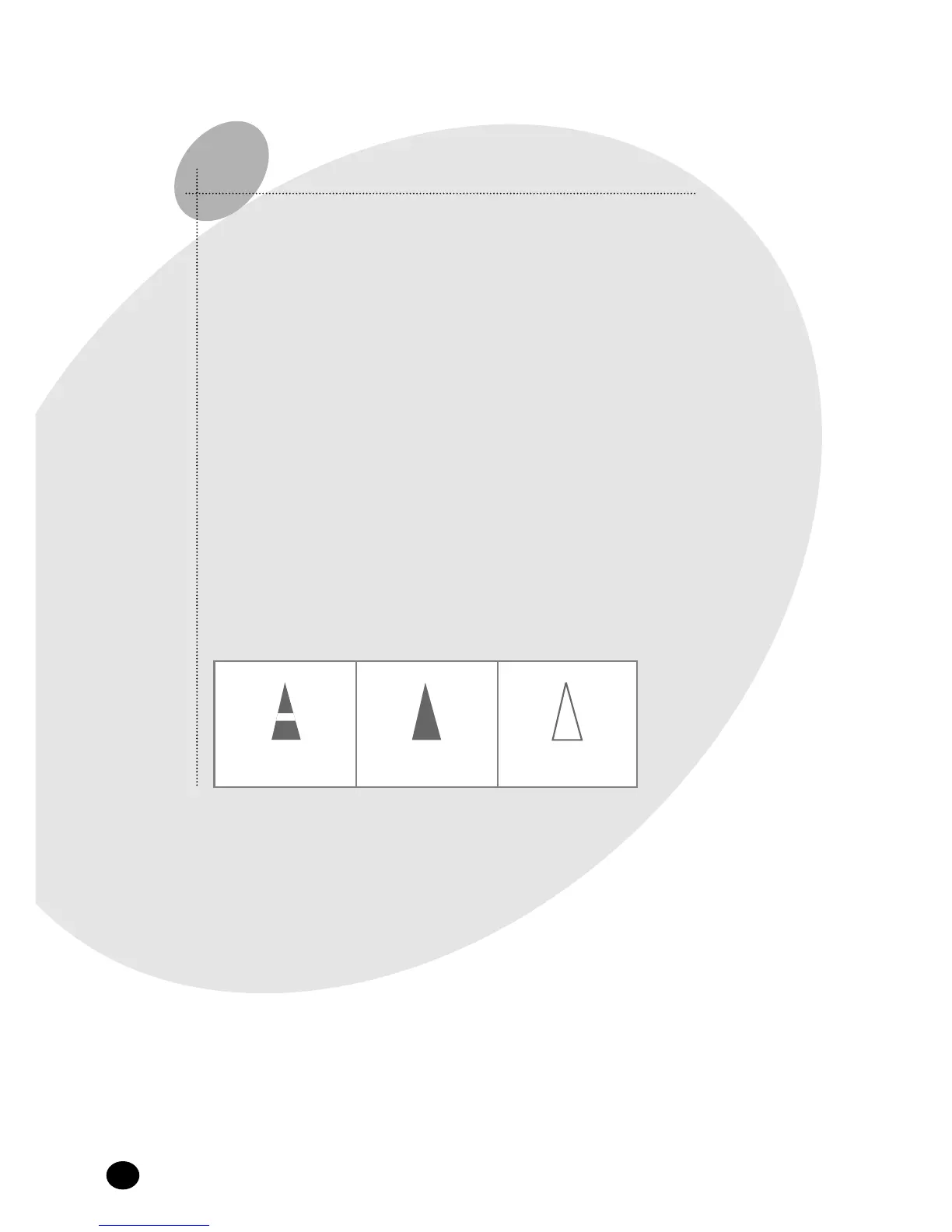
The illustrations in the step-by-step procedures use three different symbols:
PRESS PUSH HOLD DOWN
E-
10



 To Next Page