17
GB
Safety-locking Your Smart Oven
Your smart oven is fitted with a special Child Safety programme,
which enables the oven to be “locked” so that children or anyone
unfamiliar with it cannot operate it accidentally.
The oven can be locked at any time
.
☛
To set stand by active function press any manual function buttons.
Result: Buttons are lit.
LCD : MANUAL COOK
Switching the Beeper On / Off
You can switch the beeper off whenever you want.
☛
To set stand by active function press any manual function buttons.
Result: Buttons are lit.
LCD : MANUAL COOK
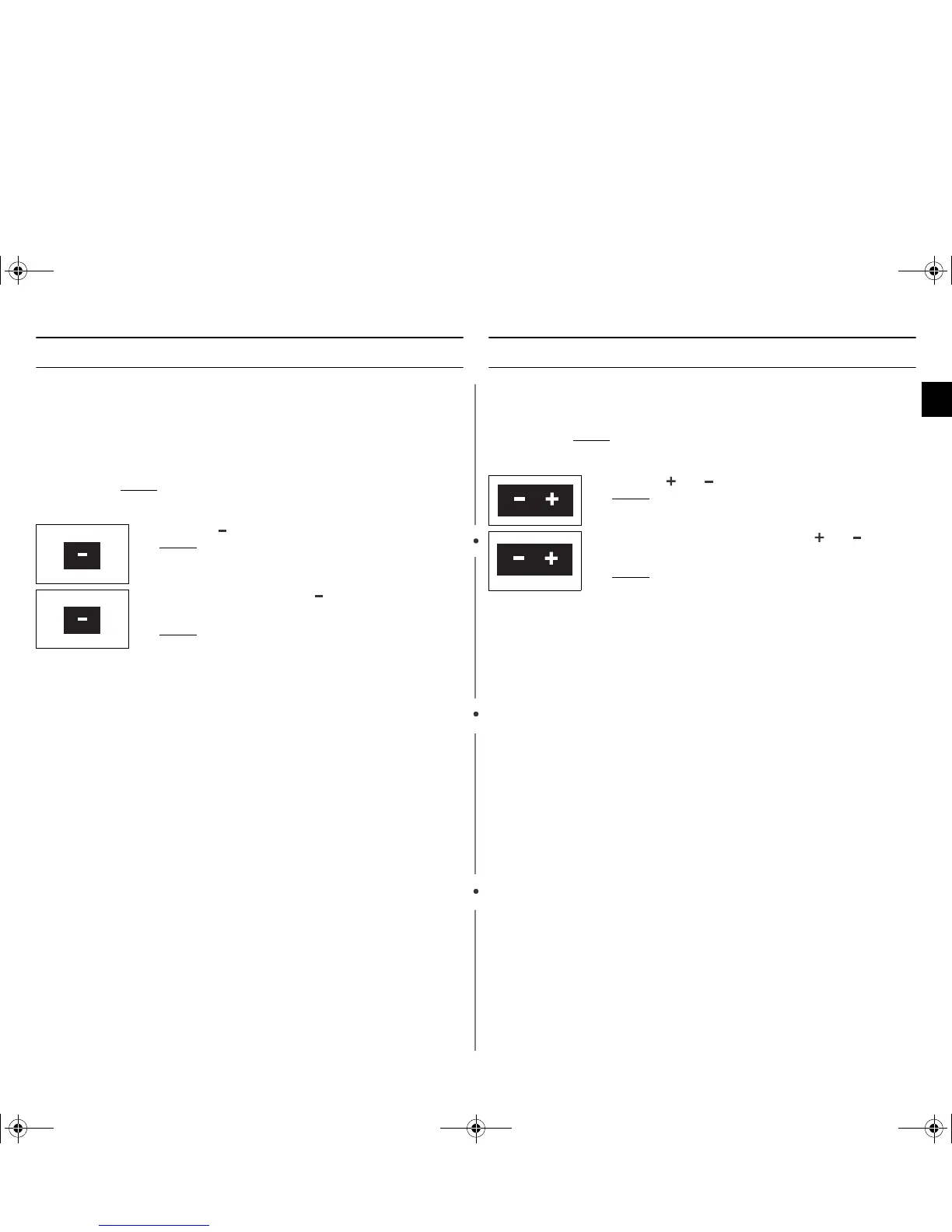
1. Press the ” “ button hold on 5 seconds.
Result: LCD : CHILD LOCK ON
2.
To unlock the oven, press the
”
“ button again hold on 5
seconds.
Result: LCD : CHILD LOCK OFF
The oven can be used normally.
1. Press the and button at the same time.
Result: LCD : SOUND ON
2.
To switch the beeper back on, press the
and
buttons
again at the same time.
Result: LCD : SOUND OFF.
ijlXX`^l|TWZWZ]hniWXUGGwGX^GG{SGtGZSGYWW\GG_a\`Ght




 To Next Page