|
Buttons
|
Photos, Web Photos
|
Music
|
Video
|
Settings
|
Buttons
Control Buttons
Button Description
Turns the product on or off.
Hold down the power button on the side of the product for about 2 seconds.
MENU Opens the on-screen menu and exits from the menu.
VOL +, VOL - Push the button to adjust volume.
∧,∨,<,>
These buttons allow you to adjust items in the menu.
ENTER Activates a highlighted menu item.
BACK Use this button to step one step back in the menu.
|
Buttons
|
Photos, Web Photos
|
Music
|
Video
|
Settings
|
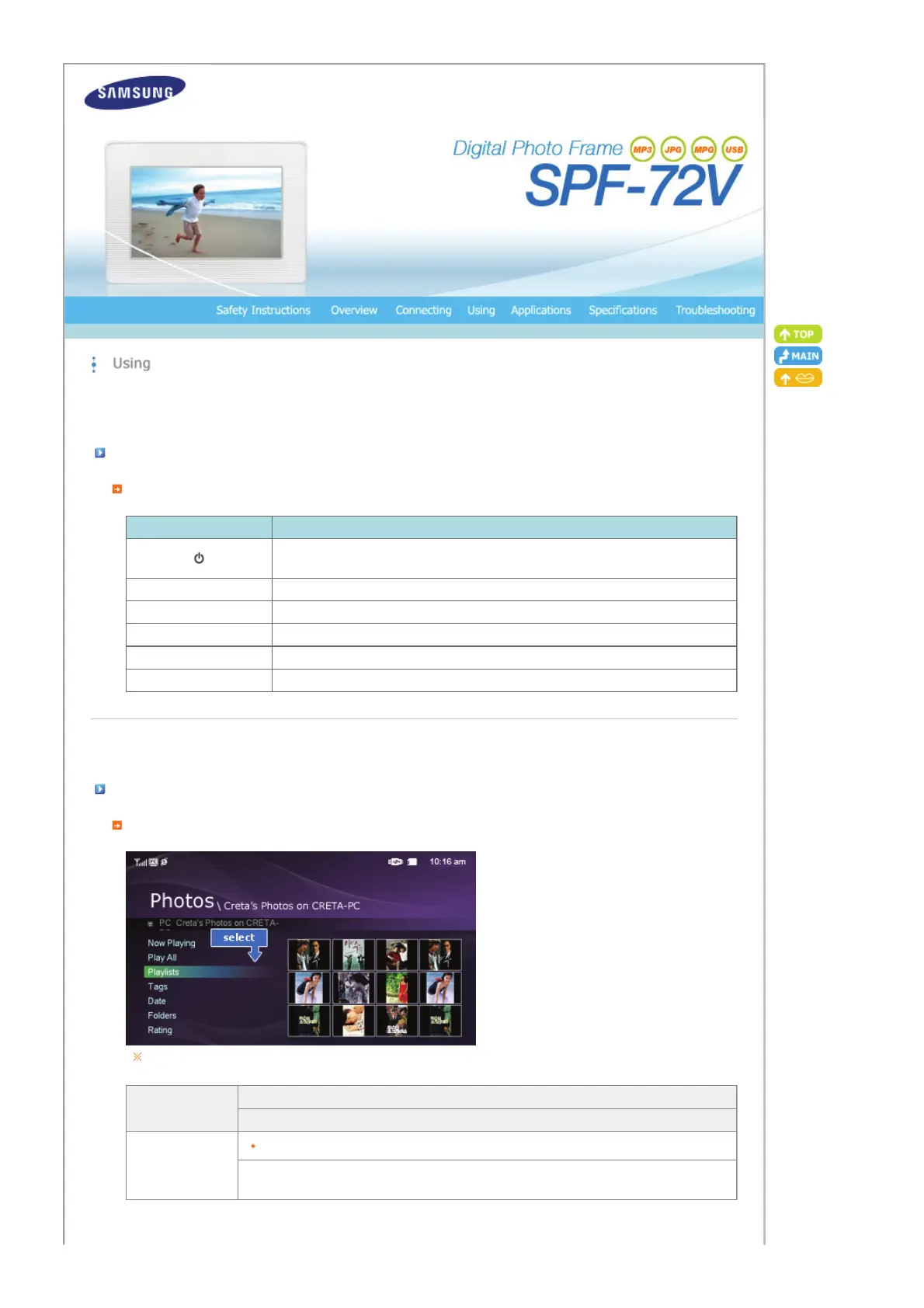
Photos / Web photos
List Menu (Only Photos)
When pressing the MENU button, the on-screen menu is displayed on the screen.
Upper OSD
Sub OSD
Description
Show Pictures From
Memory Card, USB, Frame Memory(:default value)
Select a connected storage media.
You can only select an external device which is currently connected.


 To Next Page