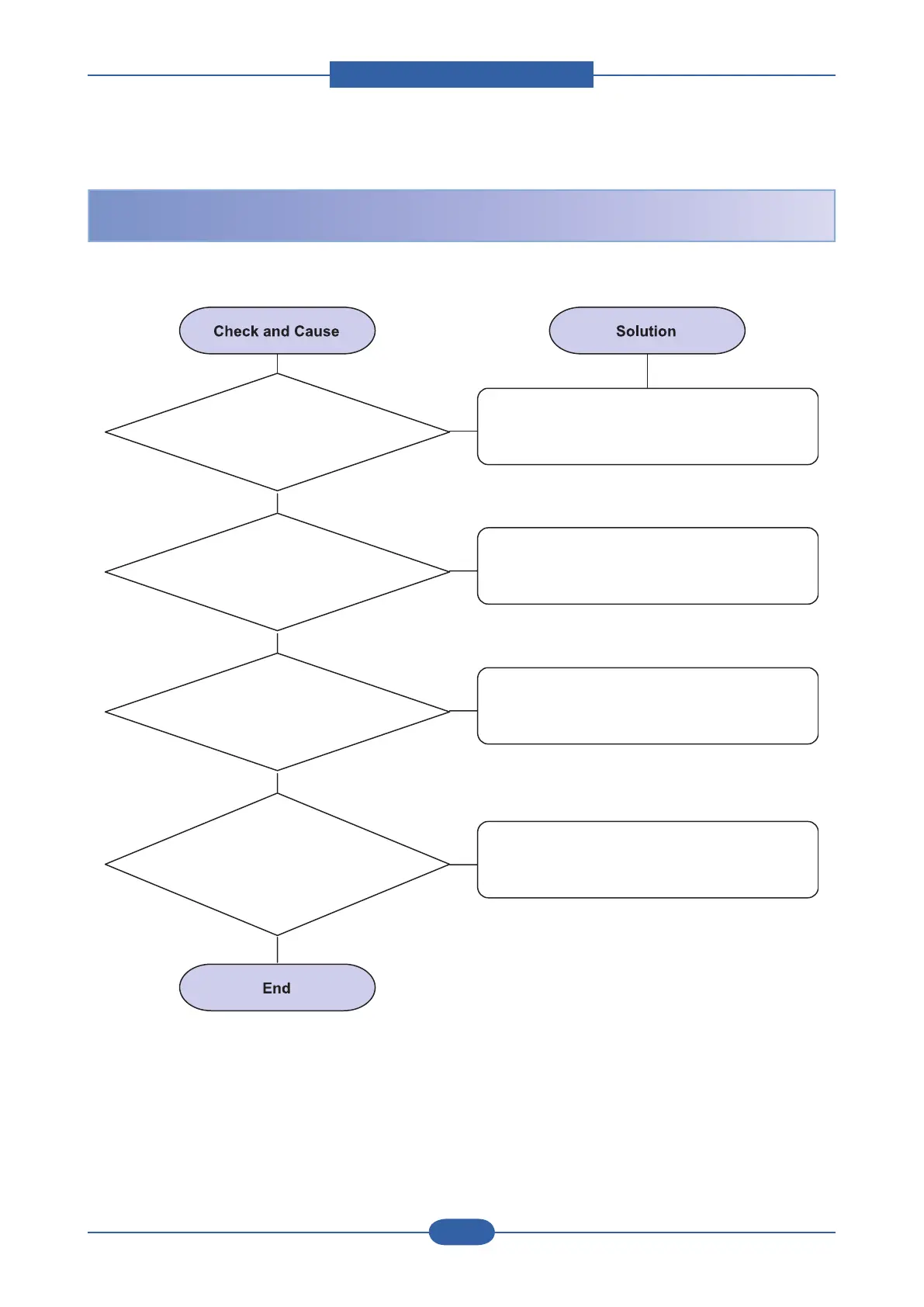
1. Check the Solenoid
by using EDC mode.
Replace the solenoid.
2. Check if the pad is loose
due to bad sealing of the
side-pad.
Replace the side-pad Assembly L or R, if
necessary.
3. Check the surface of the
roller-pickup for foreign matter.
Clean with soft cloth dampened with IPA
(Isopropyl Alcohol) or water.
4. If the paper
feeds into the printer rand
Jam 0 occurs, perform EDC to check
feed-sensor of the engine
board.
Replace the Main B'D and/or Sensor.
1. Paper is not exited from the cassette.
2. Jam-0 occurs if the paper feeds into the printer.






 To Next Page