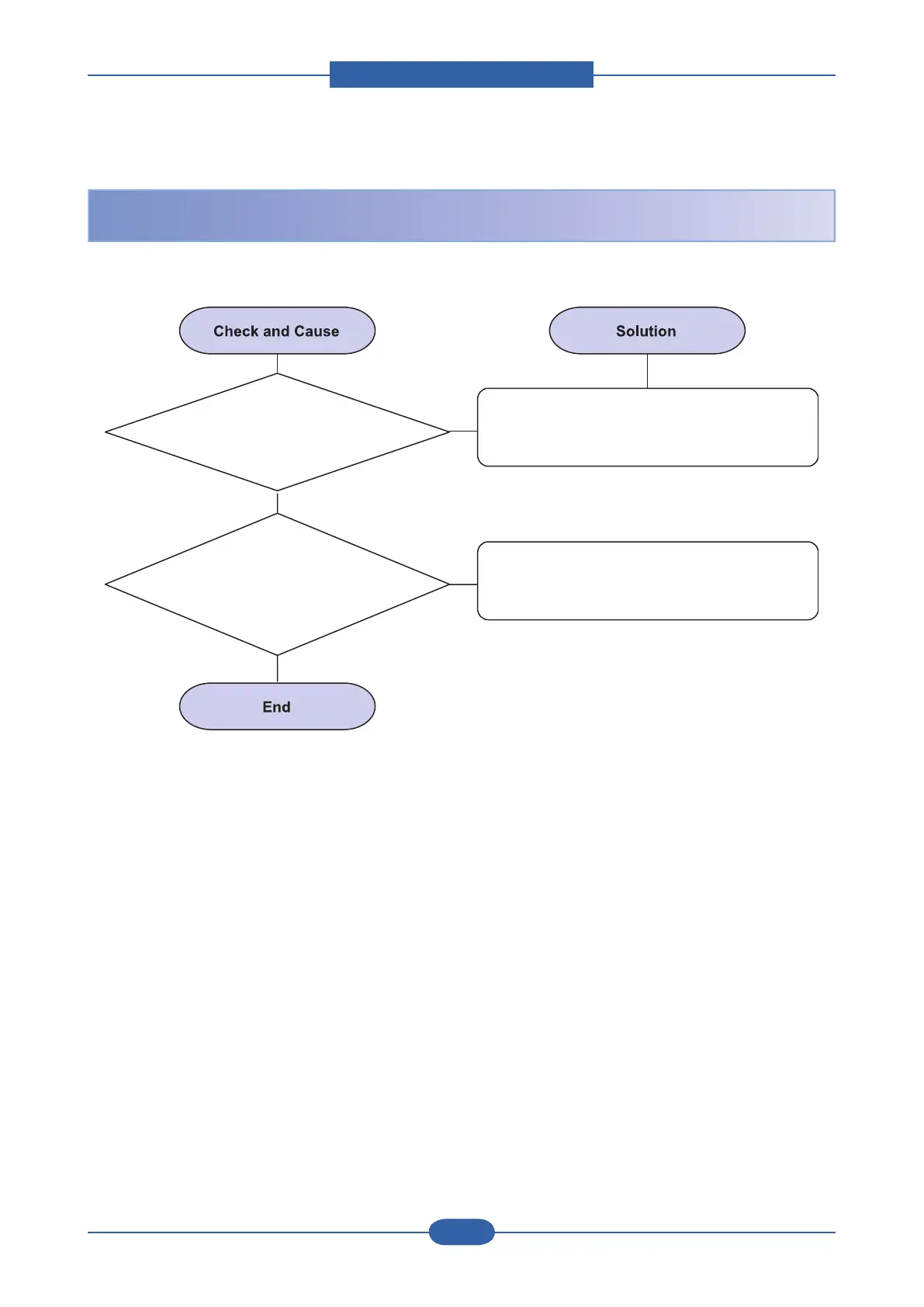
1. Check if the power input
and SMPS output are normal.
Replace the power supply cord or SMPS.
2. Check the inferiority
of LED-Panel on the front-cover if the
LED of Panel does not appear after
normal warmingup.
1. Replace the control board.
2. Replace the LED-panel.
When system power is turned on, all lamps on the operator panel do not come on.






 To Next Page