EasyManua.ls Logo

Samsung CLP-310 - Page 97

Samsung CLP-310
146 pages
Print Icon
To Next Page IconTo Next Page
To Previous Page IconTo Previous Page
Loading...
Alignment & Troubleshooting
Service Manual
4-40
Samsung Electronics
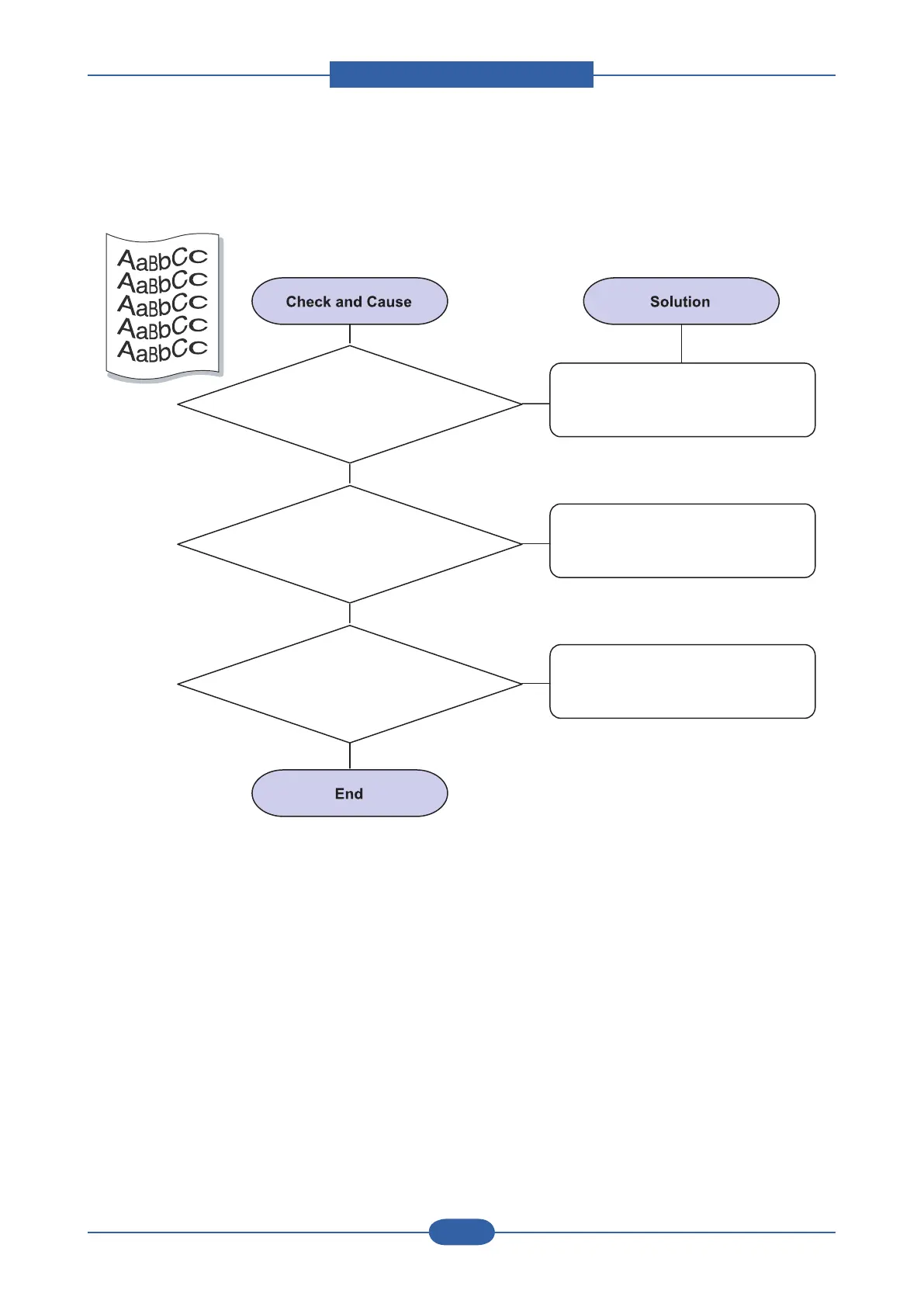
11) Curl or wave
1. Curl or wave
Ensure that the paper is loaded
properly.
2. Check the paper type and quality.
Both high temperature and high
humidity can cause paper curl.
Also try rotating the paper 180¡ in
the tray.
3. Turn the stack of
paper over in the tray.
AaBbCc
AaBbCc
AaBbCc
AaBbCc
AaBbCc
AaBbCc
AaBbCc
AaBbCc
AaBbCc
AaBbCc
AaBbCc
AaBbCc
AaBbCc
AaBbCc
AaBbCc
AaBbCc
AaBbCc
AaBbCc
AaBbCc
AaBbCc
AaBbCc
AaBbCc
AaBbCc
AaBbCc
AaBbCc
AaBbCc
AaBbCc
AaBbCc
AaBbCc
AaBbCc
A
AaBbCc
AaBbCc
AaBbCc
AaBbCc
AaBbCc
A
A
AaBbCc
AaBbCc
AaBbCc
AaBbCc
AaBbCc

Other manuals for Samsung CLP-310

Related product manuals