
 Need help?
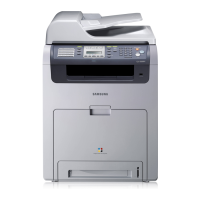
Do you have a question about the Samsung CLX-6200ND and is the answer not in the manual?
Embedded web server to control and monitor Samsung printers remotely.
Web-based fleet management for IT professionals to manage network devices.
Manages information and assists in generating reports for usage and status.
Detects and manages non-network printers connected via USB or LPT.
Manages files like fonts, forms, and macros on devices with storage.
Saves and uploads device settings from one device to others.
Full-featured solution for scanning, document management, and search.
Provides scan information, status, and allows user configuration.
JavaScript-based platform to control devices and manipulate print/image data.
Automatic toner ordering solution that monitors toner status and alerts managers.
 General
| Brand | Samsung |
|---|---|
| Model | CLX-6200ND |
| Category | All in One Printer |
| Language | English |



 To Next Page