16
ENG
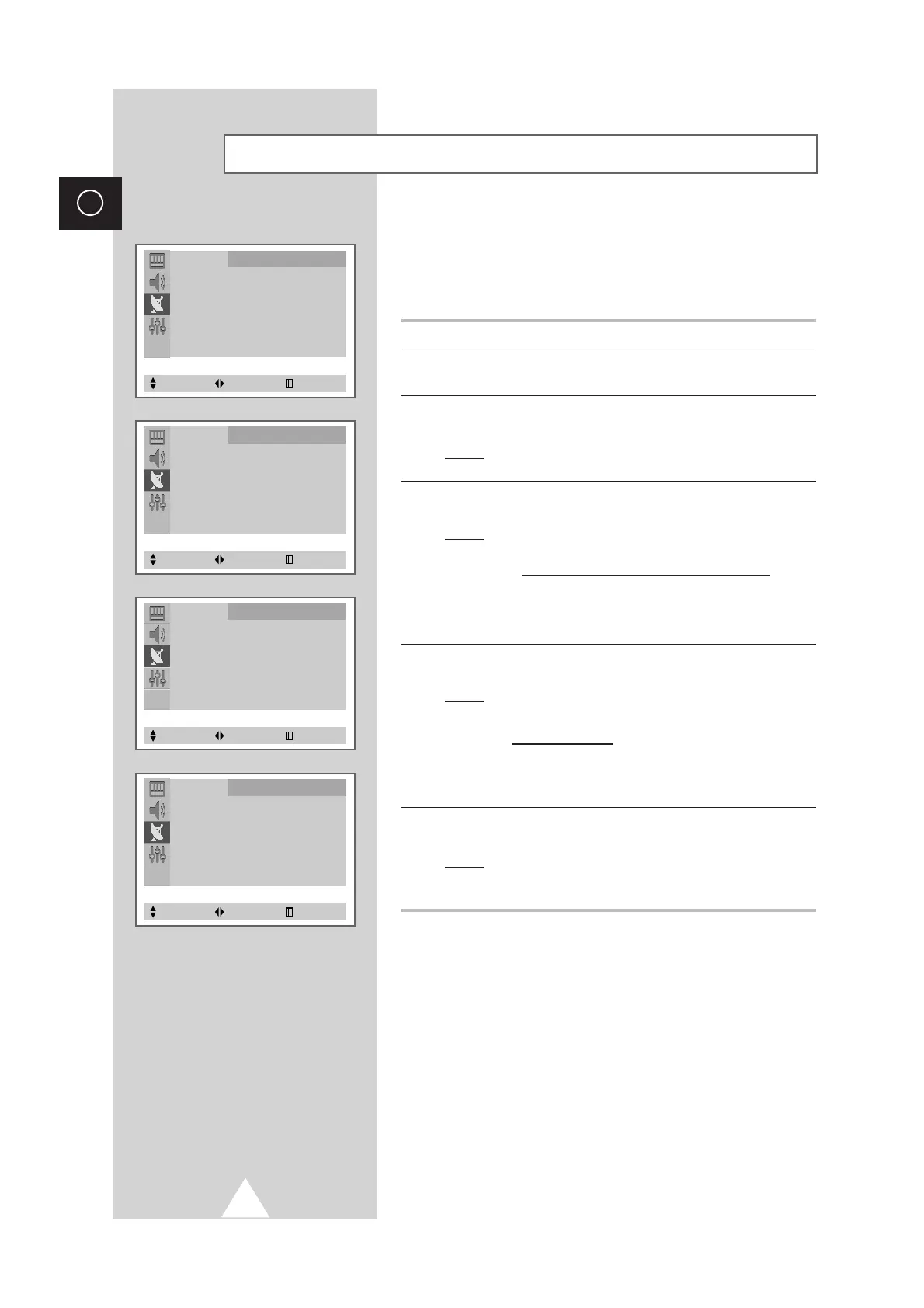
When storing channels manually, you can choose:
◆ Whether or not to store each of the channels found.
◆ The number by which you wish to identify each stored
channel.
1 Press the MENU button.
2 Press the ▲ or ▼ button to select the
Channel
and press the œ or
√ button.
3 Press the ▲ or ▼ button to select the
Manual Store
and press the
œ or √ button.
Result:
The “Manual Store” menu is displayed with the
Color
System
selected.
4 Press the œ or √ button repeatedly until the color is of the best
quality.
Result:
The
Color System
is changed.
AUTO ↔ PAL ↔ SECAM ↔ NTSC4.43 ↔ NTSC3.58
➣
NTSC4.43 is a “trick” playback mode used
by special VCR’s to play PAL-recorded
videos in NTSC mode.
5 Press the ▲ or ▼ button to select the
Sound System
and press the
œ or √ button repeatedly until the sound is of the best quality.
Result:
The
Sound System
is changed.
B/G ↔ I ↔ D/K ↔ M
➣
If sound does not work regularly after storing
channels, select the sound system which best
corresponds.
6 To start the search, select the
Search
and then press the œ or √
button.
Result:
The tuner scans the frequency range until the first
channel or the channel that you selected is received on
your screen.
Storing the Channels Manually
➞
➞
➞
➞
Channel
Auto Store √
Manual Store √
Add/Erase √
Fine Tune √
Sort √
Select Enter Exit
Channel
Manual Store
Color system : AUTO
Sound system : B/G
Search : -/+
Prog. No. : 18
Store : ?
Select Adjust Exit
Channel
Manual Store
Color system : AUTO
Sound system : B/G
Search : -/+
Prog. No. : 18
Store : ?
Select Adjust Exit
Channel
Manual Store
Color system : AUTO
Sound system : B/G
Search : -/+
Prog. No. : 18
Store : ?
Select Adjust Exit








 To Next Page