39
Connecting the touchscreen monitor
Connecting to a PC
1
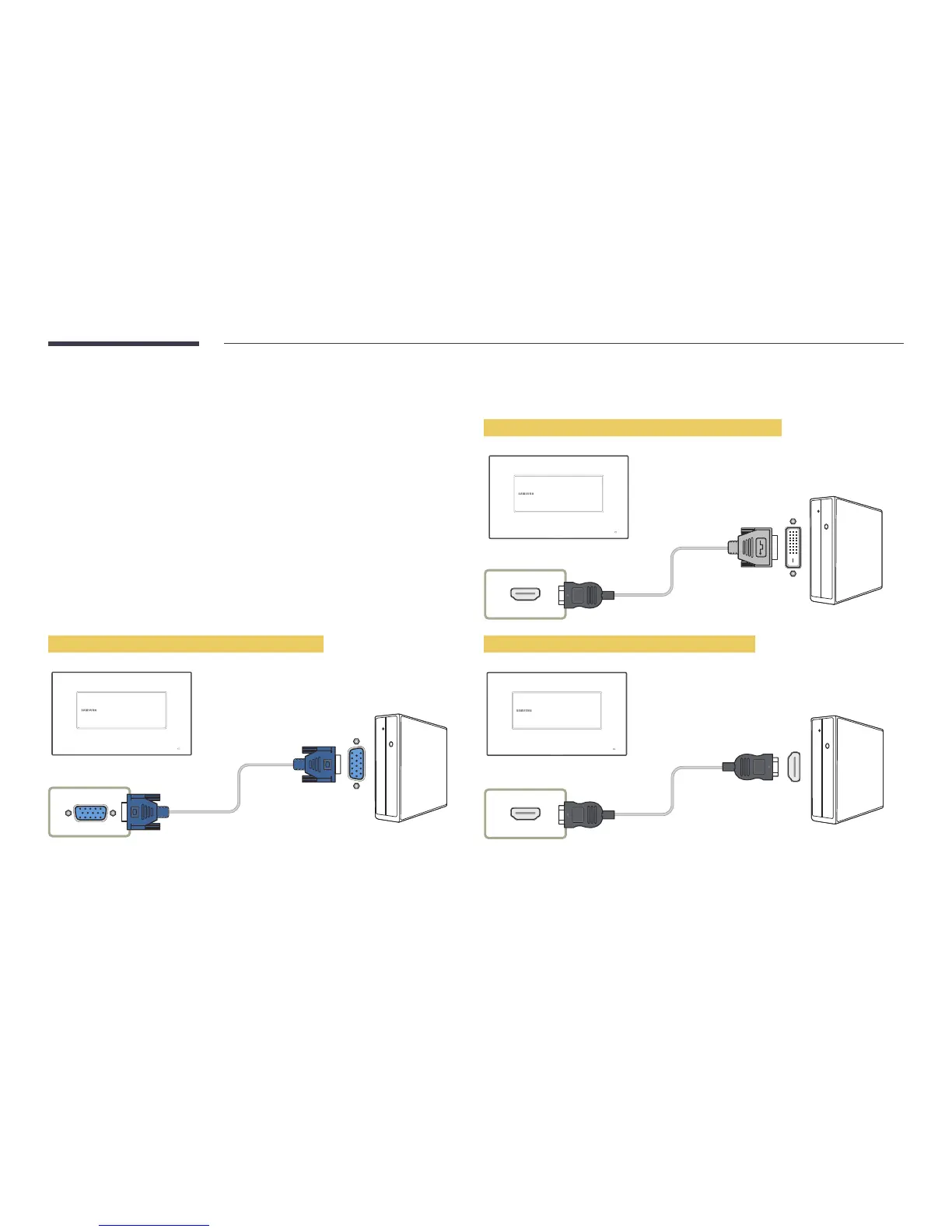
Connect your PC to the product using a D-SUB, HDMI or HDMI-DVI cable.
―
Connecting parts may differ in different products.
Connecting the devices using a HDMI-DVI cable
HDMI IN(DVI)
Connecting the devices using a HDMI cable
HDMI IN(DVI)
Connecting the devices using a D-SUB cable
RGB IN



 To Next Page