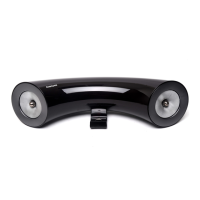
Using the multimedia dock
13
Orienting your mobile device’s screen
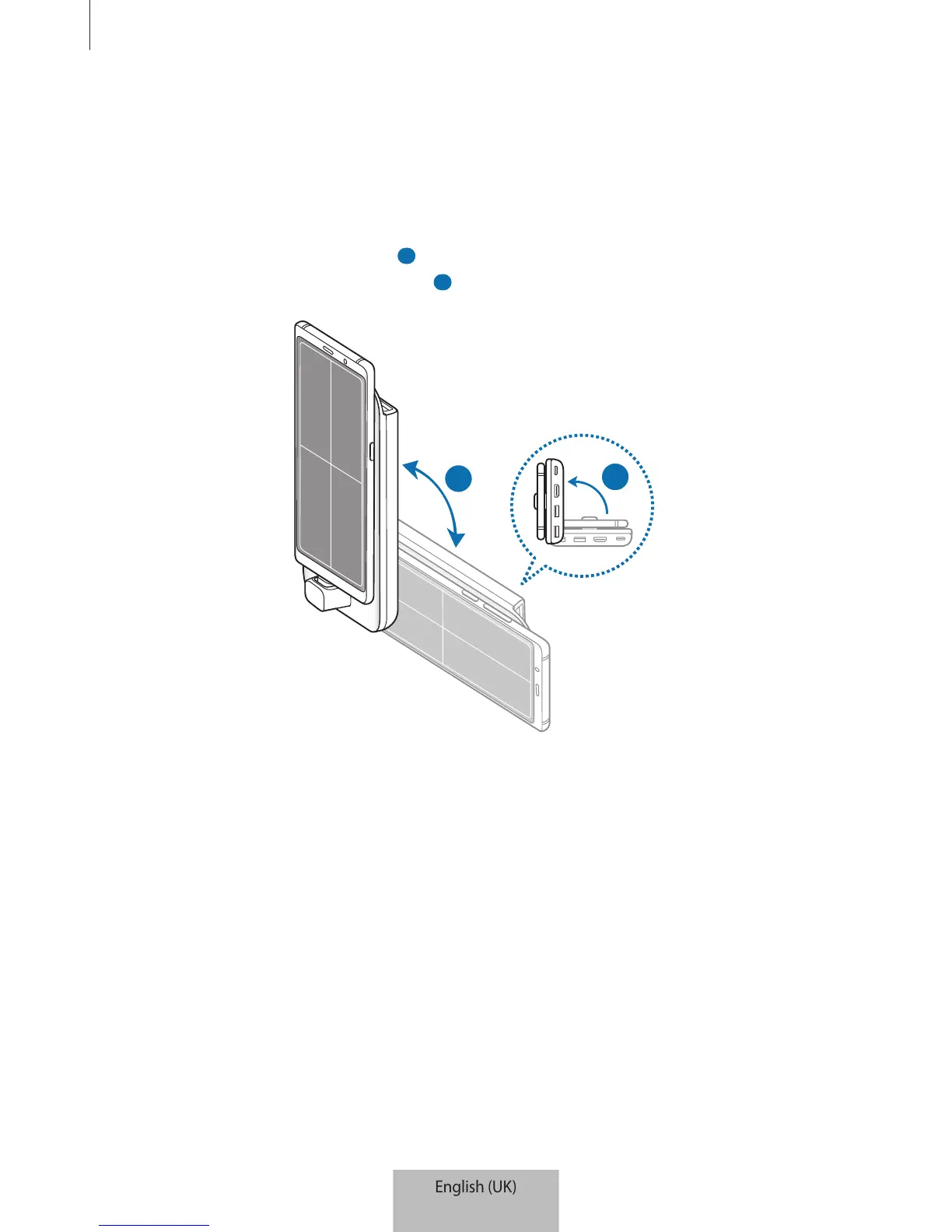
When you are using your mobile device as a touchpad, you can use it in either the horizontal
or vertical alignment.
1
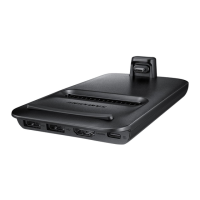
When the multimedia dock and the mobile device are connected, raise both of them to
be perpendicular to the surface (
1 ). Then, turn the mobile device to be either vertical or
horizontal, the orientation you want (
2 ).
2


 To Next Page