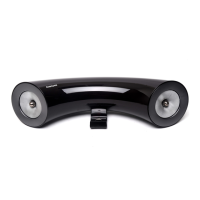
Using the multimedia dock
12
Controlling the Samsung DeX screen
Controlling with a mobile device
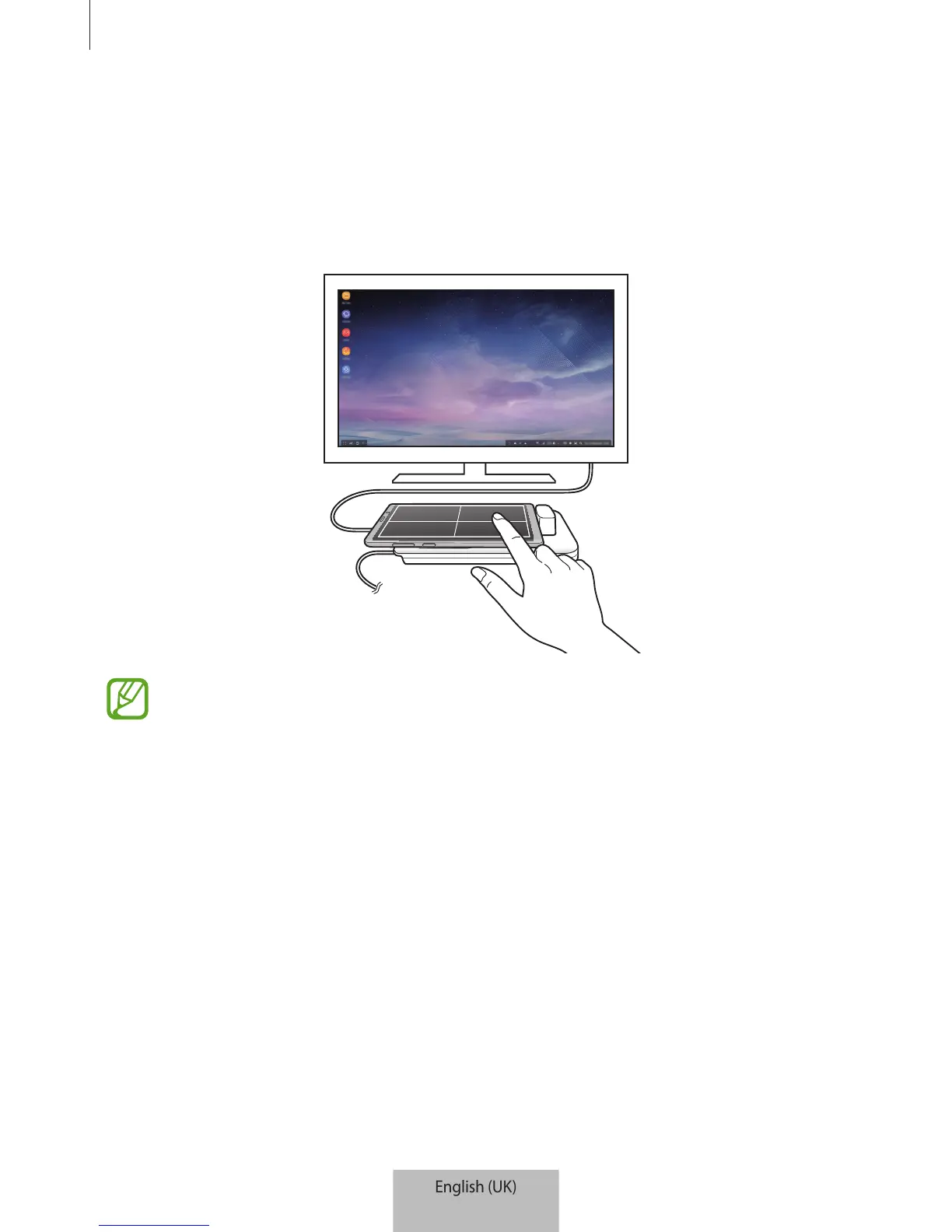
You can use your mobile device’s screen as a touchpad.
•
You can use the touchpad only when using Samsung DeX mode.
•
If your mobile device’s case has a front cover, open the front cover to use the
mobile device as a touchpad. If the front cover is closed, the touchpad may not
work properly.
Controlling the screen
•
Tapping: Launch an app or select a button.
•
Tapping with two fingers: Show the additional options.
•
Swiping with two fingers: Scrolling the screen in any direction.
•
Spreading or pinching with two fingers: Zoom in or out.
•
Tapping and holding: Select an item on the screen.
•
Dragging: Move an item or select text.


 To Next Page