7
Using the multimedia dock
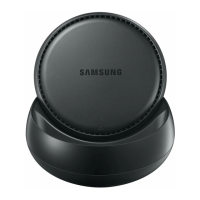
Connecting the multimedia dock and a mobile
device
1
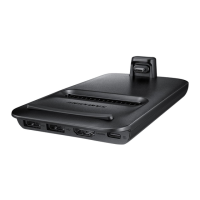
Connect the charger to the multimedia dock’s charger port (USB Type-C).
Use only Samsung-approved chargers that support the fast charging feature
(9 V/1.67 A, 9 V/2 A, 12 V/2.1 A).
•
To save energy, unplug the charger when not in use. The charger does not have a
power switch, so you must unplug the charger from the electric socket when not in
use to avoid wasting power. The charger should remain close to the electric socket
and easily accessible while charging.
•
Remove your mobile device from the multimedia dock when it is not in use.
Otherwise, your mobile device’s battery will drain.
•
The socket-outlet shall be installed near the equipment and shall be easily
accessible.


 To Next Page