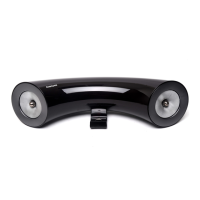
Using the multimedia dock
8
2
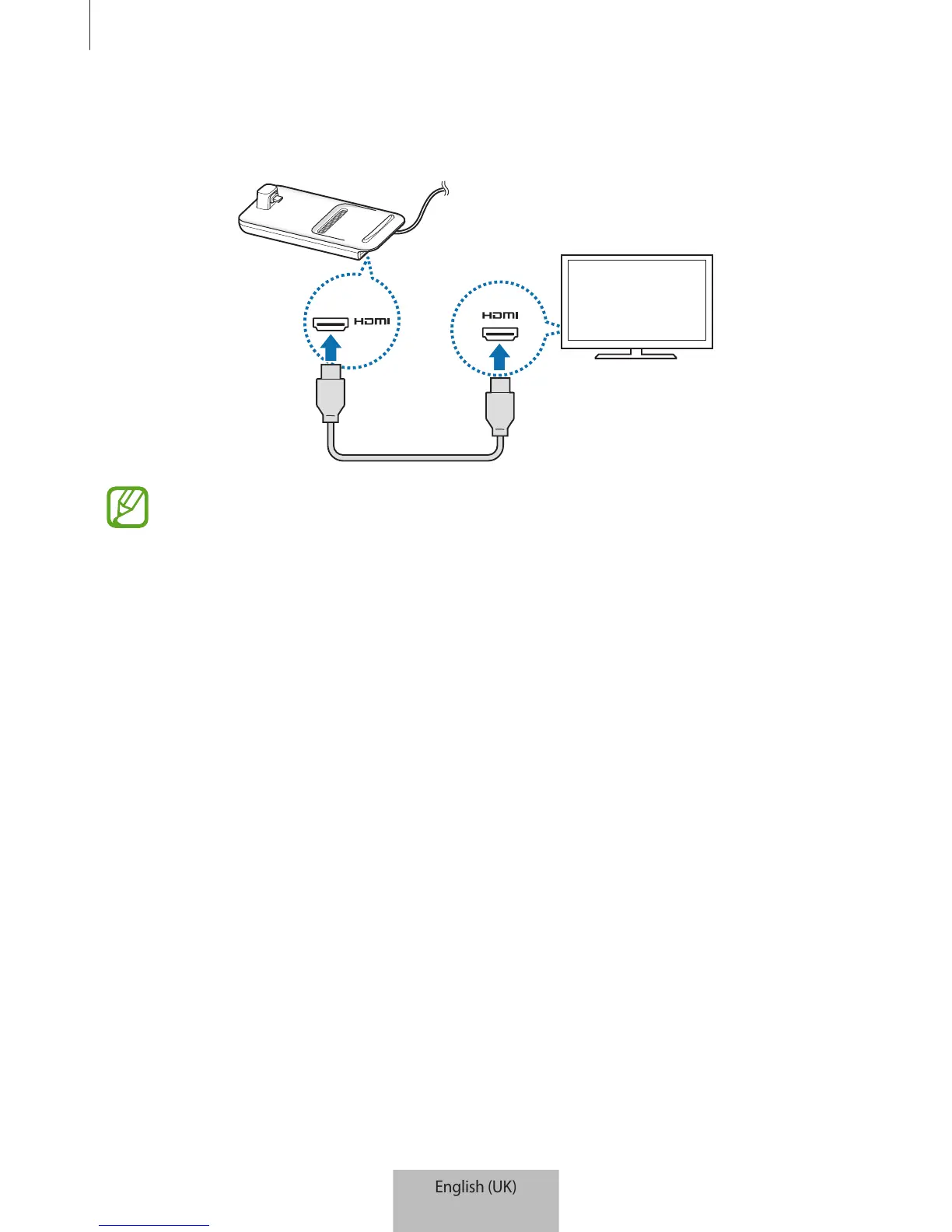
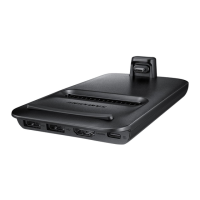
Connect one end of an HDMI cable to the multimedia dock’s HDMI port, and plug the
other end of the cable into a TV or monitor’s HDMI port.
Use only the HDMI cable supplied with the multimedia dock. Otherwise, the
multimedia dock may not work properly.


 To Next Page