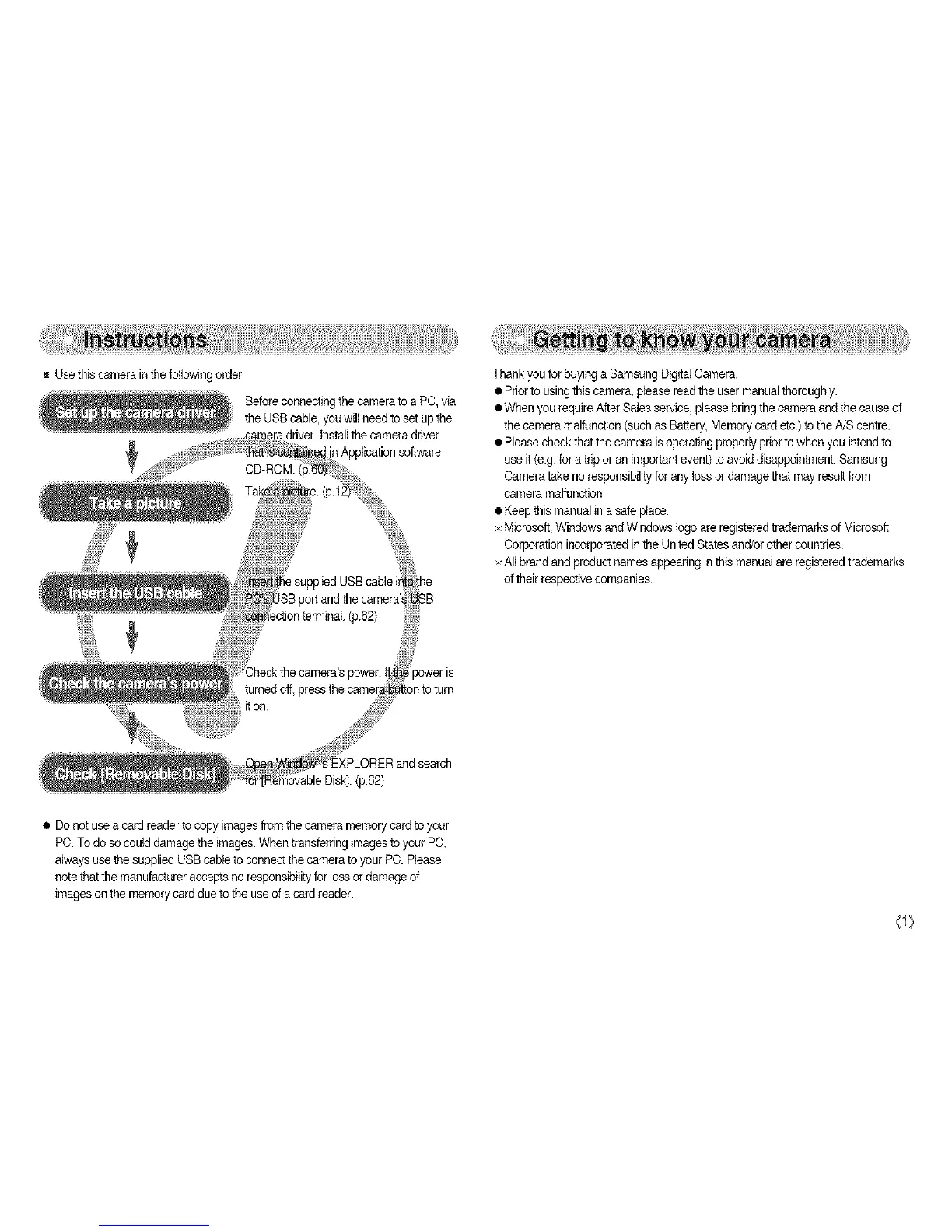
BUsethiscamerainthefollowingorder
BeforeconnectingthecameratoaPC,via
theUSBcable,youwillneedtosotupthe
•adriver,tnstallthecameradriver
p.62)
• Donotuseacardreadertocopyimagesfromthecameramemorycardtoyour
PC.Todosocoulddamagetheimages.WhentransferringimagestoyourPC,
alwaysusethesuppliedUSBcabletoconnectthecameratoyourPC.Please
notethatthemanufactureracceptsnoresponsibilityforlossordamageof
imagesonthememorycardduetotheuseofacardreader.
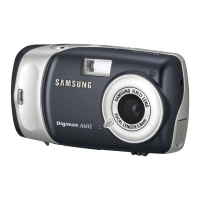
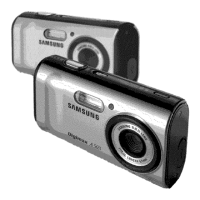
ThankyouforbuyingaSamsungDigitalCamera.
•Priortousingthiscamera,pleasereadtheusermanualthoroughly.
•WhenyourequireAfterSalessorviso,pleasebringthecameraandthecauseof
thecameramalfunction(suchasBattery,Memorycardetc.)totheA/Scentre.
•Pleasecheckthatthecameraisoperatingproperlypriortowhenyouintendto
useit(e.g.foratriporanimportantevent)toavoiddisappointment.Samsung
Cameratakenoresponsibilityforanylossordamagethatmayresultfrom
cameramalfunction.
•Keepthismanualinasafeplace.
>kMicrosoft,WindowsandWindowslogoareregisteredtrademarksofMicrosoft
CorporationincorporatedintheUnitedStatesand/orothercountries.
Altbrandandproductnamesappearinginthismanualareregisteredtrademarks
oftheirrespectivecompanies.
<1}





 To Next Page