
 Need help?
Do you have a question about the Samsung DVD-R150 and is the answer not in the manual?
Methods for connecting the unit to external devices like TVs.
Navigating menus and performing automatic setup.
Supported discs, formats, and recording modes.
How to record TV programs or from external sources.
Setting up scheduled recordings using timers.
Solutions for common problems related to power, recording, and playback.
 General
| Analog signal format system | PAL |
|---|---|
| Audio formats supported | MP3 |
| Video formats supported | DivX |
| Dimensions (WxDxH) | 430 x 240 x 49 mm |
| Power requirements | 220-240V |
| Optical disc recording | DVD-R, DVD-RW, DVD-RAM, DVD-R DL |
| Audio decoders | Dolby Digital, DTS |
| Channels quantity | 99 channels |
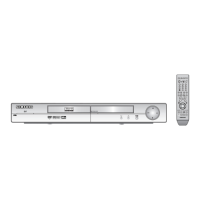
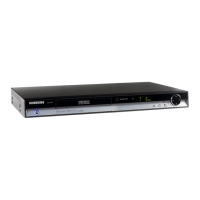
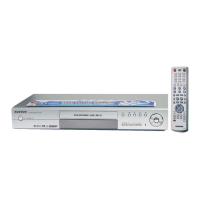
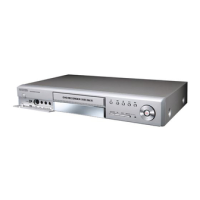
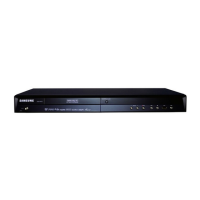
| Device type | DVD recorder |
| Composite video out | 1 |
| SCART ports quantity | 2 |
| Power consumption (standby) | 1.5 W |
| Power consumption (typical) | 19 W |




 To Next Page