EasyManua.ls Logo

Samsung DW6 R705 Series - User Manual

Samsung DW6 R705 Series
76 pages
Print Icon
To Next Page IconTo Next Page
Loading...
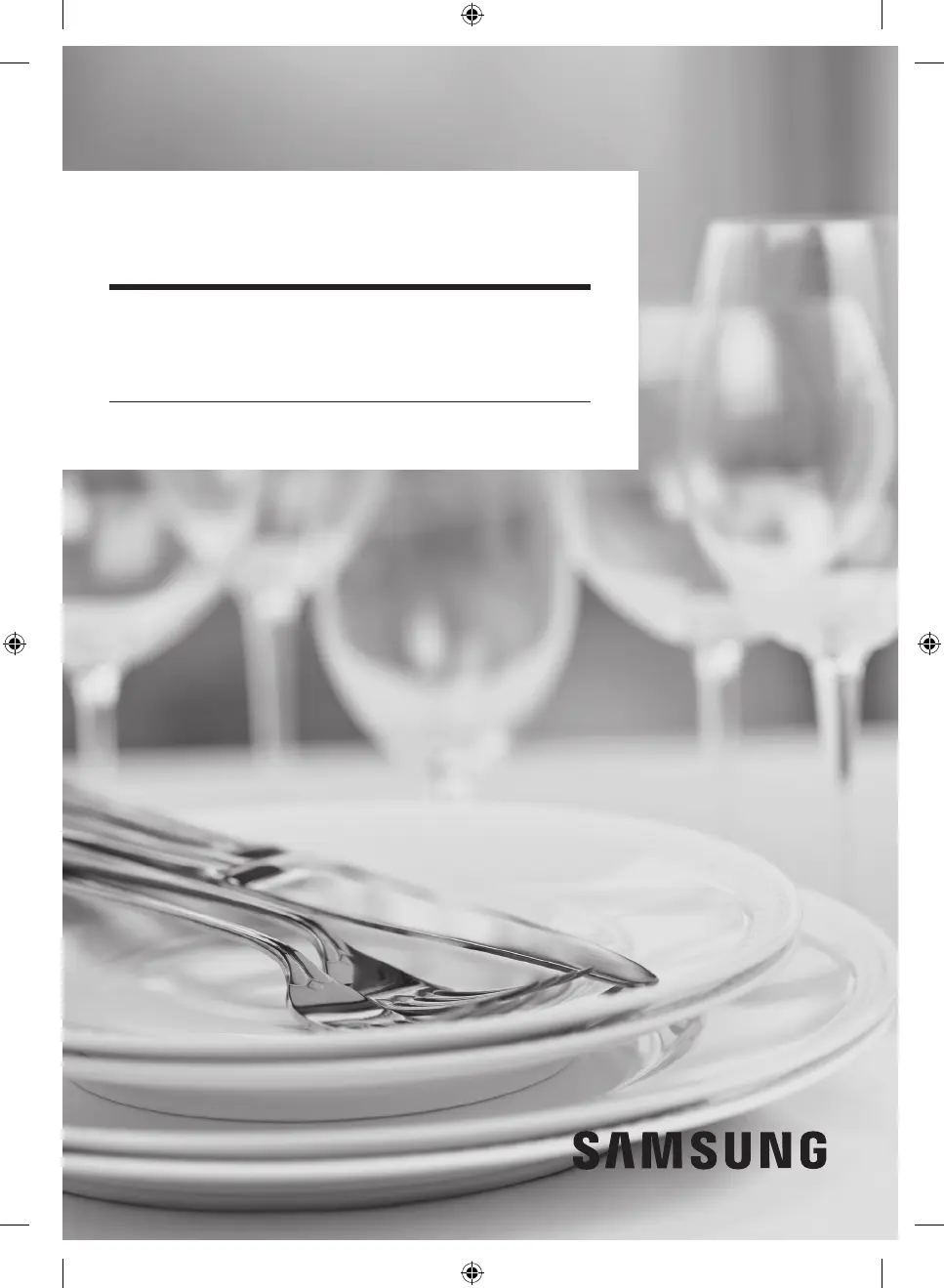
Dishwasher
User manual
DW6*R707*/DW6*R705*/DW6*R704* Series
DW7500RM_DD81-02968D-02_EN.indd 1 2020-08-18  3:59:25

Questions and Answers

  • R
    Ryan GreenSep 13, 2025
    Why are there air bubbles and scratch marks on my Samsung DW6 R705 control panel?
    • K
      Kyle HoltSep 13, 2025
      If you notice air bubbles and scratch marks on the control panel of your Samsung Dishwasher, it's likely due to air trapped in the protective film. Remove the protective film from the control panel to resolve this.
  • J
    Jeffrey HowellAug 25, 2025
    Why is my Samsung DW6 R705 so noisy?
    • A
      Anthony JacksonAug 25, 2025
      If your Samsung Dishwasher is too noisy, here are some potential causes and solutions: * The sound may be normal if it occurs when the dispenser cover opens or the drain pump operates. * Ensure the dishwasher is level. * Rearrange dishes if the nozzle is bumping against them.
  • K
    Kathleen JohnstonAug 25, 2025
    Why won't my Samsung DW6 R705 start?
    • M
      medinatinaAug 26, 2025
      Your Samsung Dishwasher might not start because the door isn't completely closed, the power cord isn't connected, water isn't being supplied, or the control panel is locked. Make sure the door is latched and completely closed, the upper rack is properly joined with the nozzle and assembled, the power cord is connected, the water supply valve is open, and the Control Lock is deactivated.
  • K
    Kimberly RiveraSep 23, 2025
    Why are there air bubbles and scratch marks on the Samsung DW6 R705 control panel?
    • B
      Benjamin MaldonadoSep 23, 2025
      If you notice air bubbles and scratch marks on the control panel of your Samsung Dishwasher, it's likely due to air trapped in the protective film. Remove the protective film from the control panel to resolve this issue.
  • T
    Timothy MillerSep 13, 2025
    Why do the indicators not light up on my Samsung DW6 R705 Dishwasher?
    • A
      Amy FitzgeraldSep 13, 2025
      If the indicators do not light up on your Samsung Dishwasher, the power cord is likely not connected. Connect the power cord to resolve this.
  • D
    dylan13Sep 22, 2025
    What to do if my Samsung DW6 R705 Dishwasher shows information code PC and fails to operate?
    • C
      Cynthia RossSep 22, 2025
      If the issue continues, contact a local Samsung service center.
  • W
    Wendy WalshSep 6, 2025
    What to do if water remains in Samsung Dishwasher after cycle?
    • N
      Nathaniel FriedmanSep 6, 2025
      If water remains in your Samsung Dishwasher after a cycle, the drain hose might be folded or clogged. Straighten and unclog the hose to resolve this issue.
  • D
    Dr. Karen EverettSep 7, 2025
    How to remove yellow or brown film on dishes in Samsung DW6 R705?
    • C
      Christopher MasonSep 7, 2025
      If a yellow or brown film remains on dishes in your Samsung Dishwasher, it could be due to coffee and tea stains. Try using a cycle with a higher temperature to remove these stains.
  • A
    Albert Montgomery MDSep 23, 2025
    How to get rid of bad odors in Samsung DW6 R705?
    • C
      christopher79Sep 23, 2025
      If your Samsung Dishwasher has bad odors, it might be due to water remaining from the previous cycle. To resolve this, add detergent to the empty dishwasher and run the Quick cycle (if available on your model).
  • W
    Wendy OlsenAug 31, 2025
    Why is there yellow film on dishes in my Samsung DW6 R705?
    • C
      Casey GibsonAug 31, 2025
      If you see yellow or brown film remaining on dishes in your Samsung Dishwasher, it could be due to coffee and tea soils. Try using a cycle with a higher temperature.

Samsung DW6 R705 Series Specifications

General IconGeneral
BrandSamsung
ModelDW6 R705 Series
CategoryDishwasher
LanguageEnglish

Related product manuals