6
Checking the remaining battery power
Check the remaining battery power by pressing the Battery level
button.
The indicator lights alerts you to the remaining battery power.
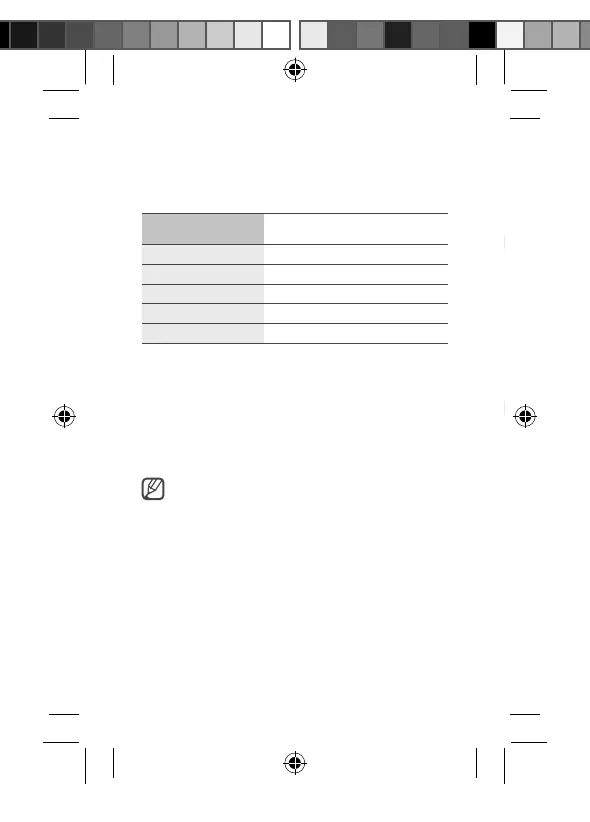
Remaining battery
power
Indicator light status
70–100 % Four indicator lights on
40–70 % Three indicator lights on
20–40 % Two indicator lights on
5–20 % One indicator light on
0–5 % One indicator light blinking
Using the battery pack
Cable charging
1. Connect one end of the USB cable to the battery pack’s USB
charger port. Then, plug the other end of the USB cable into
the mobile device’s multipurpose jack.
2. After the mobile device is fully charged, disconnect the USB
cable from both devices.
Depending on your mobile device’s multipurpose jack,
you may need to use the Micro USB connector.
U1200_QSG_EU_ASIA_Type.indb 6 2018-12-18 오후 4:46:35


 To Next Page