7
English
Wireless charging
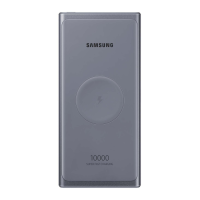
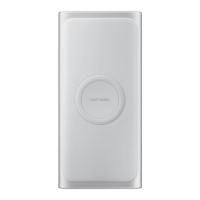
1. Place a supported mobile device on the wireless charging
surface. ( )
Charging will begin when the charging coil comes into contact
with the wireless charging coil of the mobile device.
Check the charging icon displayed on the screen of the
mobile device for the charging status.
2. When the mobile device is fully charged, remove the mobile
device from the battery pack.
Do not place the mobile device on the battery pack when
conductive materials, such as metal objects, magnets,
credit card, transportation card or a key card are placed
between the mobile device and the battery pack. The
mobile device may not charge properly or may overheat,
or the mobile device or the cards may be damaged.
•
Wireless charging covers are sold separately.
•
The charging time may vary depending on the charging
conditions.
•
The battery pack supports fast charging feature. To use
fast charging on the battery pack, connect it to your
mobile device that supports fast charging.
U1200_QSG_EU_ASIA_Type.indb 7 2018-12-18 오후 4:46:35


 To Next Page