Getting started
6
Checking the remaining battery power
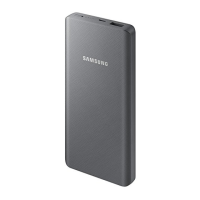
The battery indicator lights inform you of the remaining battery power.
Check the remaining battery power by pressing the Battery level button. Depending on
the remaining battery power, the battery indicator lights will turn on and then turn off.
Remaining battery power Battery indicator light
70-100 %
•
Four battery indicator lights on
40-70 %
•
Three battery indicator lights on
20-40 %
•
Two battery indicator lights on
5-20 %
•
One battery indicator light on
0-5 %
•
One battery indicator light blinking
•
If the battery indicator lights do not operate properly or are recognised
incorrectly, disconnect the charger and connect it again.
•
The battery indicator lights may work differently depending on the device
connected to the product.
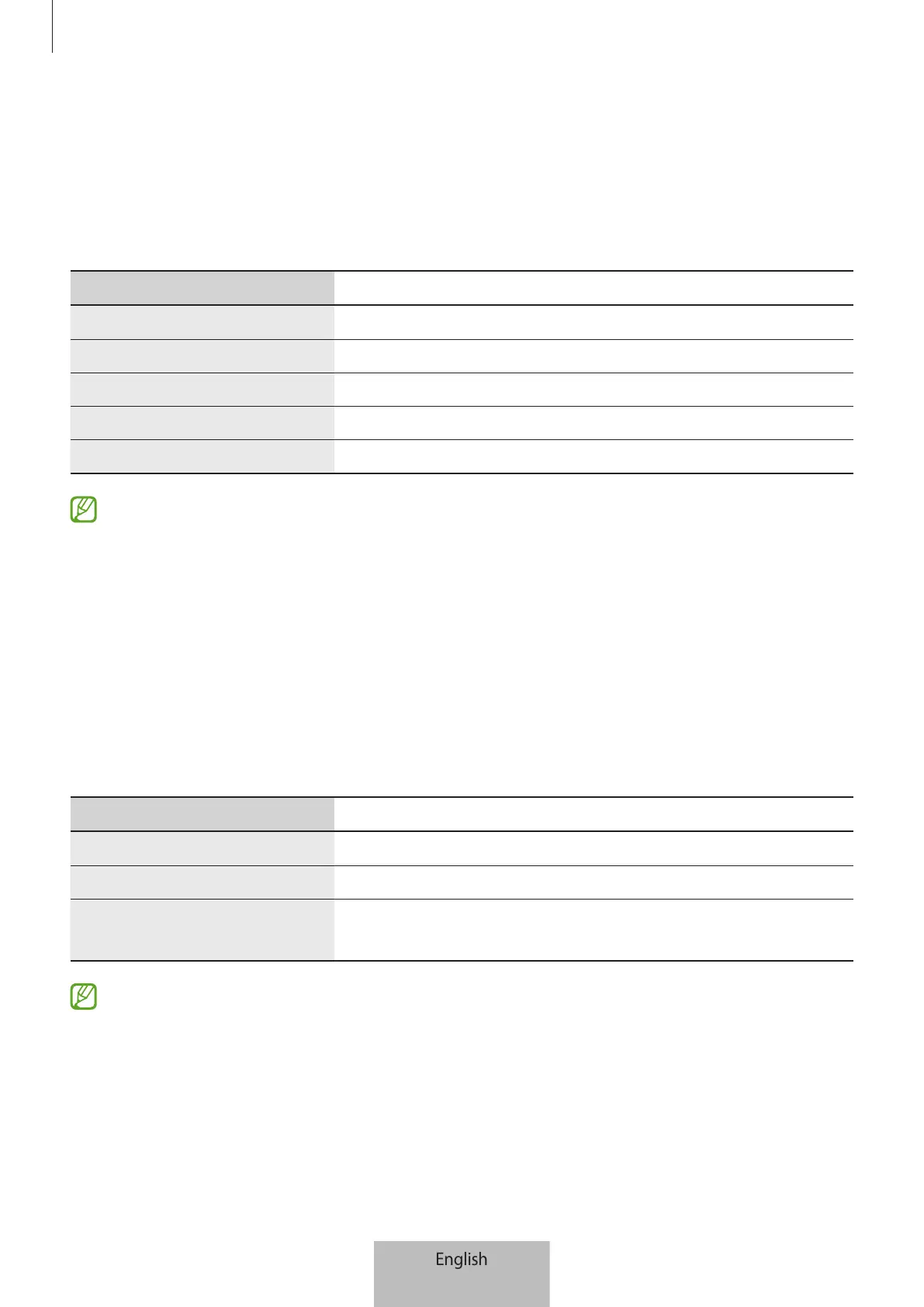
Checking the wireless charging status (EB-U2510)
Check the wireless charging status of the product by looking at the indicator light’s
colour.
Colour Status
Continuously red
•
Wireless charging
Continuously green
•
Wireless charging complete
Blinking red
→
green
→
yellow
•
Wireless charging standby mode
•
If the charging indicator light does not operate properly or is recognised
incorrectly, disconnect the device you want to charge from the product and put
it on the product again.
•
The charging indicator light may work differently depending on the device you
want to charge.



 To Next Page